Drones
DJI Mavic 3 Classic ActiveTrack Review: A Cycling Test in the Real World
We put the Mavic 3 Classic's ActiveTrack through a full gravel-and-asphalt ride to see where it shines and where it loses the plot.
Introduction
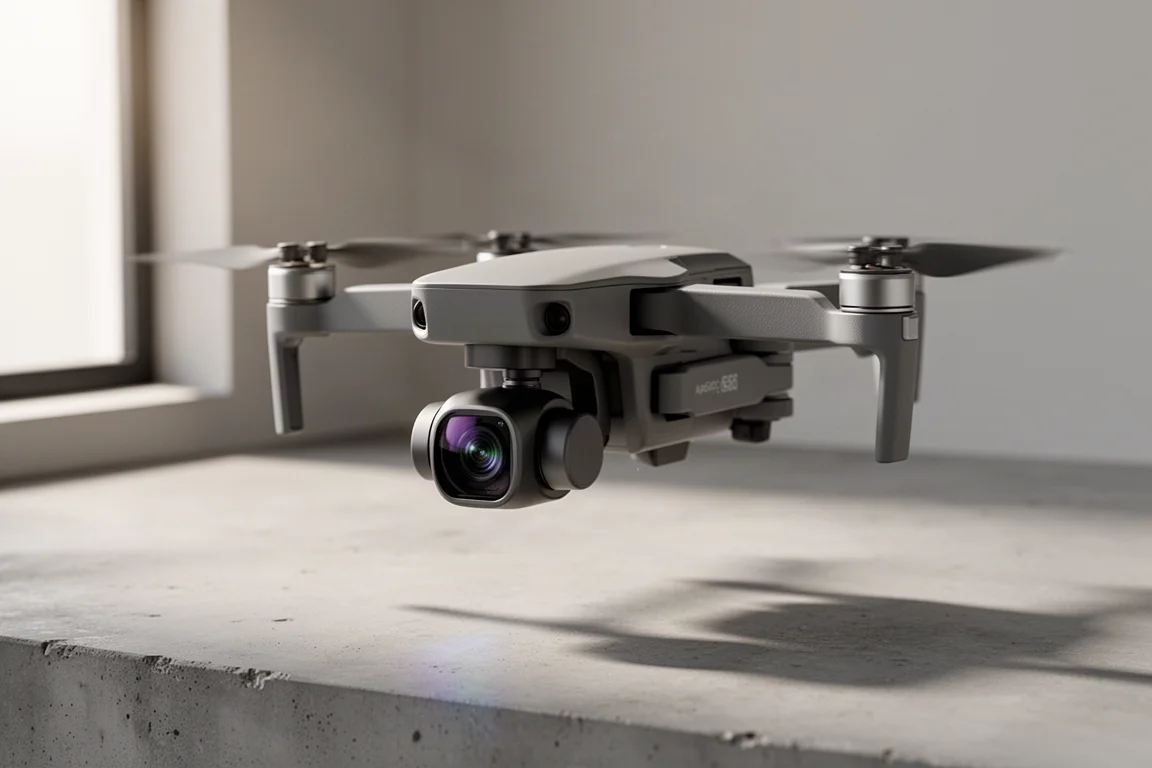
The DJI Mavic 3 Classic occupies a familiar spot in the drone world: excellent image quality in a compact, easy-to-carry body. But for riders and runners, the real question is how well its ActiveTrack feature holds up when the subject is a moving cyclist on mixed terrain. We took it on a full loop of gravel, asphalt, and farm roads to find out.
The short version: when conditions are clean and open, the footage is genuinely impressive. When trees, gaps, and tight turns enter the picture, things get interesting quickly.
Getting ActiveTrack Set Up
Three settings matter before you start. First, stay in Normal mode, not Sport mode. Sport mode disables obstacle avoidance, which just means you get more speed to hit that tree at full force. Second, enable Bypass in the safety settings, so the drone routes around obstacles rather than braking in front of them. Third, check the resolution: ActiveTrack defaults to 1080p, so bump it to 4K. Note that it will not run at 5.1K, so one of the 4K modes is where you want to be.
From there, you start recording, tap to highlight yourself as the tracked subject, choose ActiveTrack, pick a tracking direction (behind, left, right, or lead), and press the green Go button.
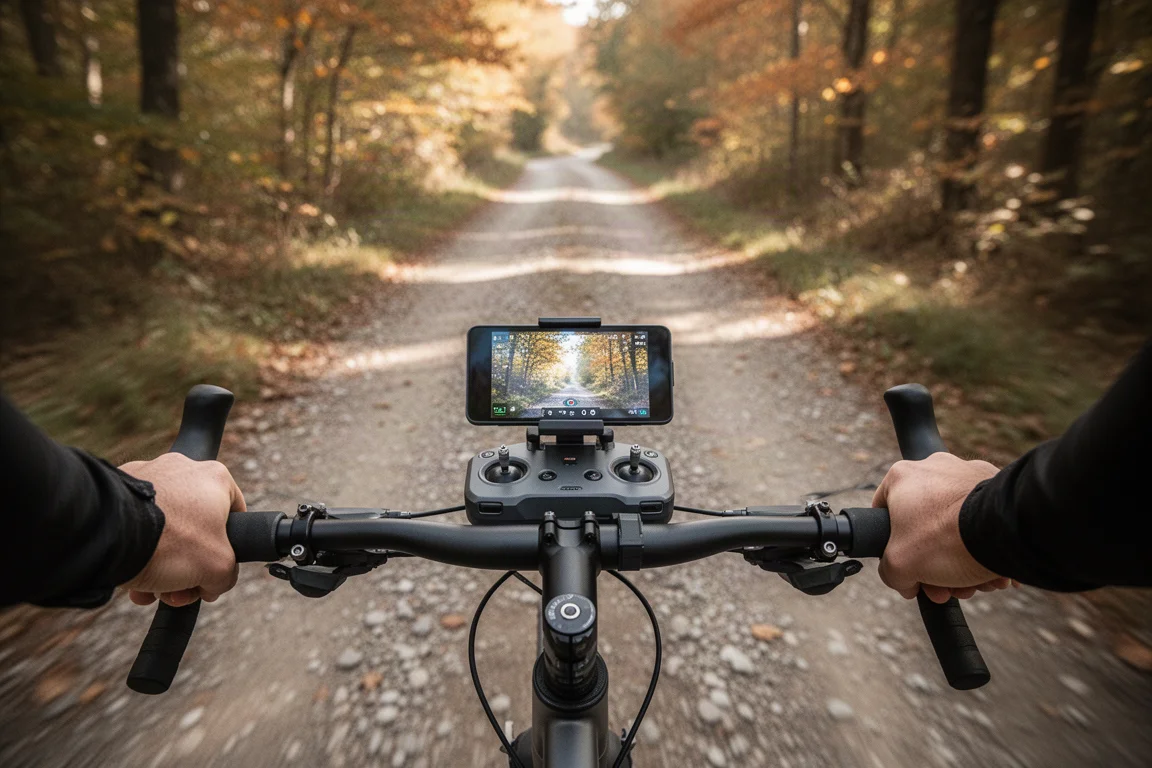
One practical note for cyclists: mounting the DJI RC on the handlebars works, but a lightweight third-party mount is a wobbly proposition on gravel. Expect a lot of bounce, and hold the controller steady when the terrain gets rough.
Tracking From Behind and From the Side
On smooth asphalt with a clear corridor, tracking from behind is where the Mavic 3 Classic feels most confident. It holds a constant distance, keeps the framing stable, and produces footage that would be hard to replicate with any other consumer setup.
The standout moment of the test was side tracking. Switching the drone to the left of the rider produced a genuinely cinematic quarter-shot with the sun and trees working in its favor, and it held that position well along the open stretch.
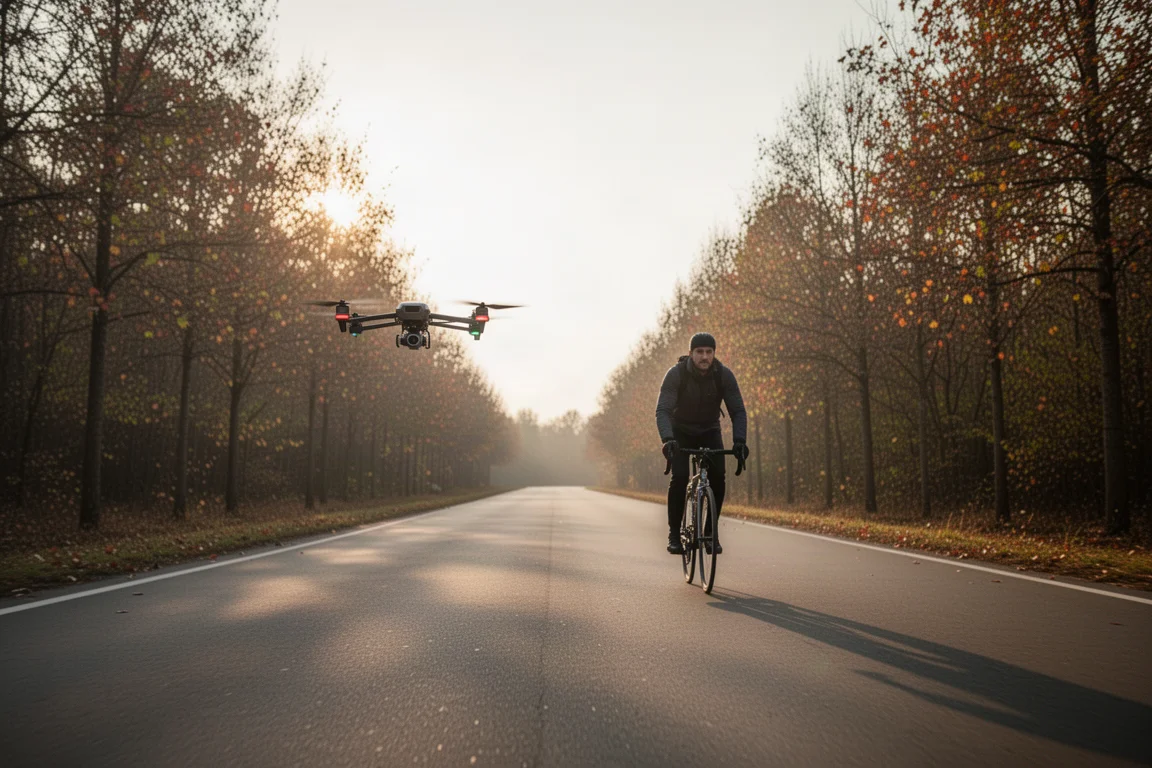
One behavior worth knowing: when the drone gets within roughly two meters of trees, it slows down dramatically, dropping to walking or running speed. That tolerance keeps it safe but can kill momentum in tighter sections. In open space with nothing to hit, it flies through confidently and holds its line without the visible micro-adjustments some competing systems make around each tree.
Orbit Mode in Tough Conditions
Orbit mode is the riskiest part of the test. Attempting to orbit a rider moving into a stiff headwind proved difficult. The drone fell behind, lost the subject, and spent some time circling like it was conducting a search-and-rescue operation before the rider rolled back into view.
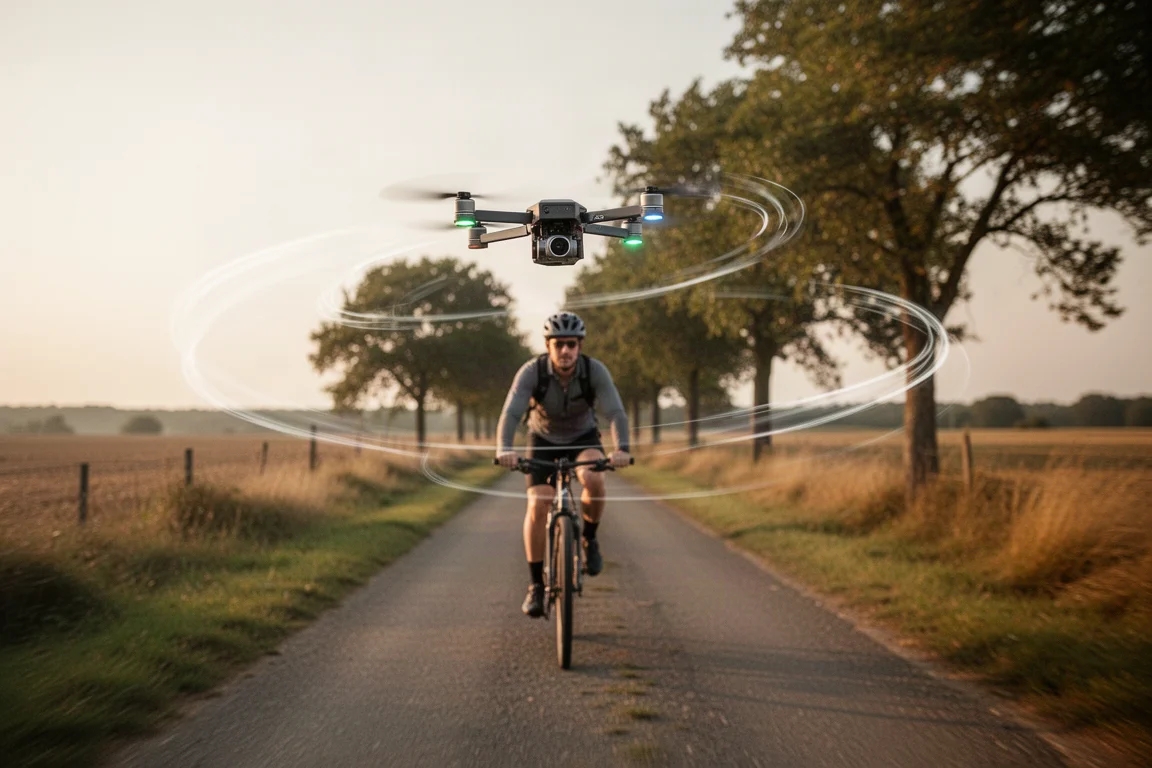
Once the subject reappeared in the frame, it recovered and re-established the orbit, but this is not a set-and-forget feature in wind. It looks pretty when it works, and it visibly struggles when it does not. A tailwind on the return leg helped, but the orbit never felt as locked-in as the straightforward behind-the-subject tracking.
Where It Fails: Trees and Tight Gaps
The most dramatic moment came at the end of the loop, in an area with bare, thinning trees. The drone has sideways obstacle protection, and in theory those trees should have been visible. In practice, it clipped a branch and ended up lodged in a tree.
Recovery involved some careful maneuvering, but the drone came down with only a small scrape and no cracked props, and it flew home without issue. Still, it is a reminder that this class of drone does not match the obstacle-avoidance intelligence of purpose-built tracking rivals.
The comparison worth making: dedicated tracking drones like Skydio offer superior tracking but noticeably weaker video quality. DJI flips that equation. The Mavic 3 Classic delivers excellent footage but asks you to give it clean opportunities, slow down when it needs room, and re-highlight the subject when it inevitably loses you in cluttered scenes.
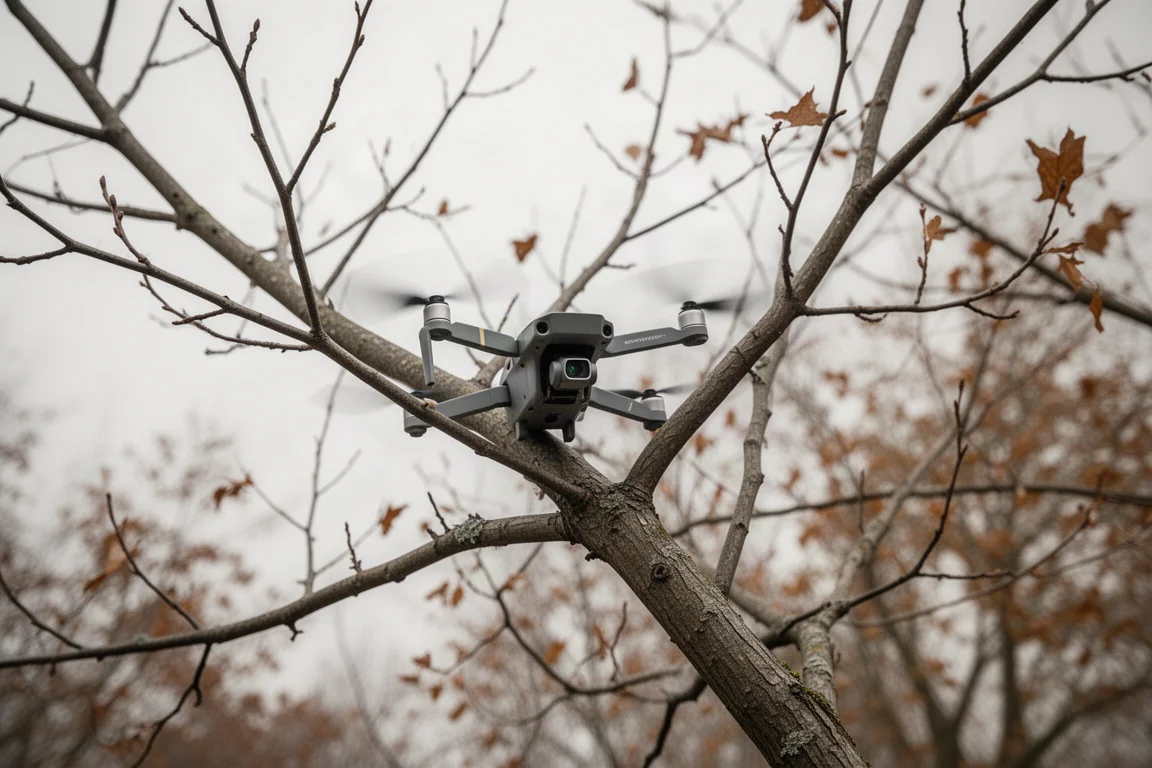
With the right conditions, it performs well. On a final open stretch with nothing behind or ahead, it flew smoothly, held its distance, and produced some of the best-looking footage of the ride.
Things to Consider Before Buying
- Obstacle avoidance works, but only with Bypass enabled and Normal mode selected. Sport mode turns it off entirely.
- ActiveTrack caps out at 4K. It will not run at 5.1K while tracking.
- Expect to manually re-acquire the subject in trees, tight gaps, and after sharp turns.
- Handlebar-mounted controllers on rough terrain are workable but shaky; a sturdier setup helps.
- Sideways tracking in wide open spaces is reliable; in tree-lined corridors, it slows to a crawl near obstacles.
Buying Advice
If your primary use case is filming yourself cycling, running, or skiing in relatively open environments, the Mavic 3 Classic is a strong choice. The image quality is excellent, the tracking is good enough to produce genuinely impressive results when given room to work, and the drone is light enough that minor mishaps tend to be survivable.
If you ride or run exclusively through dense woods, tight corridors, or complicated terrain, you may find yourself spending more time managing the drone than filming. A system with stronger autonomous obstacle handling may be worth the trade-off in video quality for those scenarios.
Conclusion
The Mavic 3 Classic in ActiveTrack mode is best described as “good when it’s good.” On open roads with clean sightlines, it produces footage that is hard to beat at this size. In trees, gaps, and headwinds, it needs help, patience, and the occasional rescue mission. For riders who value video quality above all and can pick their shooting locations wisely, it remains a compelling option.
Product link
View more details for DJI Mavic 3 Classic
This product is mentioned in the review. Check the specifications, options, and compatibility before buying.
View more details for DJI Mavic 3 ClassicFurther reading
Related Reviews
Drones
Best Budget Camera Drones Under 3000: Five Practical Options for Video and Photography
Five affordable camera drones with HD video capability and stable flight performance, each suited to different needs and budgets.
Drones
Best Budget Drones Under $200: Five Practical Options for 2026
Five budget-friendly drones with GPS, 4K cameras, and FPV capabilities. Real strengths and trade-offs to consider before buying.
Drones
Best Drone Cameras Under $500: Five Options for Different Needs
A practical guide to five drones under $500, covering portability, flight time, camera quality, and key features to help you choose.