Drones
DJI Avata Review: A Compact FPV Drone That Makes First-Person Flying More Approachable
A full look at the DJI Avata's hardware, goggles, camera, flight modes, and safety features, plus what to know before choosing a bundle.
Introduction
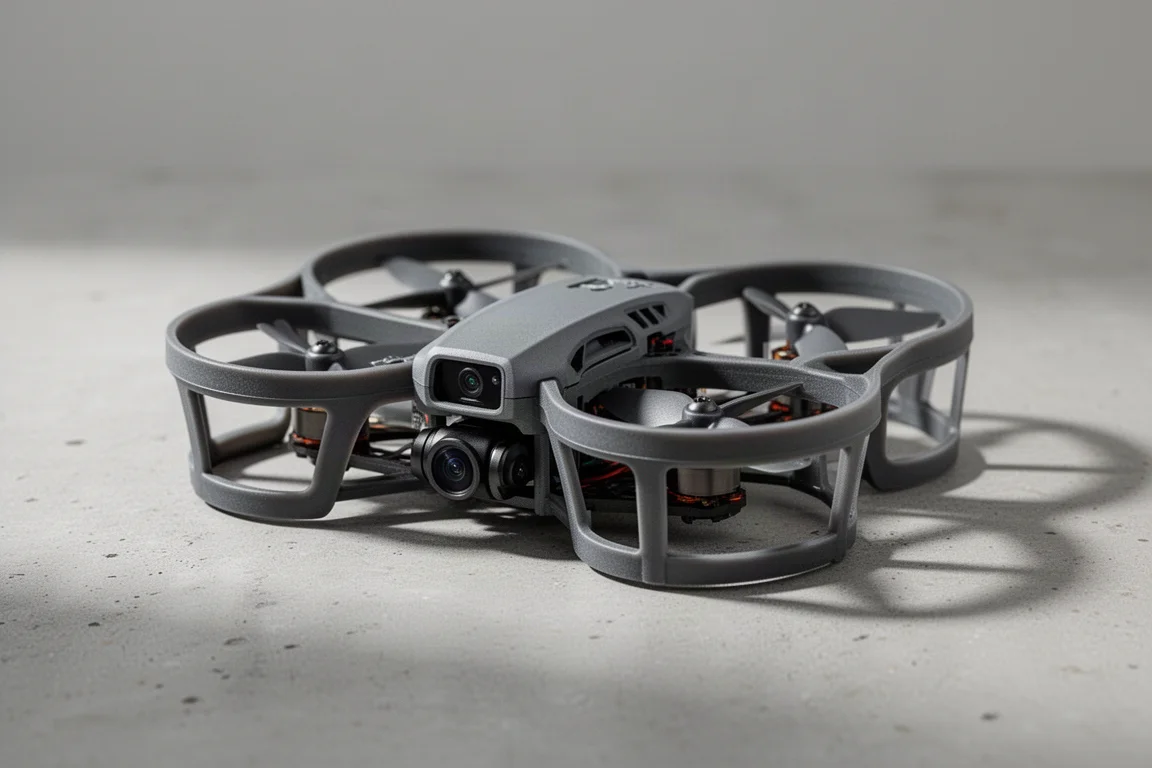
The DJI Avata is a compact cinewhoop-style FPV drone built to be easier to live with than a large FPV rig. It replaces the older, much larger DJI FPV drone with something far smaller and lighter, and it leans hard into indoor flying and cinematic first-person footage rather than raw speed. That shift comes with plenty of caveats, though, so this review walks through the hardware, camera, flight modes, and safety features to help you decide which bundle actually makes sense.
Hardware and Bundles
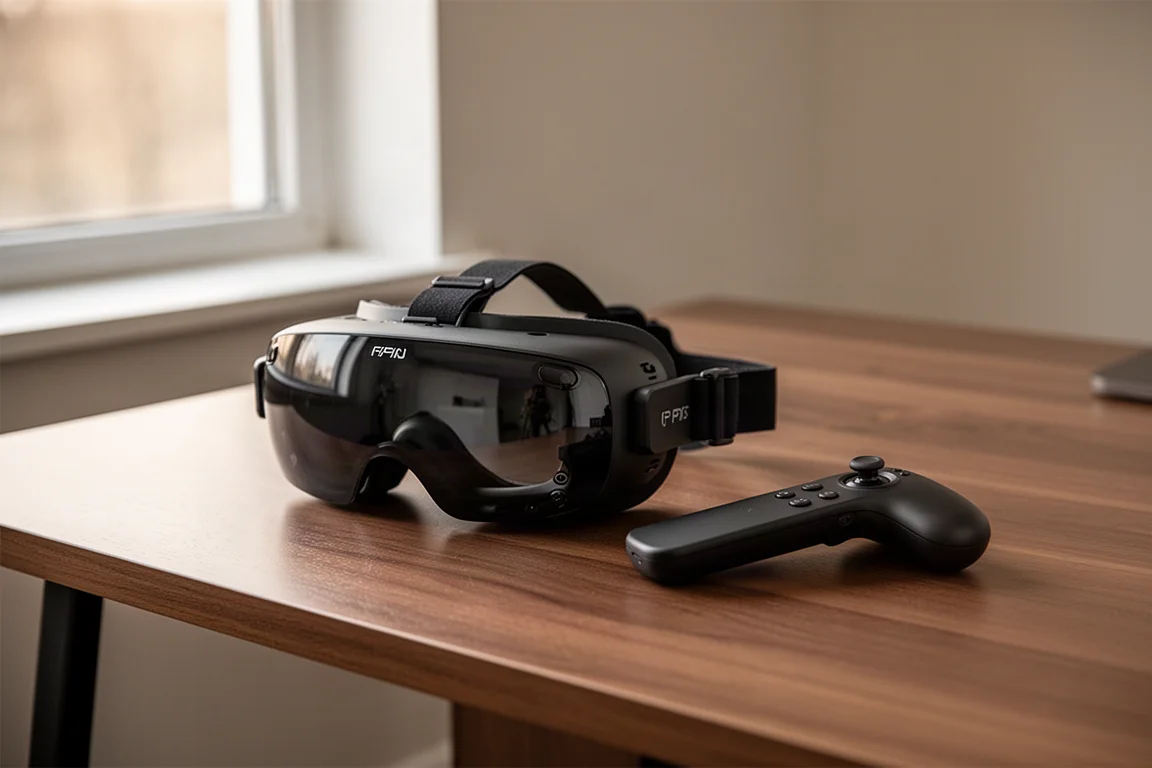
There are several pieces to understand before buying. The drone itself is one piece, and you also need FPV goggles, which put the live camera feed right against your eyes instead of on a screen under a traditional controller. Finally, you need a controller: either the Motion Controller, a free-floating joystick-style unit aimed at beginners, or the more traditional FPV Controller, which supports reconfigurable modes.
Pricing reflects that modularity. The drone alone with one battery runs $629 if you already own compatible goggles and a controller. A kit with the older goggles, the drone, and the Motion Controller costs $1,168. A setup with the new Goggles 2, the drone, and the FPV Controller costs $1,388, with the Motion Controller sold separately if you prefer it. A Fly More Combo adds a charging hub that charges four batteries at once via USB-C, though you supply your own charger, ideally 60W for the fastest charging.
Goggles 2, Range, and Real-World Signal
The Goggles 2 are notably smaller than the older V2 goggles, roughly two-thirds the height, and the internal changes matter more: adjustable diopters and focus on the inside, micro OLED screens, and increased resolution. A touch panel on the side handles menu navigation, and the antennas fold down flat for travel, unlike the four removable antennas on the older goggles. The trade-off is reduced range.
Range is set electronically based on your GPS location. In FCC regions such as the US, the Goggles 2 reach up to 10 kilometers. Under CE rules in Europe, they are limited to 2 kilometers, a sharp cut from the 6 kilometers allowed on the older goggles under the same rules. In testing, indoor use in a large concrete building produced no connectivity issues, open-air flying over water saw dropouts around 1,000 meters, and wooded areas produced dropouts between 200 and 300 meters in loosely spaced summer trees. For most FPV flying, given the battery life, that may not matter much, but the older goggles remain the better pick if you need maximum range, and they are cheaper.
Camera and Stabilization
The Avata uses a single camera on the front that handles both the FPV feed and recording, unlike many FPV drones that carry separate cameras for each job. It sits on a full gimbal, giving you smooth footage plus manual tilt control. Resolution options include 4K up to 60fps and 2.7K up to 120fps, with D-Log available for color grading. One quirk: your frame rate depends on which goggles you use. The newer Goggles 2 cap 2.7K at 100fps, while the older goggles support the full 120fps.
There are three electronic stabilization options: off entirely, RockSteady, and HorizonSteady, which keeps the horizon level. Normal and Ultra Wide lenses are available, with up to a 155-degree field of view. Ultra Wide exaggerates the sense of speed but adds a fisheye look; the Normal frame avoids it.
Storage is generous for the class, with 20GB of internal space as a fallback if you forget a microSD card. The card slot itself, however, is tucked between the propellers behind a small door, and the USB-C port sits in an even more awkward spot that not all cables will fit. It is the one design area that clearly prioritizes compactness over convenience.
Flight Modes and Handling
The Avata offers Normal, Sport, and Manual modes. Normal and Sport work with the Motion Controller and are mostly differentiated by speed. Manual mode, also known as Acro, requires the FPV Controller and unlocks flips and full aerobatic control. DJI’s focus here is clearly cinematic flying rather than acro, and Sport mode covers the vast majority of what most FPV-style filming needs. If you already own the original DJI FPV drone’s controller and goggles, you can reuse them with the Avata and skip those costs entirely.
Indoor Flying and Durability
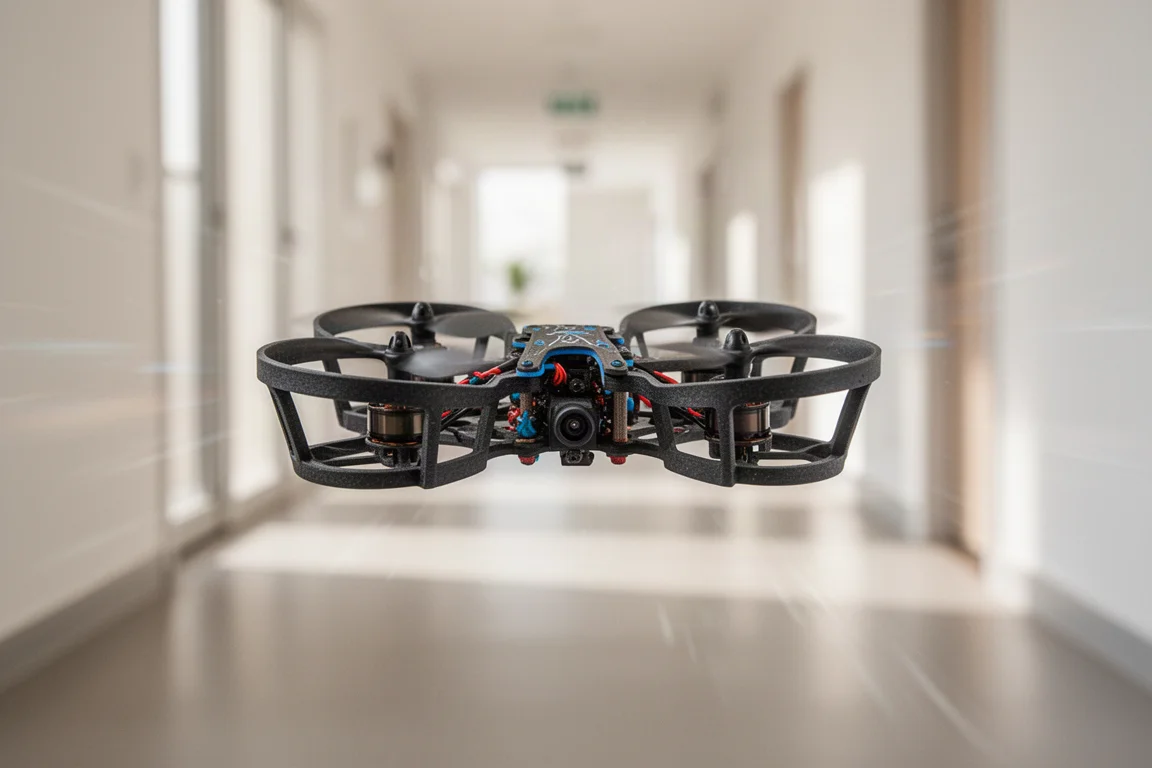
Indoor FPV footage has exploded in popularity, and the Avata’s fully enclosed prop guards are built for exactly that. The guards are made of thick, tough plastic that resists damage from hard impacts. The trade-off is that the drone does not bounce off walls as gracefully as foam-padded FPV rigs do, and light grazes left some marks in testing. Even so, the drone kept flying through repeated small hits and remained stable indoors, with a slight drift that was easy to compensate for.
Speed, Weight, and Regulations
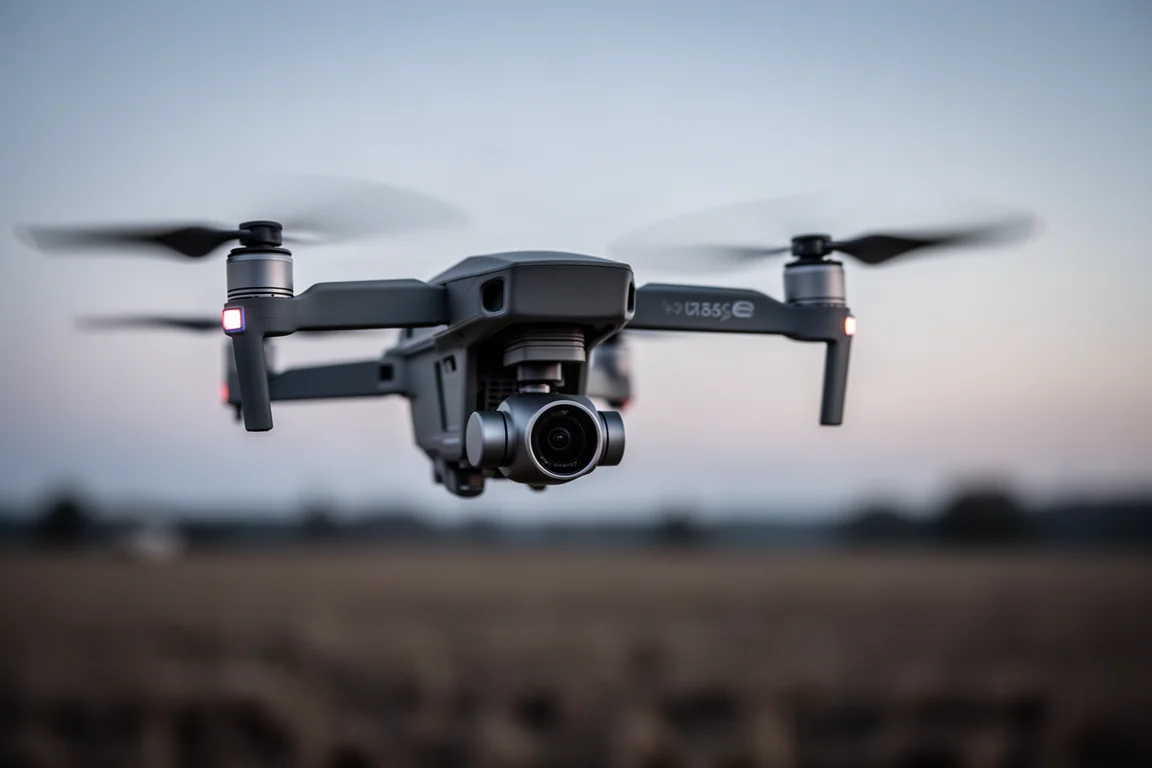
The Avata tops out at 97 km/h in Manual mode and 50 km/h in Sport mode, well short of the original DJI FPV drone’s 140 km/h in Manual. That lower speed is part of the point for indoor and close-quarters flying. At 410 grams, it is less than half the weight of the original’s 795 grams, but it still exceeds the 250-gram threshold that affects regulations in certain regions, so check your local rules.
Safety Features and Recovery Tools
Obstacle sensing is limited to downward depth sensors that work from half a meter to 20 meters and are primarily used for automatic landing and ground awareness. There are no side, front, or rear obstacle sensors like most other DJI consumer drones carry, so flying is on you.
What the Avata does have is a strong set of recovery and emergency tools. Automatic Return to Home climbs to a preset height, flies back to the takeoff point, and lands itself if the connection drops. An Emergency Brake instantly stops the drone and hovers it in midair, something most FPV drones lack. If you do crash into trees, you can review the last 30 seconds of footage to locate it, trigger a beeping function to help find it, and use Turtle mode to flip an upside-down drone back over so it can take off again. The goggles also display an augmented-reality home point on the live view to help you fly back.
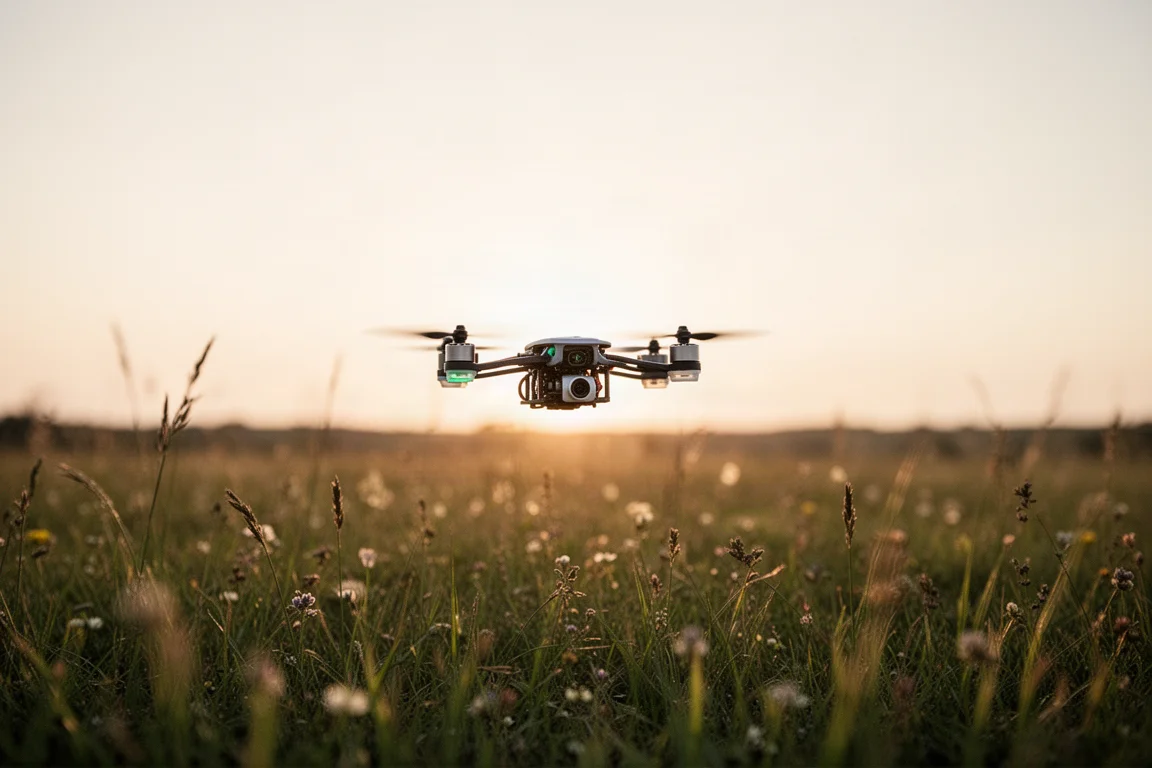
Software: Goggles Recording, App, and Simulator
Screen recording is one of the best additions here. Swiping down in the goggles and hitting record now captures everything on the goggles’ display, including the data overlays and menus, saved to the goggles’ microSD card. Previously, only the incoming feed could be recorded.
The weak spot is wireless connectivity to your phone. There is no Wi-Fi or Bluetooth on the drone, so transferring and previewing footage requires plugging a cable into the goggles. It feels cumbersome for a company whose cheaper consumer drones handle this wirelessly. The DJI Virtual Flight app is a bright spot, letting you use your controller and goggles to practice in a simulator on your phone, which is genuinely useful for the dozens of hours the Manual mode learning curve can demand.
Buying Advice
The Avata is impressive for indoor use, and its base drone price of $629 sits close to what you would pay for a small camera drone, though the full experience costs more once goggles and a controller are factored in. What it does not have is any of the automated QuickShots or cinematic flight modes found on other DJI drones, which is purely a software omission and one reason travelers may still want a second drone for automated footage.
As a ready-to-fly package, though, it is hard to beat for beginners. There is no DIY battery charging complexity, everything just works, and the prop guards make close-quarters flying far more forgiving. Unlike the original DJI FPV drone, which is not a beginner recommendation, the Avata’s simplicity genuinely suits first-time FPV pilots. If you need maximum range or full acro performance, the older goggles or the larger FPV drone may still be the better fit.
Conclusion
The DJI Avata trades top speed and obstacle-sensing coverage for a compact, protected, beginner-friendly FPV experience with a genuinely good gimbal camera. It is at its best indoors and in tight spaces, and its bundles are flexible enough that existing DJI FPV owners can reuse their gear. For anyone wanting an approachable entry into cinematic first-person flying, it is an easy recommendation.
Product link
View more details for DJI Avata
This product is mentioned in the review. Check the specifications, options, and compatibility before buying.
View more details for DJI AvataFurther reading
Related Reviews
Drones
Best Budget Camera Drones Under 3000: Five Practical Options for Video and Photography
Five affordable camera drones with HD video capability and stable flight performance, each suited to different needs and budgets.
Drones
Best Budget Drones Under $200: Five Practical Options for 2026
Five budget-friendly drones with GPS, 4K cameras, and FPV capabilities. Real strengths and trade-offs to consider before buying.
Drones
Best Drone Cameras Under $500: Five Options for Different Needs
A practical guide to five drones under $500, covering portability, flight time, camera quality, and key features to help you choose.