Drones
DJI Air 3 Active Track Review: A Smarter Follow-Mode Drone for Cyclists and Runners
A month of testing the DJI Air 3 in fully autonomous tracking mode reveals where it shines, where it struggles, and how to get better footage from it.
Introduction
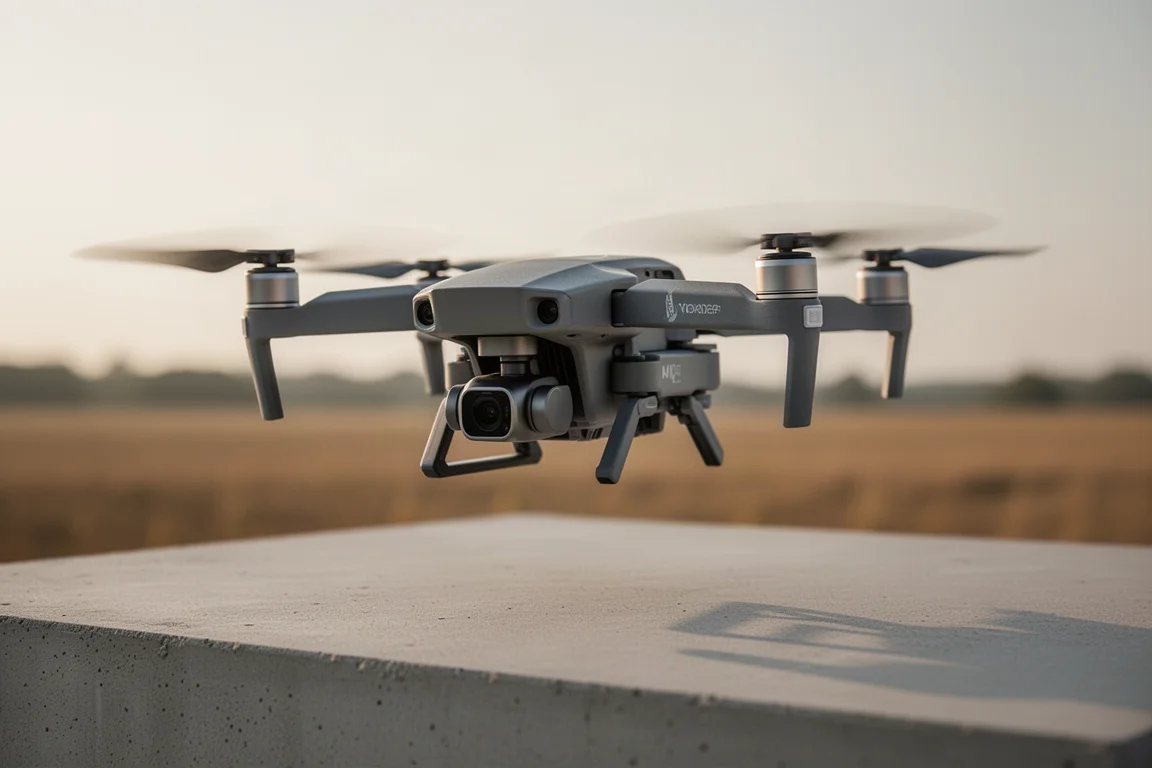
Active Track is DJI’s follow-me technology, and on the Air 3 it represents the company’s best attempt yet at fully autonomous subject tracking. Every shot in a recent month of testing, from mountain bike descents to open gravel roads, was recorded with the drone flying itself, with only a controller carried along. The result is a clearer picture of where this feature genuinely works, where it finds “a lot of trees and shrubs and flowers,” and how to avoid the frustrating failures no matter where you live.
What Makes the Air 3 Built for Active Track
The Air 3 arrives with a couple of major hardware changes that make it particularly interesting for tracking scenarios. It relies on a new set of obstacle avoidance sensors: two on the front, angled off to the sides so they provide both forward and side coverage, and two more on the rear angled the same way. Together with upward sensors, that gives full 360-degree awareness covering front, back, sides, and up. Additional sensors on the bottom measure ground detection and how high the aircraft sits off the ground.
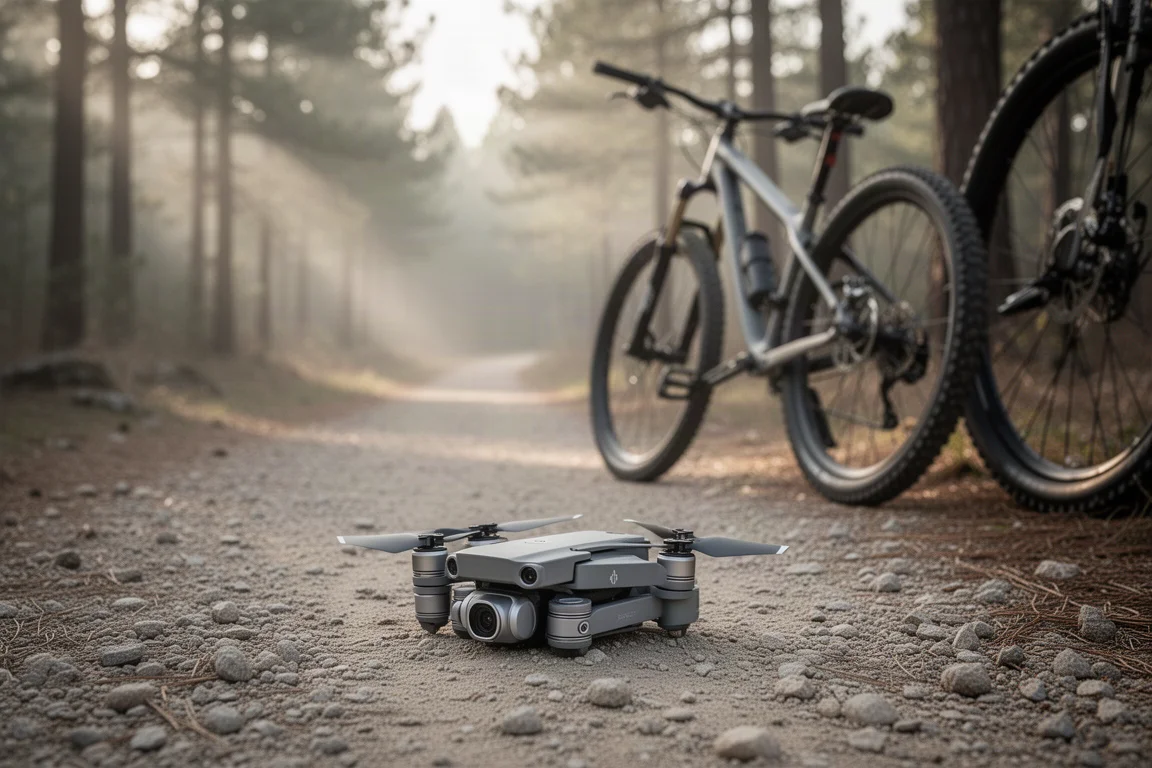
Before flying, two settings matter. In the safety menu, make sure obstacle bypass is turned on. There is also a riskier option that waits until the last second to make a turn, which most pilots will want to skip. Below that, a radar map display can show obstacles as the drone gets close to them. It is also worth enabling subject scanning, which automatically detects the subject so you don’t have to draw a box around yourself. And remember to press record: it is remarkably easy to forget.
How the Tracking Performs in Trees
On a challenging test course lined with trees, the Air 3 struggled faster than previous drones, losing the subject early in tight sections. When it gets within a couple of meters of trees or the ground, it slows down to roughly walking pace, and orange warnings appear on screen when it is getting too close to objects. Resetting in a wide open area produced better results.
To be fair, the tree section was not a total failure, because the drone survived. Every other DJI drone tested on this course has crashed at some point; this one did not. In more open parts of the course, flying fairly high, tracking worked without problems until the final tree-lined stretch.
Where Active Track Excels
Open terrain is where this feature is made to shine. In the mountains, following a rider through clearings, the drone handles everything thrown at it: lowering the shot, shifting position off to the left for a different angle, or swinging out front on long gravel sections. It tracks properly uphill and downhill, though uphill tracking tends to run a bit slow.
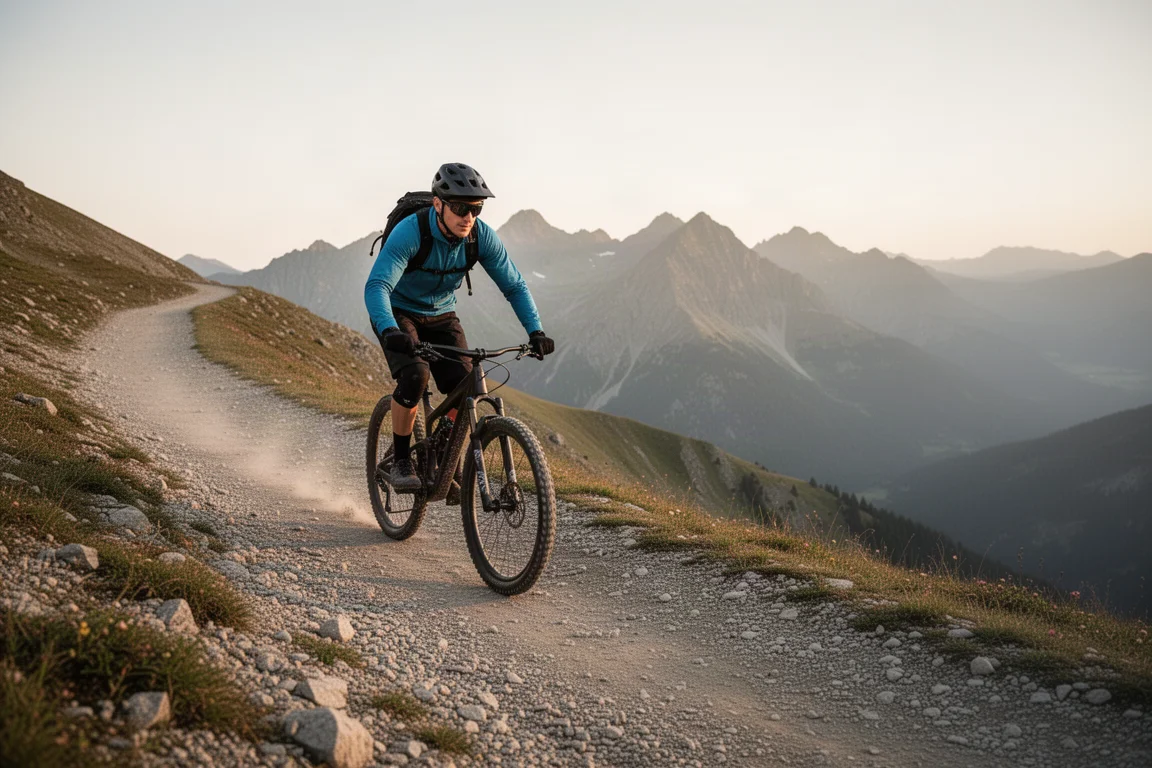
Mountain biking through alpine terrain showed off some genuinely impressive moments, including slalom weaving between poles and navigating around ski nets along the run. On a road bike at higher speeds it would struggle more, but at moderate mountain biking pace there were no real issues. The drone also demonstrated strong recovery after losing the subject, even reacquiring a rider hidden behind a small hut, and re-finding the subject again at dusk in low light.
Tips for Getting Better Shots
One of the best tricks for usable footage: most people will not publish a 20- or 30-minute continuous follow video. Instead, grab these snippets as b-roll. Grabbing the controller and switching the tracking position from front to back mid-ride creates sweeping angles as the drone slowly swings around behind you. Doing this gently, both uphill and down, opens up the entire vista ahead.
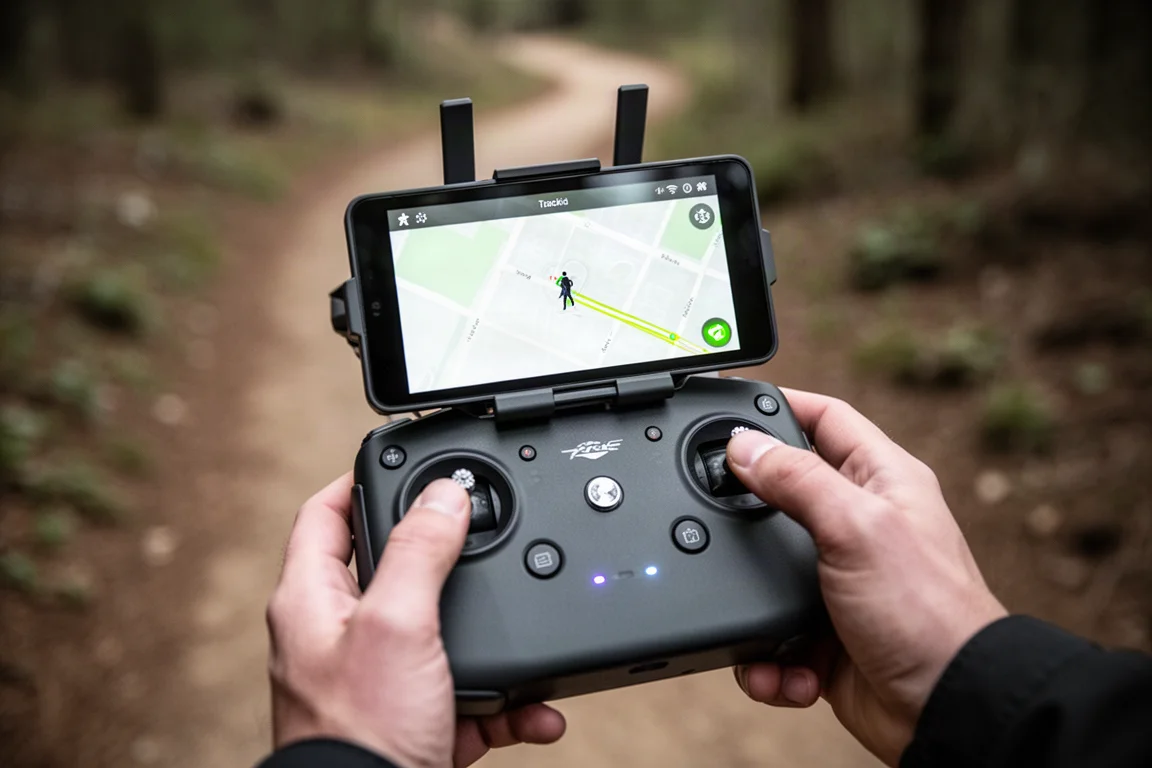
Setting the drone up for front left or front right generally produces better angles than a straight head-on shot. The one quirk is that front tracking needs lower speeds; when the drone has trouble, it defaults to the safe zone behind you. It is still a cool shot, just not the one you asked for.
Another tip is the 3x telephoto lens. The Air 3 has two cameras, a main lens and a 3x telephoto, and the telephoto is excellent for tracking because it gives a cooler angle and lets you fly much further from the subject while getting the same or better framing. That added distance is safer for you and for people around you.
If the drone permanently loses you, it will simply stop and hover in place, showing a marker of where the subject was. You can then take manual control and fly from there.
European Users: The 50-Meter Message
A new restriction appears for European users: a message stating the aircraft cannot be more than 50 meters away during tracking. This was never present on past DJI products, and DJI’s definition of 50 meters is, in testing, iffy at best and not in your favor. Sometimes it complains at clearly only 30 meters of distance. When that happens, you need to bring the drone closer, or move closer to it, until you are back within range.
Tracking Cars and Boats
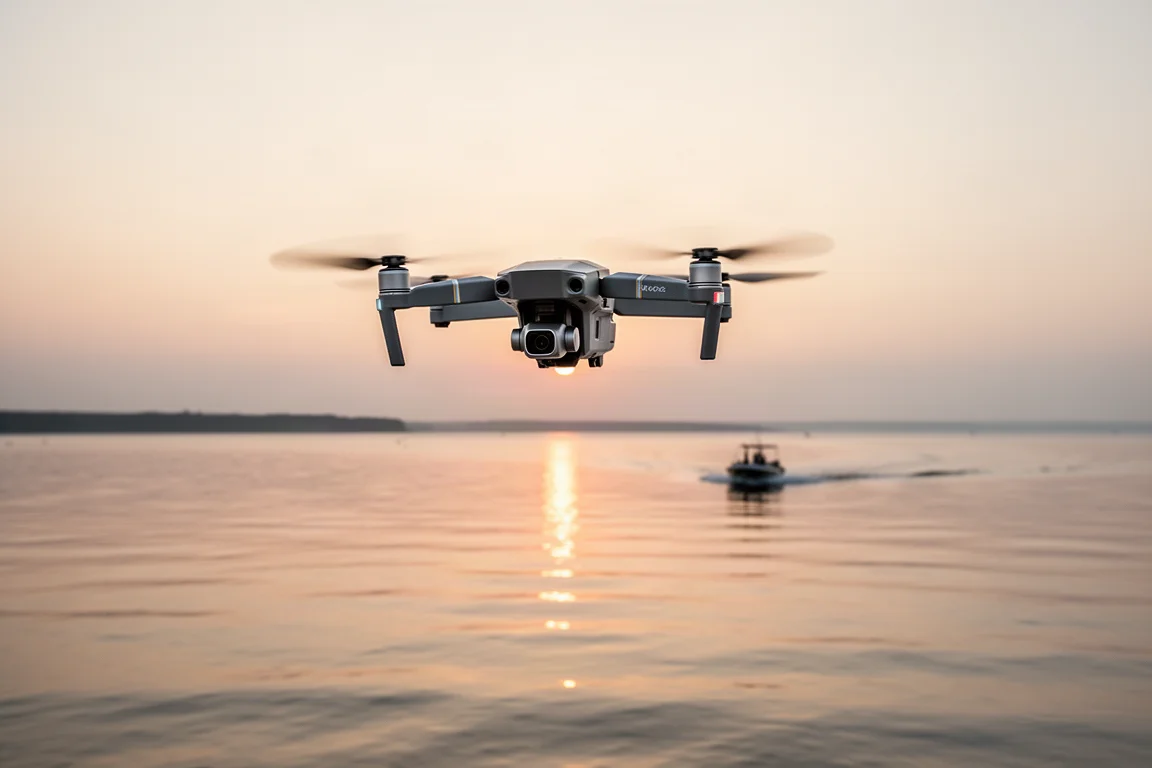
Active Track is not limited to people on bikes or on foot. With subject scanning enabled, the drone picks up a car as a trackable object, and boats work the same way. Drawing a selection around a boat marks it as a subject, and the drone tracked a water skier for quite a long stretch without issue. Both standard Active Track, where you choose the side to track from, and POI mode, where the drone rotates around the subject, work here. For POI rotations around boats, keep the speed lower, otherwise the drone struggles to get around the front.
Buying Advice
Overall, this is DJI’s best Active Track implementation yet, with some caveats. Sport mode removes obstacle avoidance entirely and allows much higher speed, so use it only where there is nothing to hit, then switch back to normal mode to re-enable avoidance. Compared to Skydio’s approach, DJI still lags in tight tree scenarios, but its obstacle avoidance is improving and has not hit anything despite genuine effort to make it do so. The bigger gap is the lack of a wearable tracking beacon, which competitors have offered and which would help maintain the connection in more scenarios.
Conclusion
The DJI Air 3 delivers genuinely impressive autonomous tracking in open terrain, on gravel roads, and on mountain trails, with strong recovery behavior and the flexibility of a telephoto lens for safer, better-looking shots. In dense trees it remains the weak point, and European pilots need to plan around the 50-meter restriction. For cyclists, runners, and anyone wanting cinematic follow footage with minimal manual flying, it earns a spot among the most capable consumer options available.
Product link
View more details for DJI Air 3
This product is mentioned in the review. Check the specifications, options, and compatibility before buying.
View more details for DJI Air 3Further reading
Related Reviews
Drones
Best Budget Camera Drones Under 3000: Five Practical Options for Video and Photography
Five affordable camera drones with HD video capability and stable flight performance, each suited to different needs and budgets.
Drones
Best Budget Drones Under $200: Five Practical Options for 2026
Five budget-friendly drones with GPS, 4K cameras, and FPV capabilities. Real strengths and trade-offs to consider before buying.
Drones
Best Drone Cameras Under $500: Five Options for Different Needs
A practical guide to five drones under $500, covering portability, flight time, camera quality, and key features to help you choose.