Keyboards
Corsair Vanguard Air 99 Wireless Review: A Low-Profile Keyboard With Premium Feel
The Corsair Vanguard Air 99 Wireless combines a solid low-profile build, smooth optical switches, and useful extras like a status screen and Steam Deck shortcuts.
Introduction
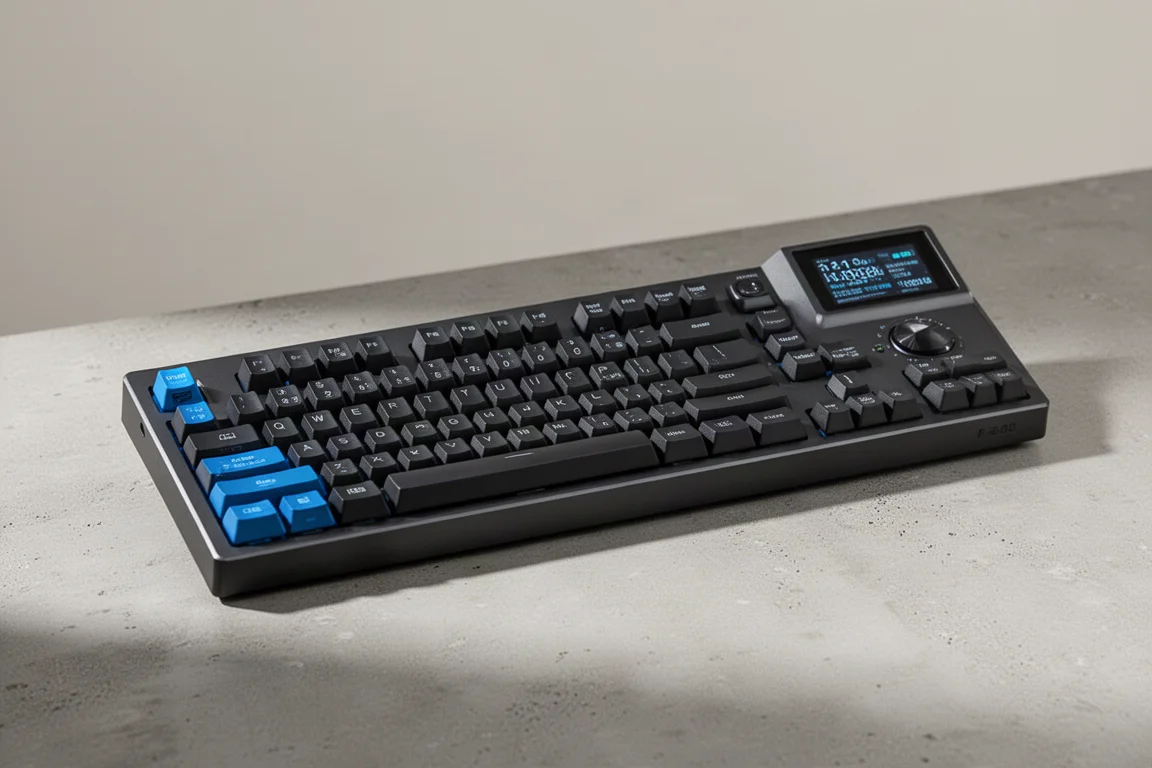
The Corsair Vanguard Air 99 Wireless is a full-size low-profile keyboard that stands out in a market heavily focused on FPS and esports gear. It brings a fresh approach with a slim build, solid construction, and a set of features that go beyond the usual typing experience. This review covers what makes it interesting, where it stumbles, and who should consider it.
Who This Keyboard Is For
The Vanguard Air 99 Wireless is aimed at users who want a low-profile keyboard without sacrificing build quality or features. It is a full-size board, so it suits people who need a number pad and dedicated navigation keys. The low-profile design keeps the overall height down, which can help with wrist comfort, especially for those who prefer a flatter typing angle.
The keyboard also targets users who appreciate extra functionality. It includes a small status screen, a volume wheel, and a row of shortcut keys on the left side. These shortcuts are designed for Elgato products and Steam Deck integration, making the board particularly appealing to streamers and content creators who use those tools regularly.
Main Strengths
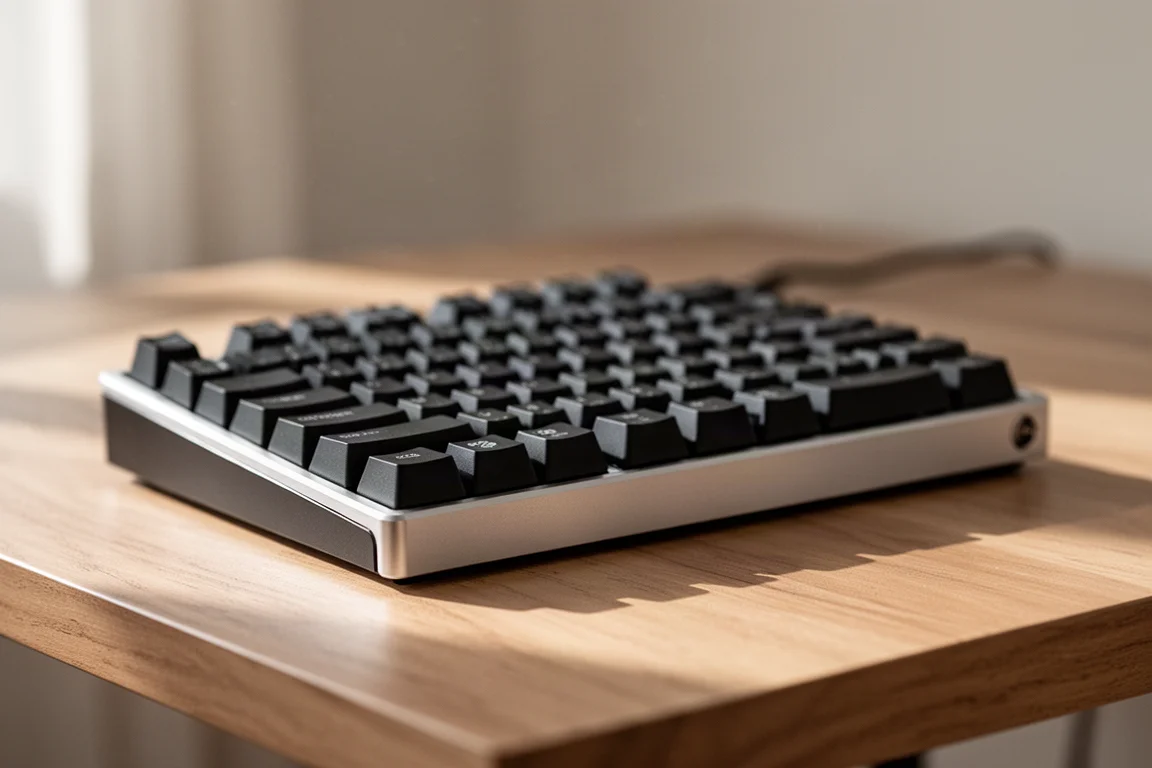
The build quality is one of the first things that stands out. The keyboard features an aluminum plate around the outside, which gives it a sturdy feel despite the low-profile design. The bottom is plastic but includes rubber feet and two levels of pop-out feet, so you can find an ergonomic incline that works for you. The feet stay in place even when you move the keyboard around during gaming, which is a thoughtful detail.

The typing experience is another highlight. The keyboard uses Corsair’s low-profile optical switches, which feel smooth with no scratchiness. The stabilizers are screw-in and solid, with no wobble or rattle. The dampening foam inside reduces ping and ringing, so the board sounds clean and feels premium. It is easily one of the best-feeling low-profile keyboards available.
The keyboard supports wireless, Bluetooth, and wired USB-C connections. A storage compartment on the back holds the USB-A dongle, and a switch on the side lets you toggle between Windows and Mac layouts. The status screen shows useful information like polling rate, and the RGB backlighting is bright with minimal bleed-through.
Things to Consider Before Buying
There are a few areas where the Vanguard Air 99 Wireless falls short. The web-based configuration software is noticeably slow. Loading assignments and rotary dial settings takes time, which can be frustrating if you want to make quick changes. The rotary dial also cannot be customized with new functions, only toggled on or off, which is a step back from previous Corsair boards.

The blue shortcut keys on the left side can be accidentally pressed during fast-paced gaming. They are positioned where your hand might rest, so it is easy to trigger Elgato settings or Steam Deck shortcuts mid-game. Moving them to the top of the keyboard would be a better layout choice.
There is also a wake-up issue. If the PC is off and the keyboard is on, the keyboard will not register keystrokes until it is cycled off and on again. The same happens after the keyboard enters rest mode to save battery. The screen turns on, but the keys do not respond. This was tested with updated firmware and default settings, so it appears to be a real quirk, though it may be addressed in a future update.
Buying Advice
The Vanguard Air 99 Wireless is priced at $250. That is not cheap, but the build quality, features, and overall feel help justify the cost. If you plan to use the status screen, volume wheel, and Steam Deck shortcuts regularly, the price makes more sense. If you only need a basic low-profile keyboard, there are more affordable options.

The full-size layout is large, and the extra bump for the shortcut keys adds width. If you prefer more desk space for mouse movement, a tenkeyless version would be ideal, but that is not currently available. The white version of the keyboard looks great if you want a lighter aesthetic.
Conclusion
The Corsair Vanguard Air 99 Wireless is a well-built low-profile keyboard with a premium typing feel and useful extras. The main drawbacks are the slow web software, the accidental presses on the side shortcuts, and the wake-up issue. If those do not bother you and you can take advantage of the features, it is a solid choice. For others, it may be worth waiting for a firmware update or a more compact layout.
Product link
View more details for Corsair Vanguard Air 99 Wireless
This product is mentioned in the review. Check the specifications, options, and compatibility before buying.
View more details for Corsair Vanguard Air 99 WirelessFurther reading
Related Reviews
Keyboards
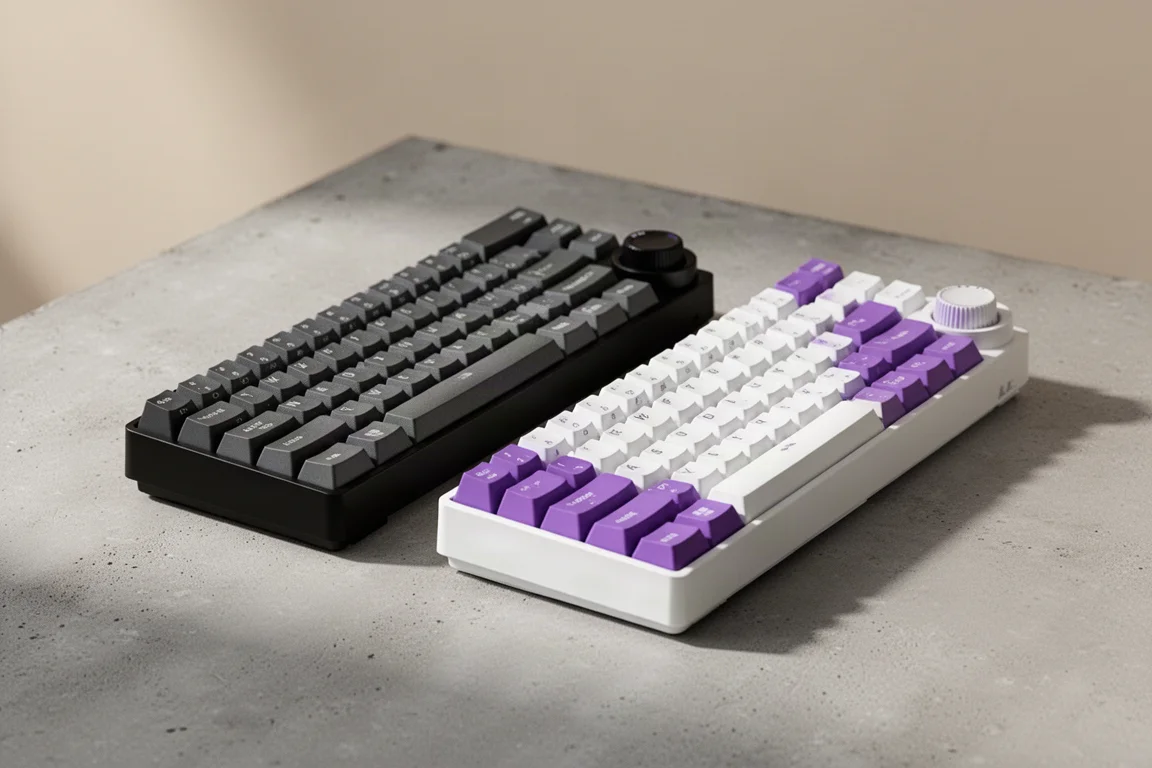
Ajazz AK820 vs AK820 Pro: Two Budget Keyboards With Very Different Switches
A close look at the Ajazz AK820 and AK820 Pro, two budget keyboards that share a frame but differ sharply in typing feel and value.
Keyboards
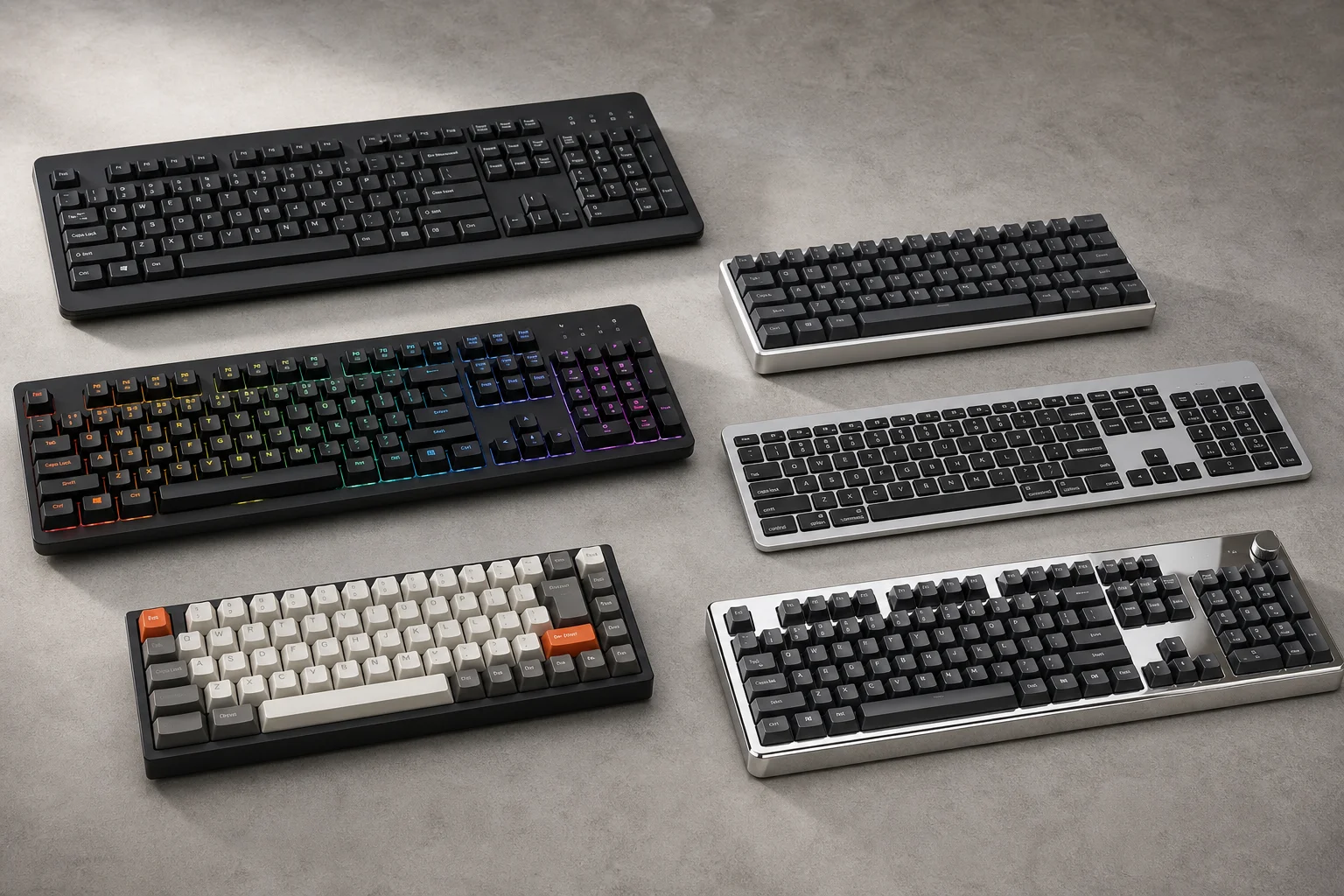
Best Budget Keyboards on Amazon 2026: Six Solid Options Under $150
A practical roundup of six budget-friendly mechanical keyboards available on Amazon, each with real strengths and trade-offs worth considering before purchase.

Keyboards
Best Prime Day Keyboard Deals 2026: Top Picks for Every Budget
A curated roundup of the best keyboard deals this Prime Day, from budget-friendly options to premium aluminum builds, with honest trade-offs for each pick.