Dash Cams
Botslab G980H Review: A Four-Channel Dash Cam With Dedicated Side Cameras
The Botslab G980H offers a four-channel dash cam setup with dedicated side-facing cameras, but video quality and parking mode performance raise questions.
Introduction
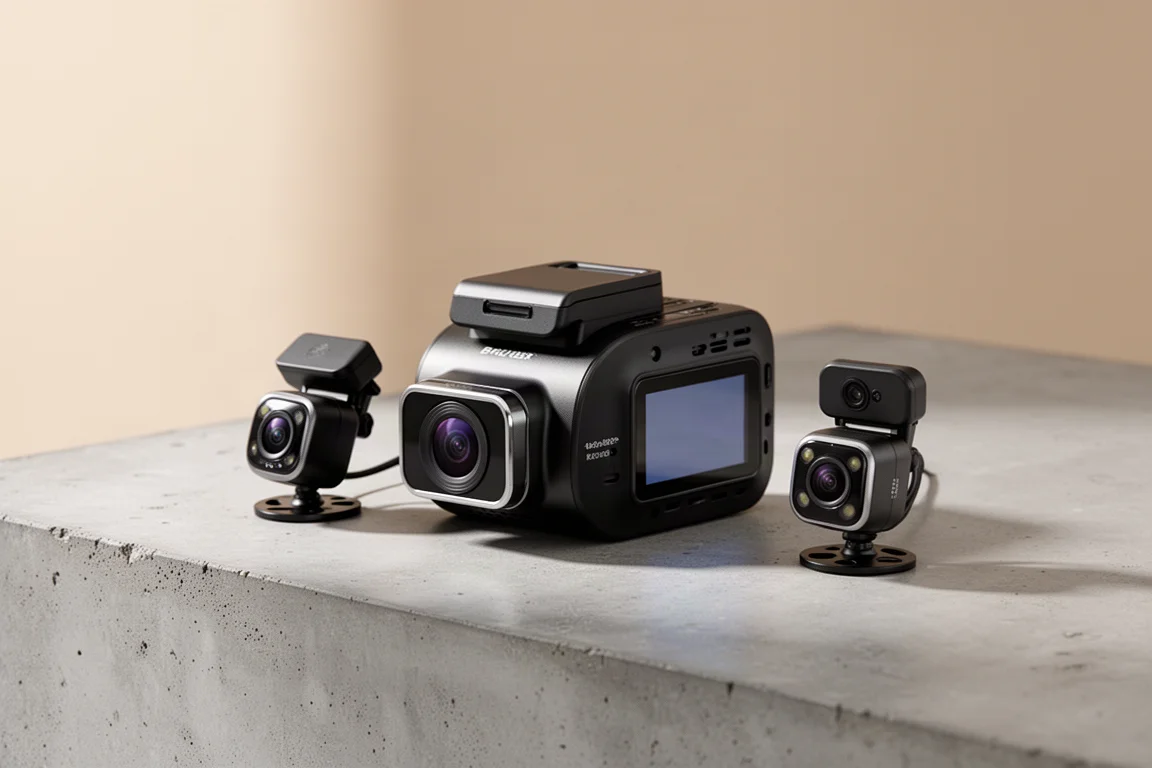
The Botslab G980H is a four-channel dash cam that stands out for its dedicated side-facing cameras. Unlike traditional dash cams that only record front and rear, this model adds cameras on both the left and right sides, allowing it to capture the interior of the vehicle as well as what is happening off to either side. This design aims to provide more complete 360-degree coverage while driving or parked, whether for a potential break-in, a door ding, or an encounter with law enforcement.
The side cameras can record the driver, the passenger, and law enforcement regardless of which side they approach the vehicle. This setup differs from the more common approach of using a separate ultra-wide interior camera that captures both the cabin and the side windows in a single view. With the G980H, the side cameras are attached directly to the main front unit, which makes installation simpler but also makes the front camera larger and bulkier.
This review focuses on the dedicated side cameras, as well as the dash cam as a whole, covering video quality, audio quality, parking mode implementation, and a privacy note that buyers should consider.
Design and Build
The G980H is set up in a full four-channel configuration with front, rear, left, and right cameras. The front camera lens is adjustable to different angles depending on how it is installed with double-stick tape. An optional polarizer is available that attaches to the front camera, though its build quality is disappointing.
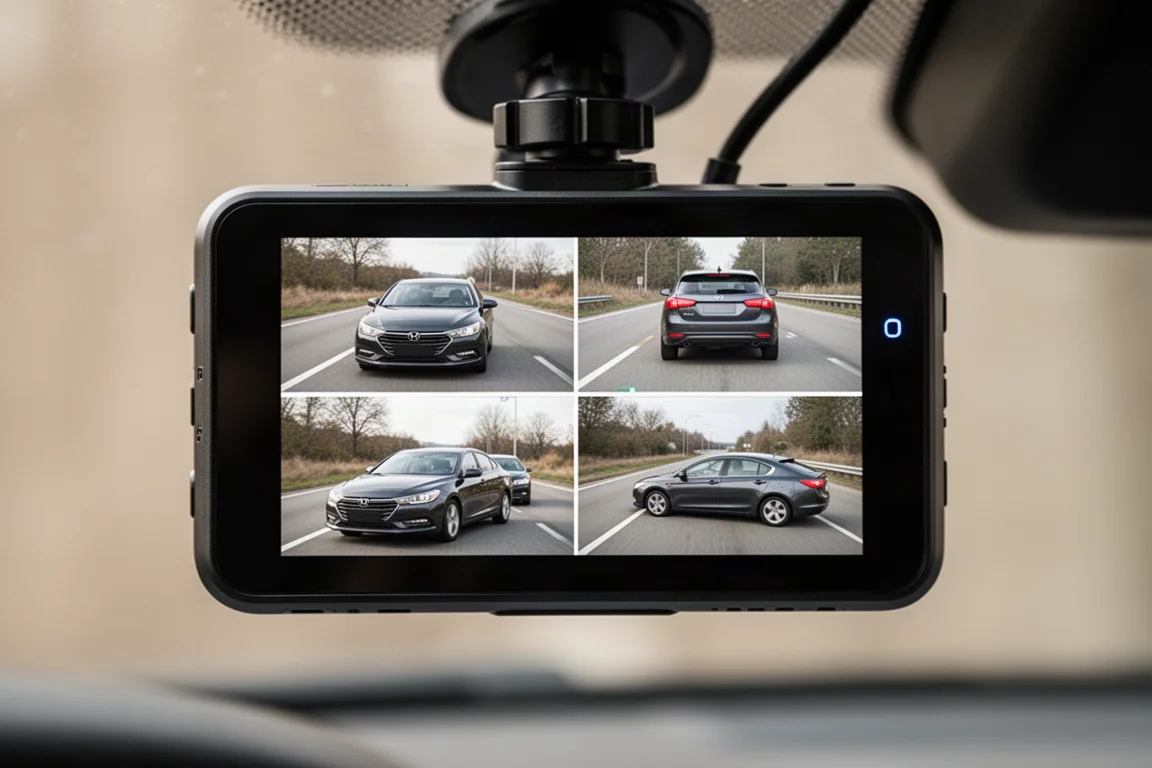
The rear camera is barrel-shaped with standard double-stick tape and a quick-release connector to make installation easier. All four cameras can be viewed simultaneously on the LCD touchscreen on the back of the dash cam. The side cameras are also adjustable, allowing them to point inside the car, off to the side at 90 degrees, or somewhere in between. A middle position is often preferred to capture both the interior and the side windows.
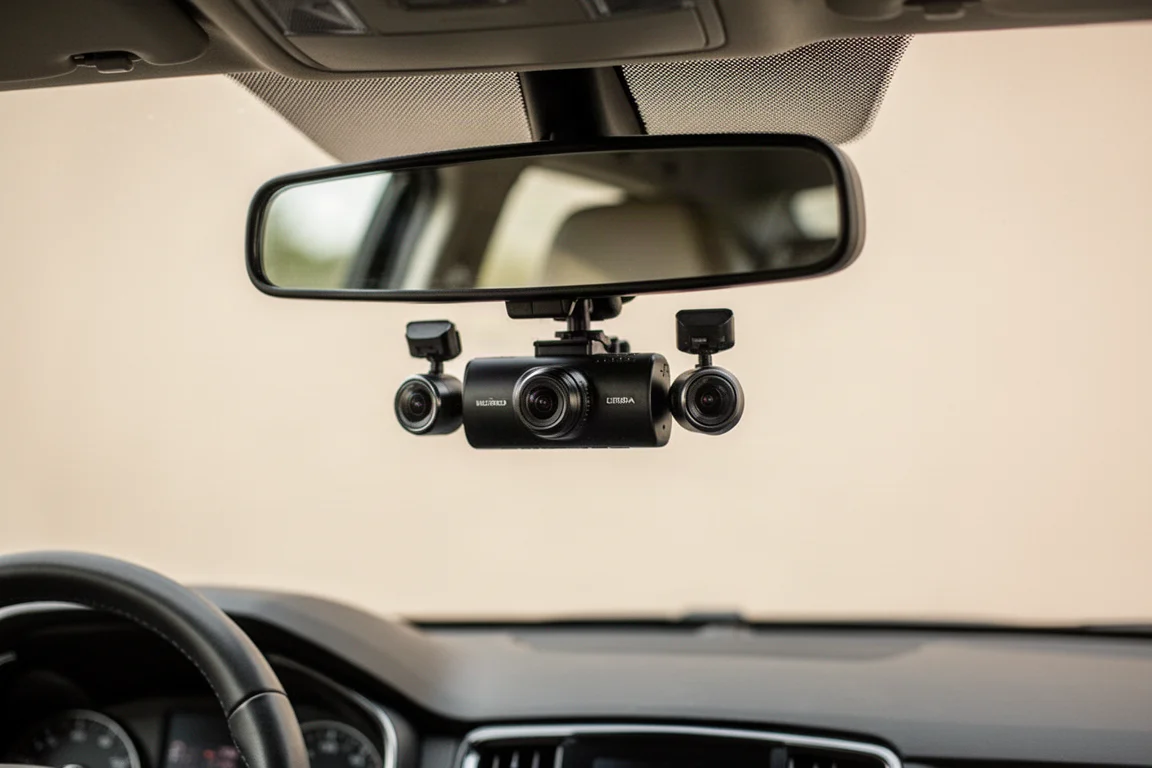
The LCD touchscreen lets users change settings without using the app, which is a convenient feature. However, there is an issue when wearing polarized sunglasses. The emergency recording button is on the touchscreen, and with polarized lenses, the display can be difficult to see, making it hard to press the button while keeping eyes on the road. There is a physical button on the bottom of the dash cam, but it only turns the display on and off rather than triggering emergency recording. Voice controls are available as an alternative, but they may not always hear commands over road noise and can sometimes trigger emergency recording unintentionally.
The front camera is sold as either a 3K or 4K option depending on how many cameras are connected. In the full four-channel configuration, the front records at 3K, while the rear and side cameras record at 1080p. A three-channel model removes one side camera and allows the front to run at 4K, though this is an interpolated image rather than true 4K. The two-channel version, with just front and rear, uses a different front image sensor that is genuinely 4K capable.
Video Quality
All cameras on the G980H record at 25 frames per second instead of the more common 30 FPS, which can make video appear slightly more jerky. The front camera provides a general overview of what is happening around the vehicle and can capture license plates in easier scenarios, especially during the day. However, the lower-resolution sensor means it is not as good as higher-end dash cams.
When running as a three-channel dash cam, the front image is stretched to 4K, which does not add any additional detail or video quality. This contributes to both the lower video quality and the lower price point compared to a true 4K dash cam.
The biggest image deficits appear at night. The dash cam does not have HDR, only WDR. Compared to dash cams with dual-exposure HDR, it struggles to capture license plates when headlights shine directly on reflective plates. This is a common nighttime scenario where the dash cam is expected to help, but the lower-end sensor without HDR cannot reliably capture those plates.
The rear camera records at 1080p and the video quality is noticeably poor. In optimal daytime conditions with a car close behind, it can capture a license plate, but in less than optimal conditions it struggles more than other dash cams. The side cameras also record at 1080p, which is passable for recording inside the vehicle and seeing what is happening outside. The side cameras do not have an IR filter, so black clothing can sometimes appear purple depending on the fabric. At night, infrared LEDs around each side lens light up the interior of the car, though they are not designed to help record outside.
Audio Quality
The microphone on the G980H picks up the driver’s voice over road noise reasonably well. In a quick test at around 40 to 45 miles per hour, the audio was clear enough to understand. A sample in rainy conditions showed a bit more noise from both the road and the rain on the windshield, which is expected.
Parking Mode Performance
The G980H offers two main parking modes: a sentry mode with motion detection and impact detection, and a time lapse video mode. Motion detection on the front camera works well and also triggers recording on the other cameras. However, motion detection can sometimes trigger unnecessarily.
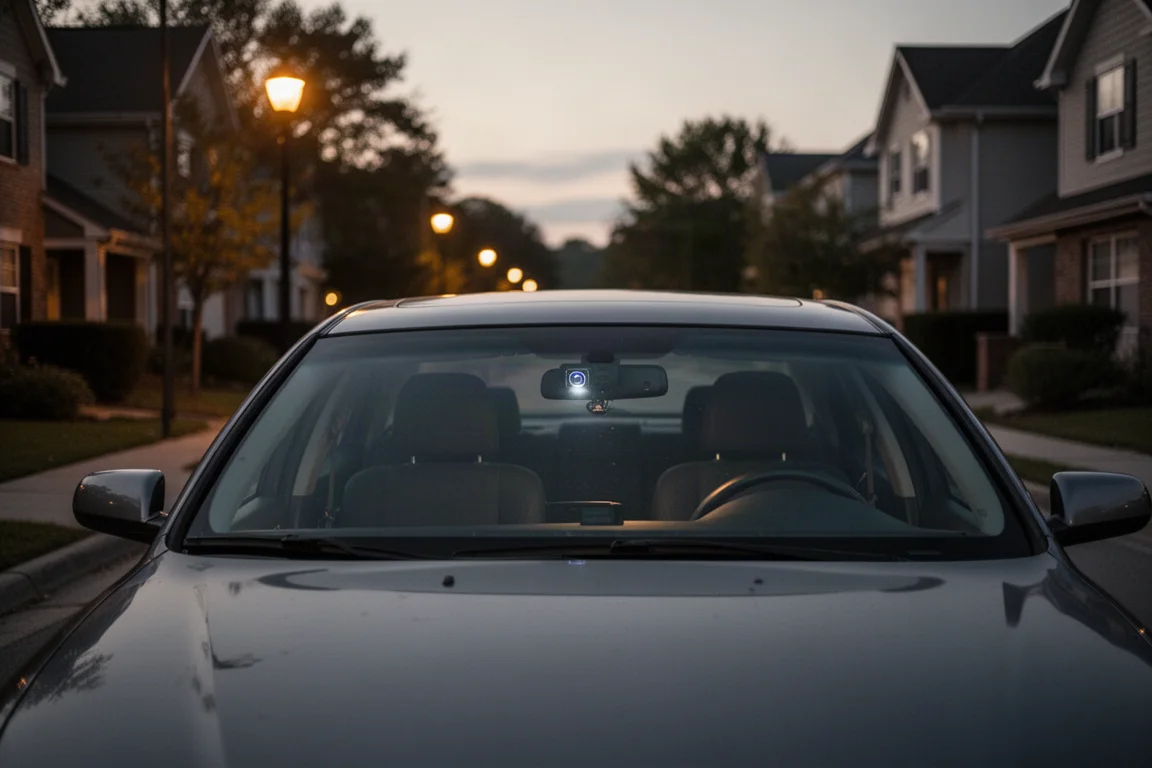
The bigger issue is that the side cameras and the rear camera do not actually work for motion detection. This means the dash cam will not trigger when someone is standing next to the car, which defeats a key purpose of choosing this model. The G sensor for impact detection also does not work very well. Entering the car and moving around inside did not wake the dash cam to begin recording. Unless someone directly hits the camera, the impact detection is unlikely to trigger.
If an impact is detected while the car is parked, the dash cam can notify the driver the next time they get back in the car. But because the impact detection does not work well in the first place, this feature provides little benefit.
The alternative is time lapse recording mode, which continuously records from all four camera angles while parked. The downside is that it records sped-up video with no audio. This is not a viable option for parking recording, especially if the goal is to have the side cameras working while parked.
There are also minor annoyances, such as the screen saver showing the clock while recording in the background, but with no option to adjust for daylight saving time. The only way to correct the hour is to change the time zone directly.
App and Connectivity
The G980H has built-in Wi-Fi, allowing users to connect to the dash cam’s hotspot from a smartphone. This enables live streaming of video directly from the dash cam, viewing previously recorded video, and changing settings. The app is useful when installing the rear camera, as it allows aiming the camera correctly from the phone.
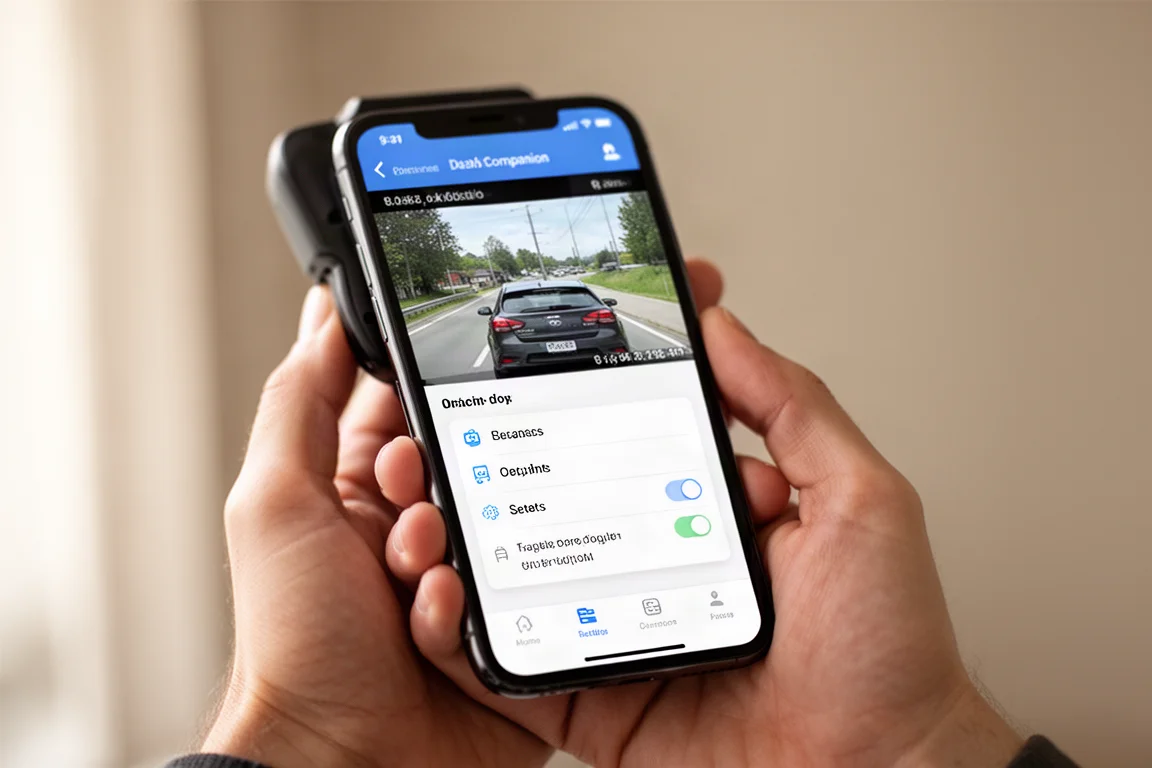
The dash cam has 5 GHz Wi-Fi with an advertised transfer speed of about 10 MB per second. Downloading a roughly 150 MB front camera file took a reasonable amount of time, though it is not extremely fast. Taking the memory card out and inserting it directly into a computer remains a practical option.
The app also allows firmware updates, which is convenient. The settings can be adjusted either through the app or directly on the touchscreen.
Privacy Considerations
Botslab is a sub-brand of Qihoo 360, a Chinese company that makes a range of products including dash cams and home security cameras. Qihoo 360 has been added to the US government’s entity list, with the ERC determining there is reasonable cause to believe the company poses a significant risk of becoming involved in activities contrary to US national security interests.
There have also been past concerns about Qihoo 360 products, including reports from 2017 of live security cameras and private webcams being webcast in ways that violated privacy. It is unclear whether these issues apply to the dash cams specifically, but it is a significant consideration for buyers.
Buying Advice
The Botslab G980H has a unique appeal with its dedicated side cameras providing four-channel coverage. The ability to record the interior and both sides of the vehicle is genuinely useful, particularly for those concerned about encounters with law enforcement or incidents while parked.
However, the dash cam has notable shortcomings. The video quality is sub-par compared to competitors, especially at night and on the rear camera. The parking mode implementation is poor, with motion detection not working on the side and rear cameras, and impact detection being unreliable. The lack of a physical emergency recording button that works with polarized sunglasses is also a practical drawback.
For those who prioritize reliable side coverage while driving, the G980H can deliver that in driving mode. But if the goal is to have reliable recording while parked, this model falls short. The privacy concerns associated with the parent company add another layer of consideration.
Conclusion
The Botslab G980H offers an interesting concept with its dedicated side-facing cameras, providing more complete coverage than a traditional front and rear dash cam. The side cameras are adjustable and can capture both the interior and the side windows, which is a useful capability.
However, the execution has significant flaws. The video quality is below what many competitors offer, particularly at night and on the rear camera. The parking mode is unreliable, with motion detection not working on the side and rear cameras and impact detection being inconsistent. The privacy concerns related to the parent company are also worth noting.
For drivers who want a four-channel dash cam with dedicated side cameras and are primarily concerned with recording while driving, the G980H may be worth considering. But for those who need reliable parking mode coverage or expect higher video quality, other options may be more suitable.
Product link
View more details for Botslab G980H
This product is mentioned in the review. Check the specifications, options, and compatibility before buying.
View more details for Botslab G980HFurther reading
Related Reviews
Dash Cams
70mai 4K T800 Dash Cam Review: Three-Channel Coverage With 4K Front and Rear
A three-channel dash cam with 4K front and rear recording, dual Sony Starvis 2 sensors, and optional 4G connectivity for remote vehicle tracking.
Dash Cams
70mai M310 Review: A $33 Dash Cam That Covers the Basics
The 70mai M310 is an ultra-budget dash cam that records at 1296p, offers basic parking modes, and works with a Wi-Fi app. Here is how it performs and who it suits.
Dash Cams
Best Dash Cam Black Friday Deals 2026: Top Picks Across Every Price Point
A practical guide to the best dash cam deals this Black Friday, covering front-only, multi-channel, cloud-connected, and budget-friendly options.