Dash Cams
Bots Lab G980H Review: A Four-Channel Dash Cam With a Modular Twist
A four-channel dash camera with a configurable design, 3K front recording, and side cameras you can add or remove as needed.
Introduction
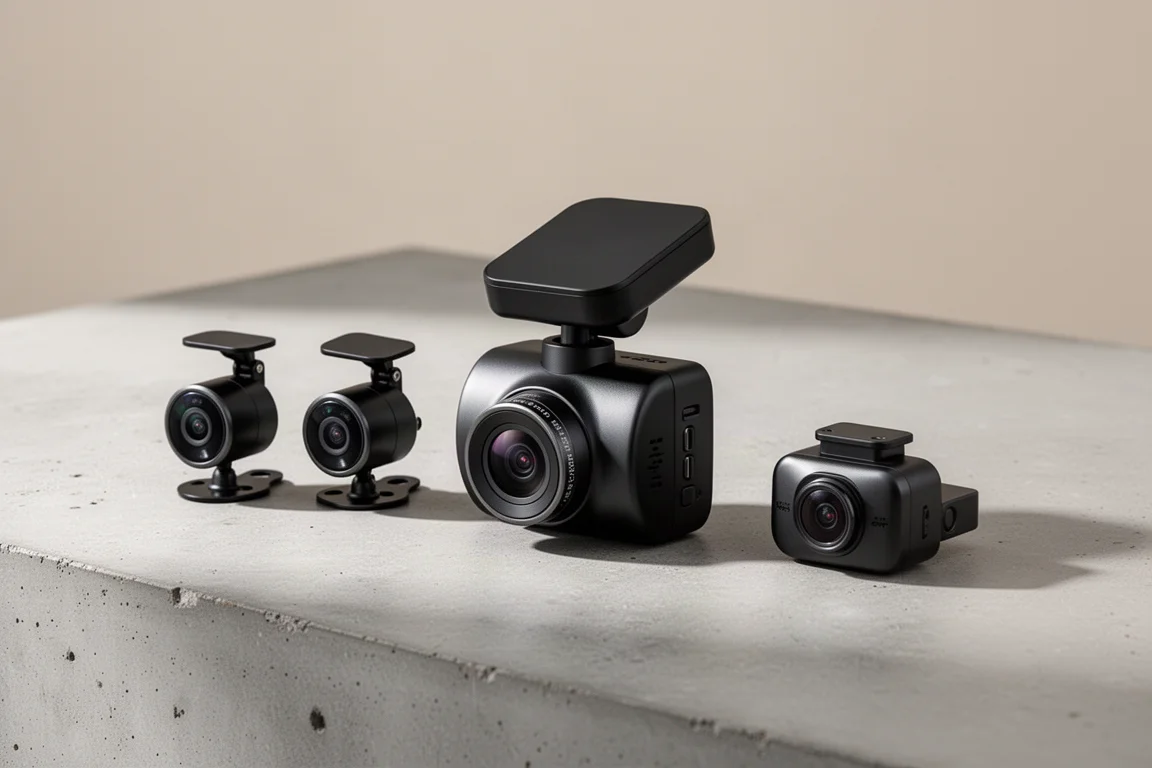
Most dash cams stop at two channels. A few push it to three. The Bots Lab G980H goes one step further with four cameras: front, rear, left, and right. That alone makes it unusual, but the way it handles those cameras is what really sets it apart. The side cameras are optional modules you can clip in or take off, so you can run it as a two-, three-, or four-channel setup depending on your needs. After installing it and putting it through a test drive, here is how it holds up.
What Is the Bots Lab G980H?
The G980H is a multi-channel dash camera with one camera facing forward, one facing rearward, and two that cover the left and right sides of the vehicle. The front camera records in 3K, while the remaining channels record in 1080p. That resolution mix is a sensible choice: very high-resolution footage can be slow and awkward to pull from a dash cam on a phone, and 1080p side footage is plenty for capturing what happens around the vehicle.
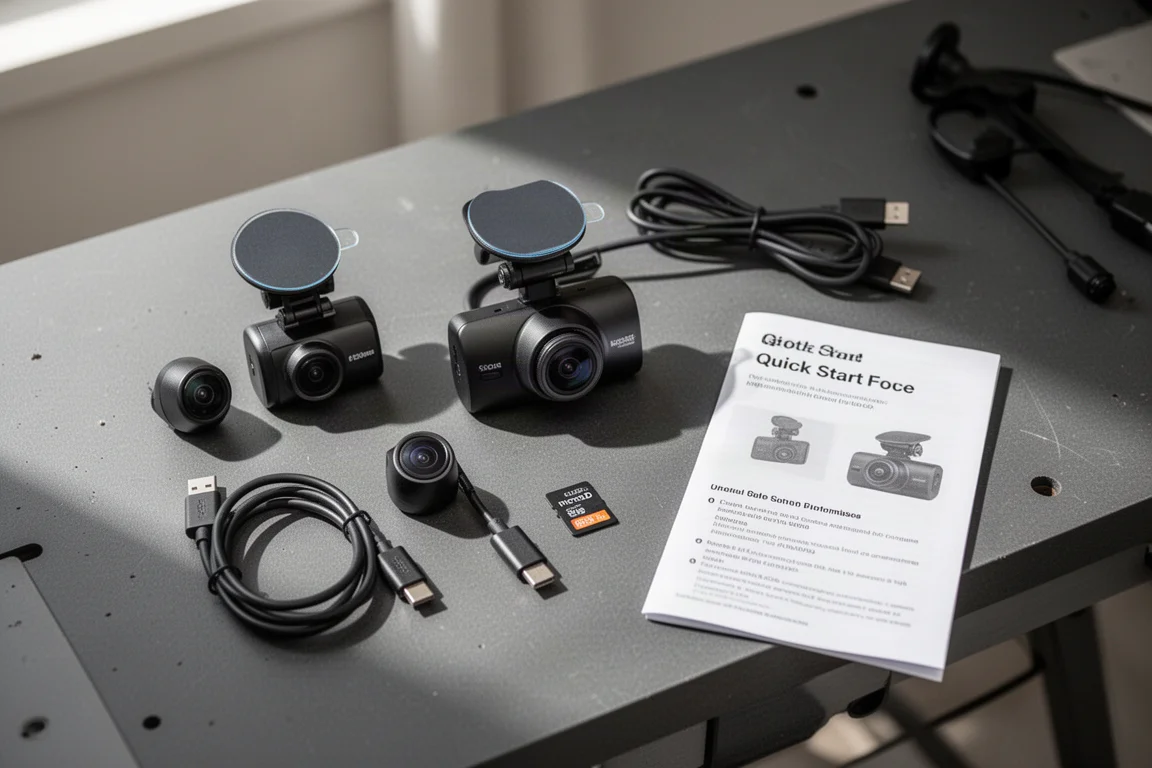
The kit includes a 128GB microSD card, all the necessary wiring, and a quick start guide, plus access to installation videos and a companion app. There is even a small “protected now on recording” bumper sticker in the box, a nice little extra that signals the recording is active to people outside the vehicle.
The side cameras clip into the main unit and can be rotated. If you want them facing outward to cover the left and right of the vehicle, you can do that. If you would rather have one facing into the cabin, that works too. This flexibility makes the G980H genuinely interesting for work vehicles or fleet use, where side coverage can matter as much as the front view.
Installation and Mounting
Installation follows the usual dash cam routine: clean the windshield thoroughly, remove the adhesive backing, and stick the main unit in place. The front camera module sits on an adjustable mount, so you can fine-tune the angle up, down, left, and right after mounting. That adjustability matters because windshields are rarely perfectly flat or perfectly angled.
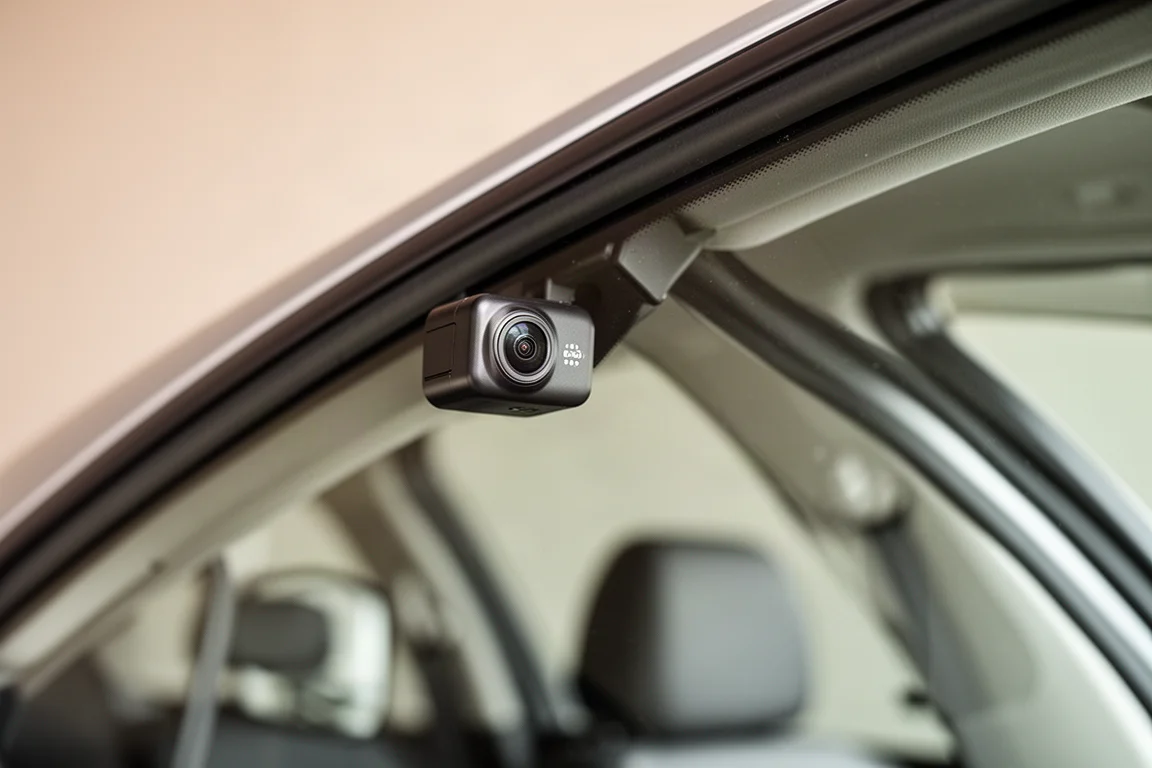
The side cameras get installed near the A-pillars. On most windshields you will want to angle them in just slightly so the camera body does not hit the pillar. One pleasant surprise: the side modules have a good amount of rotational resistance, so once you set an angle, they hold it firmly instead of drooping out of position.
Like any rear camera, the rear unit has to be wired through the vehicle. There is no wireless workaround for that, and it is the most tedious part of any multi-channel install. If you are comfortable running cable along the headliner, this is a straightforward afternoon job.
The App Experience
The app is where many dash cams succeed or fail, and the G980H’s app works well overall. Footage can be pulled up and downloaded quickly, which is exactly what you want when you need a clip at the scene of an incident.
There is one friction point: you have to create an account. Some dash cam apps skip the login entirely, and that is genuinely valuable. If you are locked out after an accident and cannot remember your credentials, you end up fumbling through password resets and reinstalls at the worst possible moment. Not having to log in is a real plus, and its absence here is the main knock against the app. Beyond the account requirement, though, day-to-day use is simple and reliable.
Everyday Driving Experience
On the road, the G980H delivers the features most drivers expect at this level. GPS is built in, so footage is tied to location data, letting you see exactly where you were driving and where an incident occurred. There is also a voice control function, including a command to save a recording.
The voice feature is arguably redundant in practice. Since the camera is continuously recording anyway, you can always go back and pull the most recent footage after an incident. Saving a clip manually feels like an extra step rather than a necessity, but having the option does no harm.
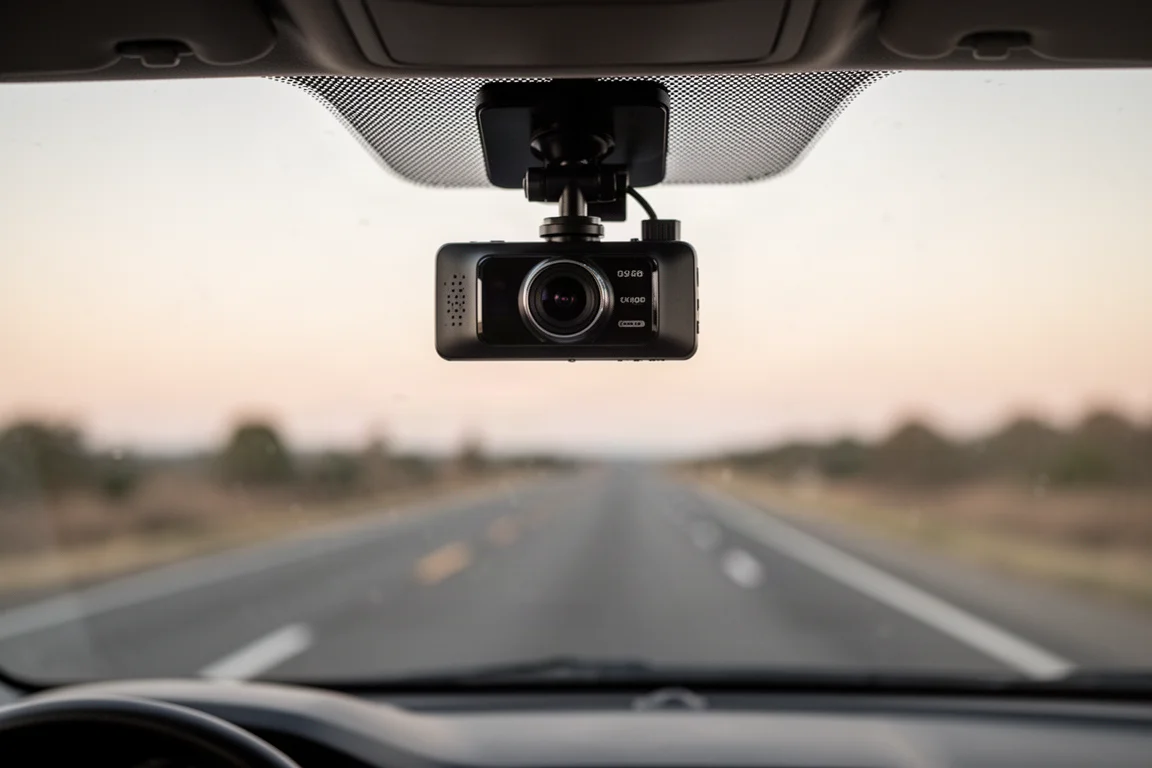
In real use, the multi-channel coverage is the star. Front coverage handles the most common accident scenarios, and the side cameras add protection for intersection and lane-change incidents that front-only setups miss entirely.
Things to Consider Before Buying
A few design details are worth weighing before you buy. The main unit’s adjustability is good but not perfect, and there is no way to tighten the adjustment screws if they loosen over time. That is a real concern on some dash cams, where a loose mount eventually lets the camera flop around on the windshield.
Second, the cable connections sit on the side of the unit rather than the top or bottom, which makes hiding wires along the windshield edge difficult unless you route them up through the headliner. If a headliner run is part of your plan, that placement is actually fine, even ideal. If you were hoping to tuck cables along the trim, be prepared for a compromise.
Finally, the rear camera requires wiring no matter what, and if you have never needed rear footage in past incidents, you may question the effort. The good news is the side cameras can be removed entirely, so you can tailor the system rather than live with all four channels if you do not want them.
Buying Advice
The G980H makes the most sense for drivers who genuinely want coverage beyond the front view. Fleet operators, rideshare drivers, and anyone who has dealt with side-impact incidents will get real value from the left and right channels, and the option to angle one inward adds cabin coverage without a dedicated interior camera, which also sidesteps some privacy concerns since the cameras can face outward instead.
If you only want simple front recording, a two-channel or single-channel dash cam will be simpler and likely cheaper. But if multi-angle coverage is the goal, the G980H’s modular design, sensible resolution mix, and included 128GB card make it a compelling package.
Conclusion
The Bots Lab G980H is a well-thought-out four-channel dash camera that stands out for its configurable side cameras and practical resolution choices. The account requirement in the app, side-mounted cable connections, and limited screw adjustment are minor frustrations, but none of them undermine the core value: flexible, multi-angle coverage you can tailor to your vehicle and your needs.
Product link
View more details for Bots Lab G980H
This product is mentioned in the review. Check the specifications, options, and compatibility before buying.
View more details for Bots Lab G980HFurther reading
Related Reviews
Dash Cams
70mai 4K T800 Dash Cam Review: Three-Channel Coverage With 4K Front and Rear
A three-channel dash cam with 4K front and rear recording, dual Sony Starvis 2 sensors, and optional 4G connectivity for remote vehicle tracking.
Dash Cams
70mai M310 Review: A $33 Dash Cam That Covers the Basics
The 70mai M310 is an ultra-budget dash cam that records at 1296p, offers basic parking modes, and works with a Wi-Fi app. Here is how it performs and who it suits.
Dash Cams
Best Dash Cam Black Friday Deals 2026: Top Picks Across Every Price Point
A practical guide to the best dash cam deals this Black Friday, covering front-only, multi-channel, cloud-connected, and budget-friendly options.