Home Office Accessories
Best Monitor Arms for Home Office: Budget, Mid-Range, and Premium Options
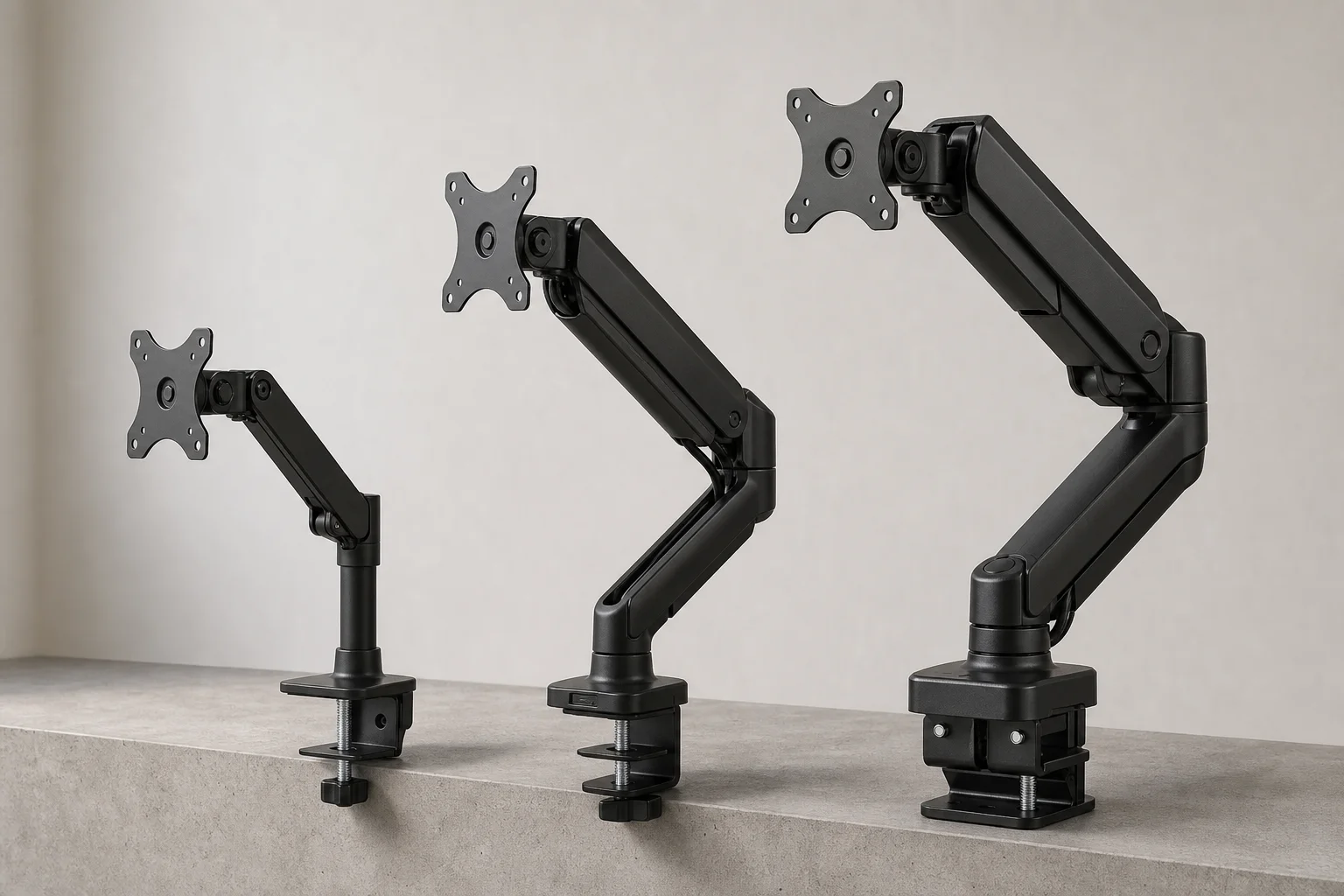
Three monitor arms that deliver real value at different price points, from a $25 basic clamp to a $300 premium model built for heavy displays.
Introduction
Monitor arms are essential accessories for any home office setup. Whether you want to save desk space, improve ergonomics, or add visual appeal to your workspace, a quality monitor arm is a worthwhile investment. The good news is that you don’t need to spend a fortune to get real benefits. Options range from $25 basic models to $300 premium solutions, each serving different needs and budgets.
Budget Option: Vivo Monitor Arm
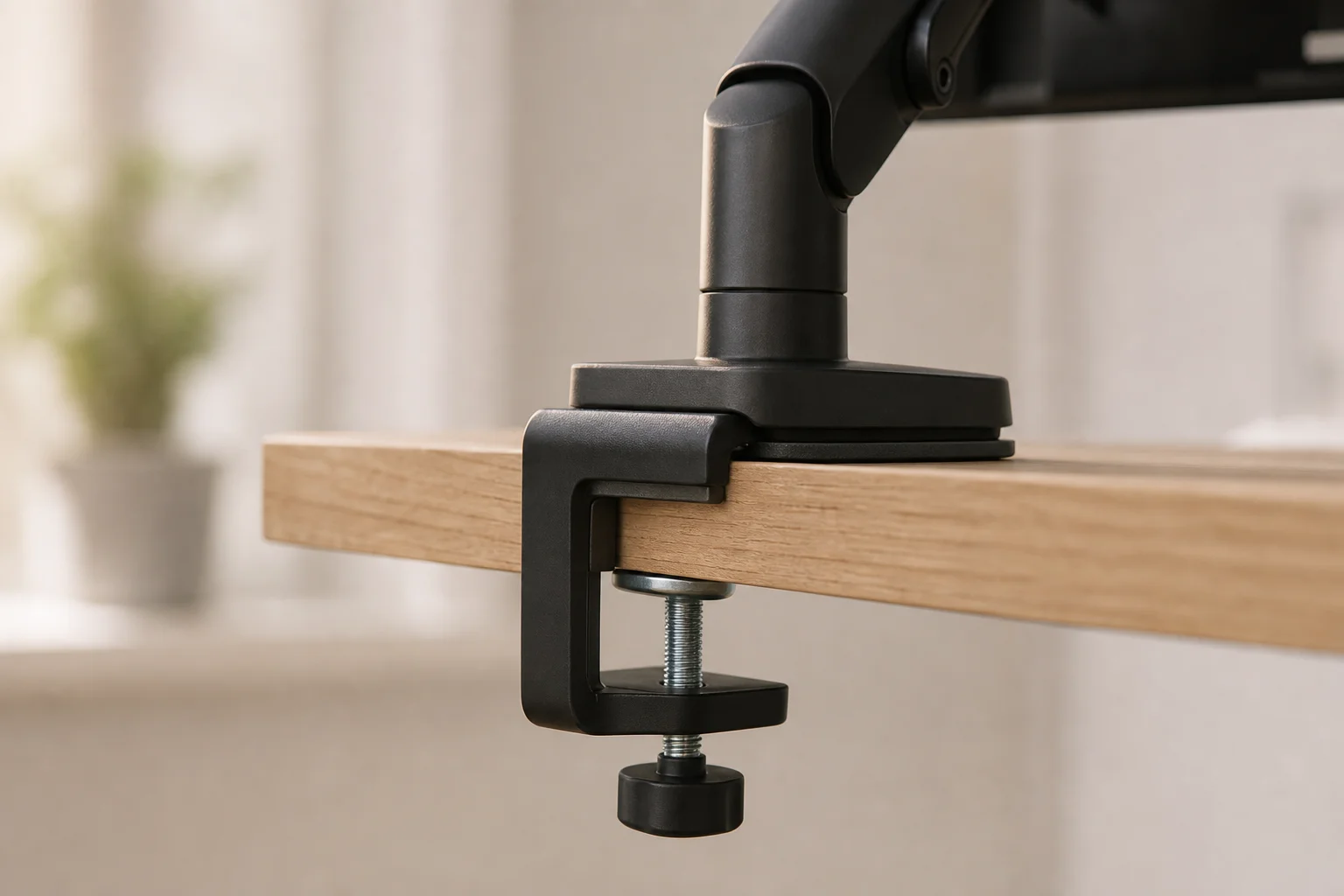
The Vivo Monitor Arm represents the entry-level choice at around $25. For most people, this is genuinely all you need. The design is straightforward: a simple clamp structure that attaches to your desk, an adjustable bracket to set your monitor height, and a locking mechanism to keep everything in place. You then mount the arm to the VESA holes on your display and you’re done.
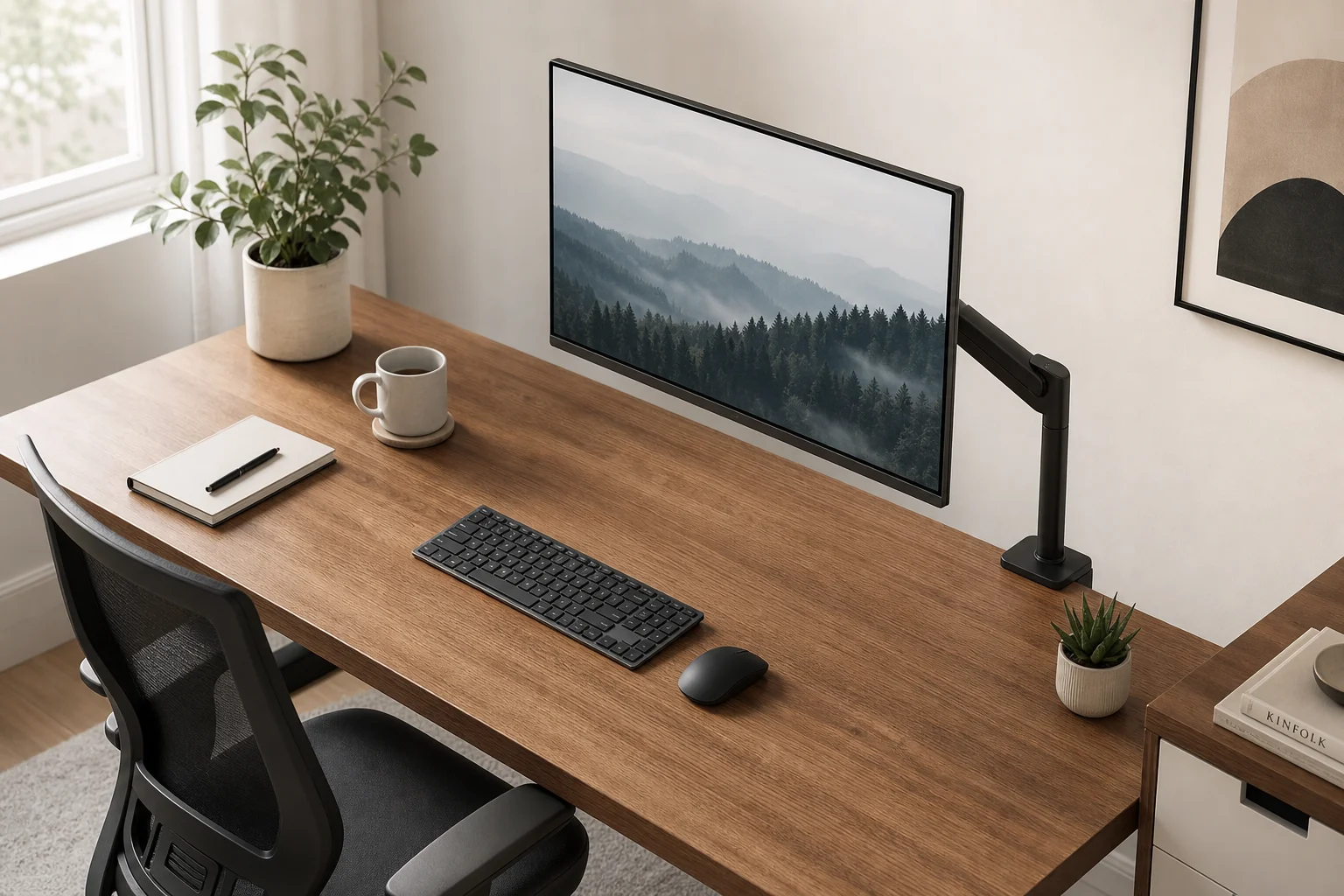
At this price point, you won’t get spring-loaded adjustability for dynamic height changes. Instead, you set the monitor once and leave it. In practice, most users do exactly that anyway. The arm supports up to 22 pounds, which is sufficient for most displays including 34-inch ultrawide monitors. If your setup is simple and you don’t plan to constantly adjust your monitor throughout the day, this budget option delivers excellent value.
Mid-Range Choice: Amazon Basics Monitor Arm
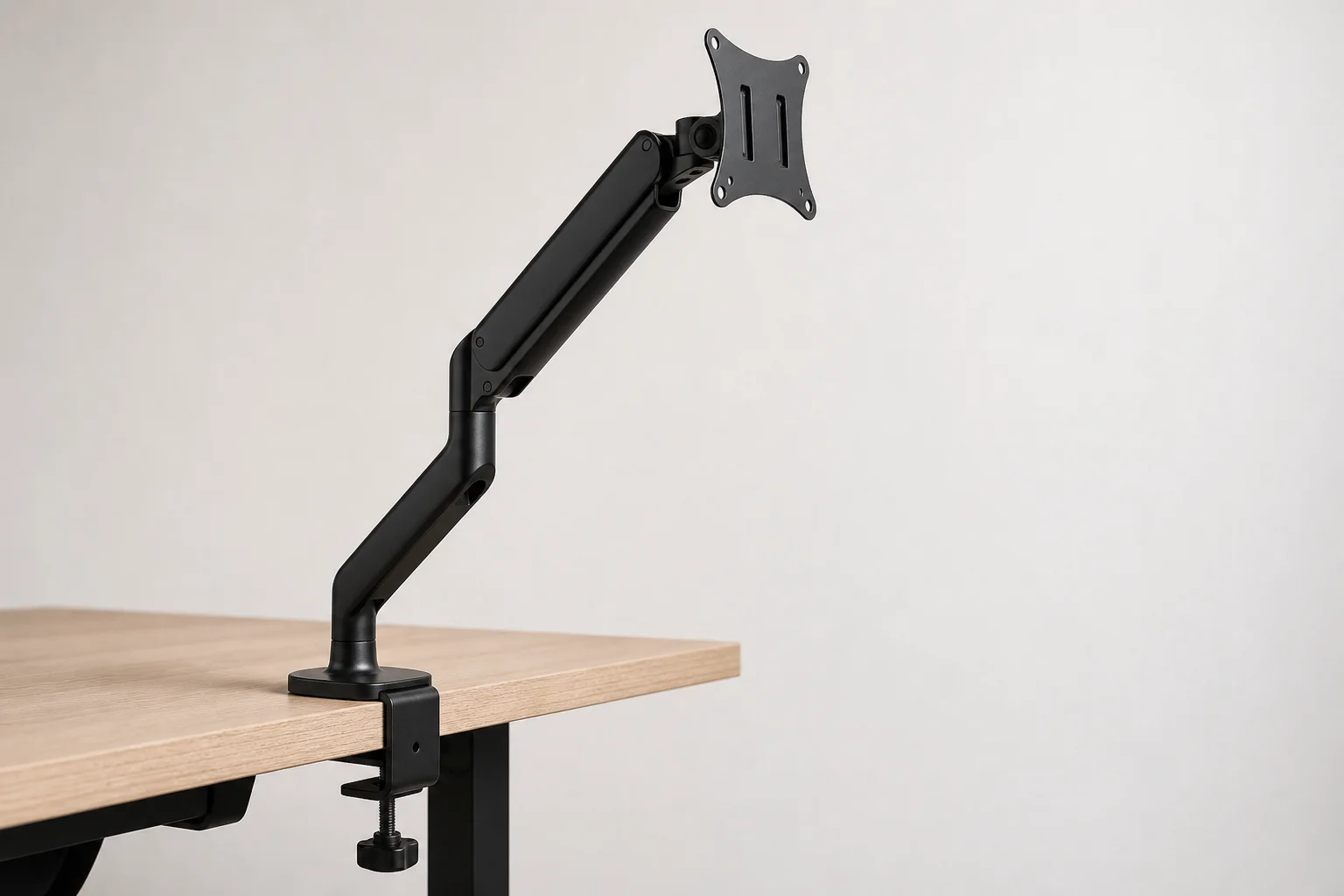
If you want more flexibility and better build quality, the Amazon Basics Monitor Arm at around $100 is a significant step up. The price jump is substantial, but the improvements justify the investment. This arm lets you raise, lower, swivel, and tilt your monitor with ease, giving you full freedom to adjust your display throughout the day.
The arm includes built-in cable management to keep your workspace tidy, and it supports up to 25 pounds, making it suitable for most 34-inch ultrawide displays and even heavier monitors. The spring-loaded mechanism feels more refined than budget alternatives, and the overall reliability is noticeably better. For users who want to adjust their monitor position regularly or who have heavier displays, this mid-range option strikes a good balance between cost and capability.
Understanding Weight Limits and Setup Factors
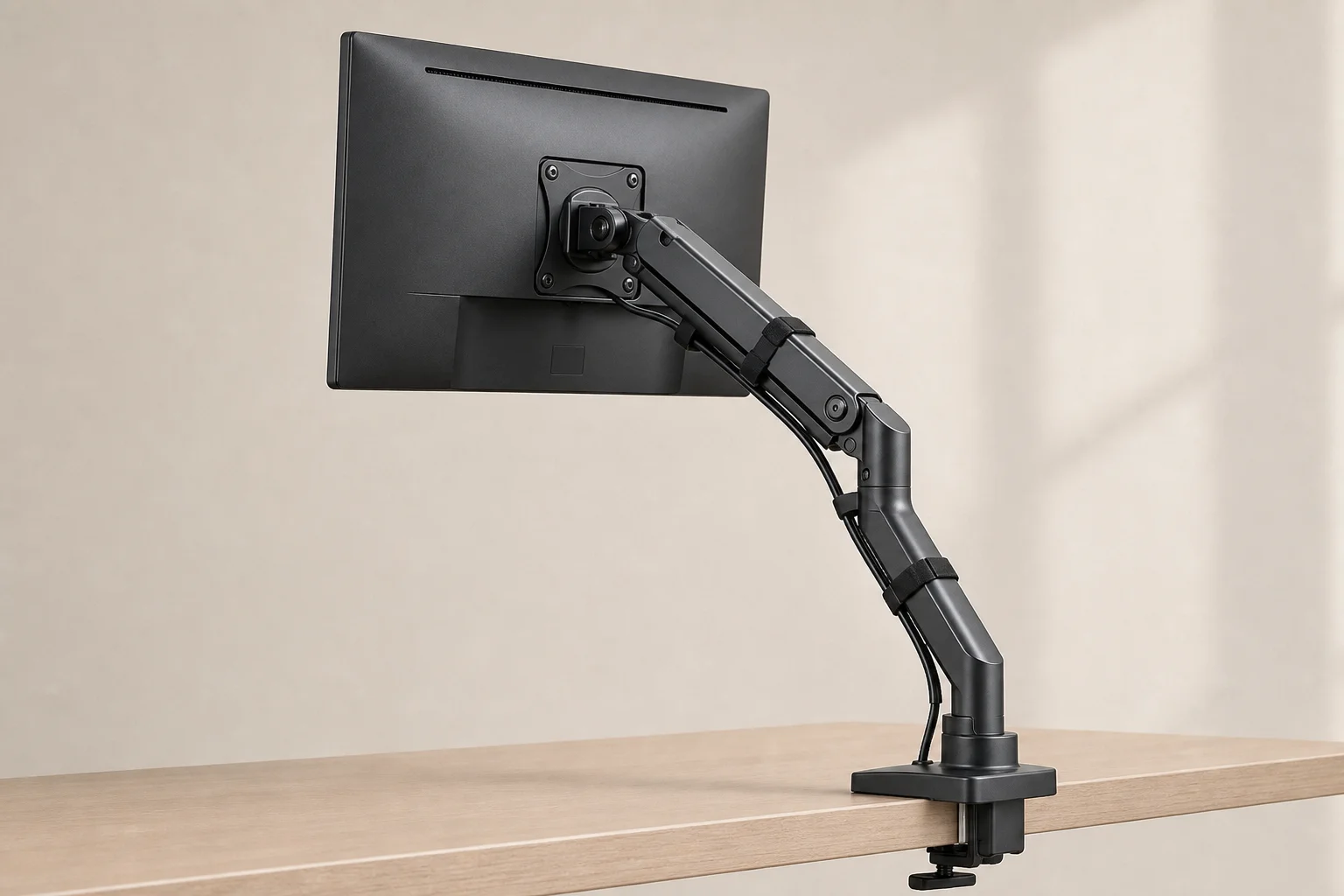
Before choosing an arm, it’s important to understand that weight capacity ratings don’t tell the whole story. Several factors affect how much stress an arm experiences. A monitor positioned in the middle of the arm and rarely moved puts far less strain on the mechanism than one fully extended and constantly adjusted. Some monitors have offset VESA mounting points or poor weight distribution, which stresses the tilt mechanism and can cause drooping over time.
Your desk material also matters. Solid wood desks are ideal, but particle board or even hollow Ikea desks can work if you reinforce them or keep your setup simple. Finding someone with a similar monitor and desk setup is often the best way to determine if an arm will work reliably for your needs.
Premium Option: Ergotron HX
The Ergotron HX at approximately $300 is the premium choice, and the difference is immediately apparent when you see it in person. This arm is built like a tank, designed specifically for heavier displays and demanding setups.
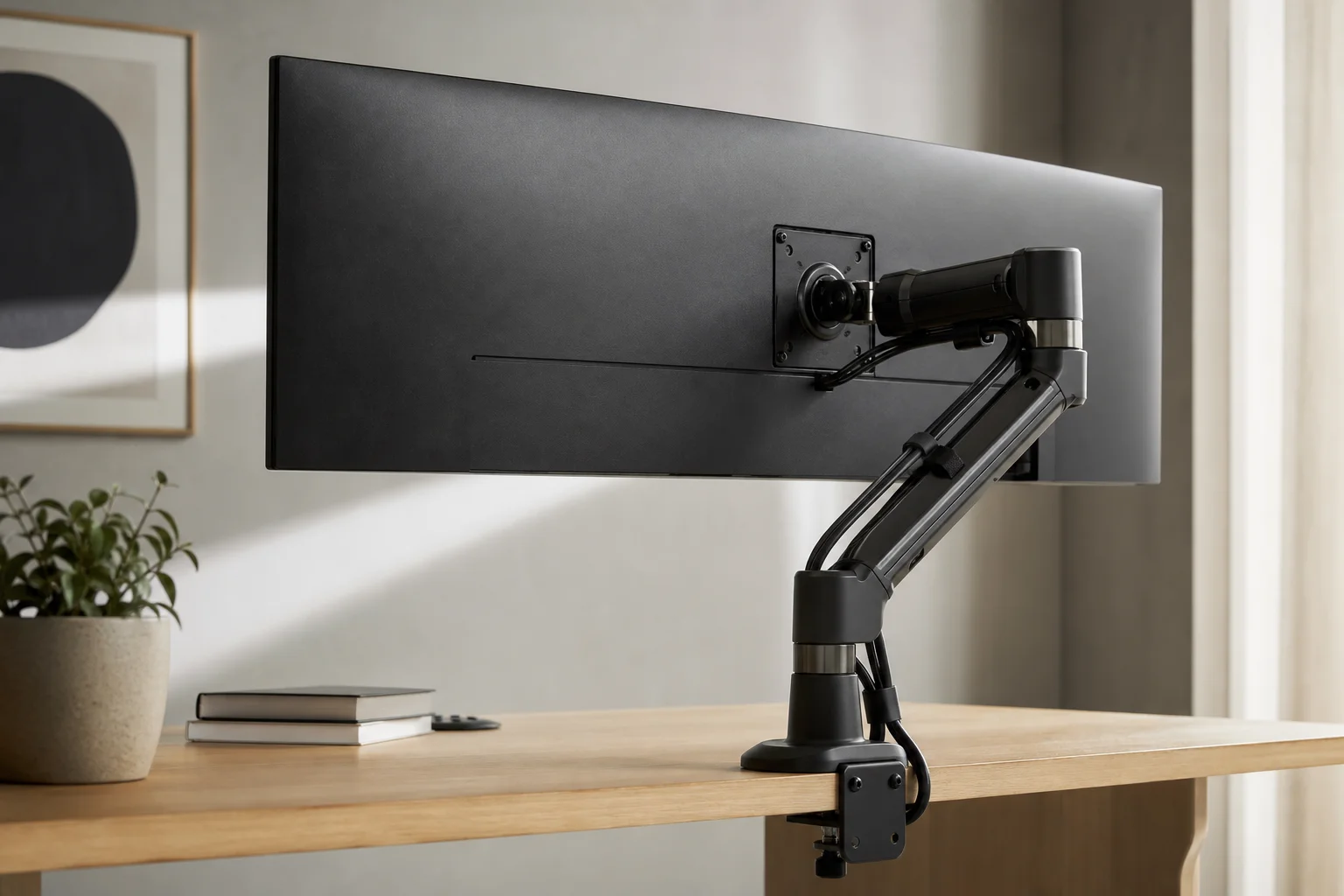
The display clamp is significantly larger and features a flat rubber pad that distributes weight over a much wider surface area. The underside uses two screws instead of one, which dramatically reduces play and wobbling as you move the arm. The arm joints are thicker and lock together with precision, and every component feels premium. The optional rotation stop prevents the bottom arm from rotating back into your wall, a thoughtful feature for tight spaces.
While the movement range is similar to the Amazon Basics model, the Ergotron HX doesn’t extend quite as low. The cable management is slightly upgraded with built-in straps, but that’s not the main draw. The real advantage is weight capacity and build quality. Lighter monitors may struggle at the lowest setting, but for 49-inch displays or anything larger and heavier, the Ergotron HX feels substantially more solid and stable. The ten-year warranty suggests this could be your last monitor arm purchase ever.
Choosing the Right Monitor Arm for Your Setup
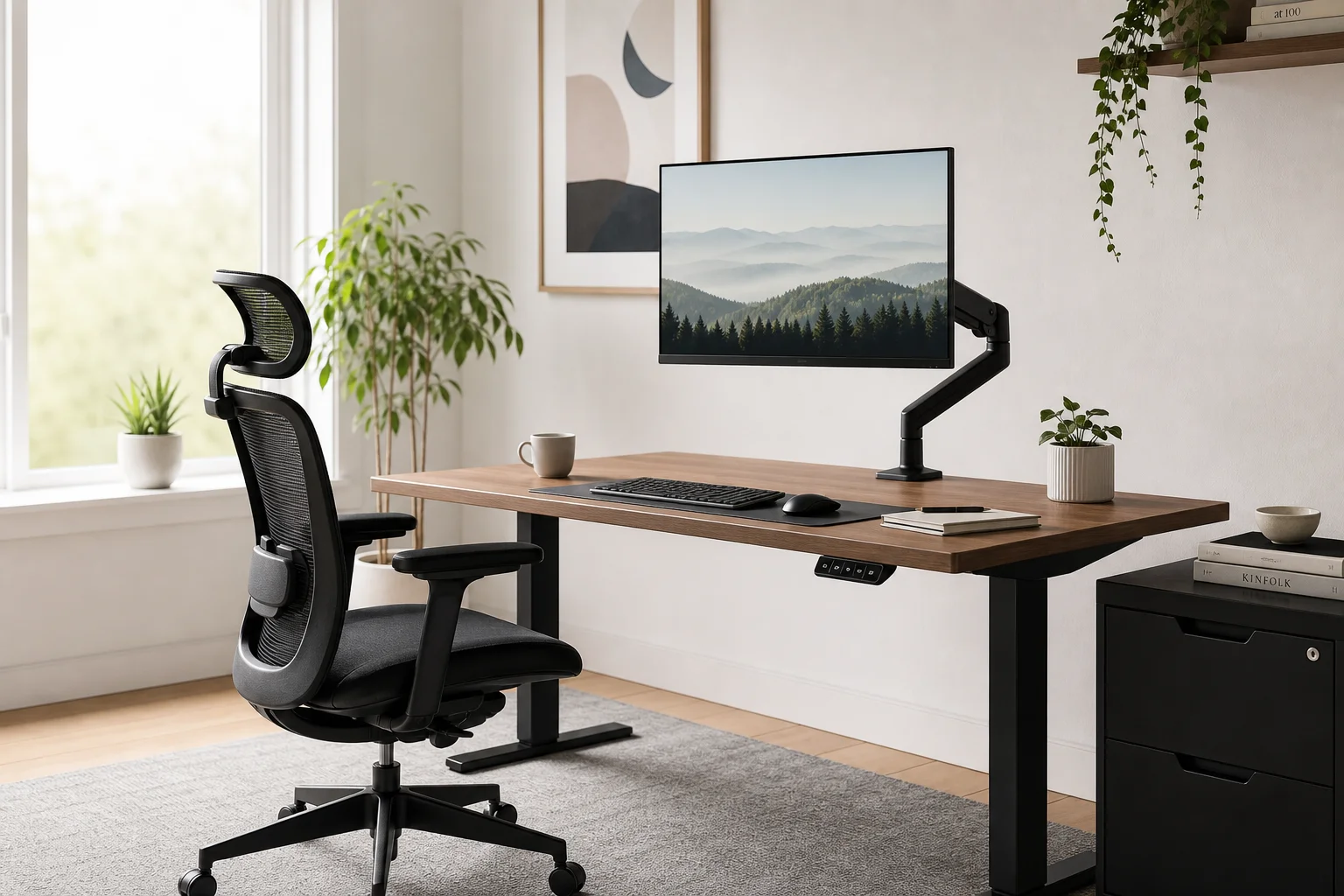
For most people, the $25 Vivo option delivers the core benefits of a monitor arm without unnecessary expense. If you want more flexibility and better reliability, the $100 Amazon Basics arm is a smart middle ground. Reserve the $300 Ergotron HX for setups with very heavy or large displays where premium build quality and weight capacity become essential.
The best choice depends on your specific needs: monitor size and weight, how often you adjust your display, your desk material, and your budget. Start by identifying what matters most to your workflow, then match it to the right option.
Conclusion
Monitor arms transform home office ergonomics and desk aesthetics at any budget level. Whether you choose the budget-friendly Vivo, the versatile Amazon Basics, or the premium Ergotron HX, you’ll gain the benefits of better monitor positioning and reclaimed desk space. The key is matching the arm to your actual needs rather than overspending on features you won’t use.
Further reading
Related Reviews

Desk Accessories
Best Cable Management Products 2026: Five Practical Picks for a Cleaner Desk
A practical look at five popular cable management products, from monitor stands and felt trays to magnetic clips and cables that reduce clutter.
Workspace Setup
Best Desk Setup Upgrades: A Practical Guide to Ergonomic Workspace Design
Essential desk upgrades for comfort and productivity, from standing desks and ergonomic chairs to monitors, lighting, and accessories that make long work sessions sustainable.

Desk Accessories
Best Monitor Arms 2026: A Tier List of 20 Tested Models
We ranked 20 popular monitor arms across budget, heavy-duty, and premium categories to help you find the right fit for your desk setup.