Tech Accessories
The MagSafe Accessories Actually Worth Buying: 8 Picks We Would Recommend
From a mini front-camera monitor to a MagSafe flashlight, these eight iPhone accessories each earn their place with a clear purpose and few compromises.
Introduction
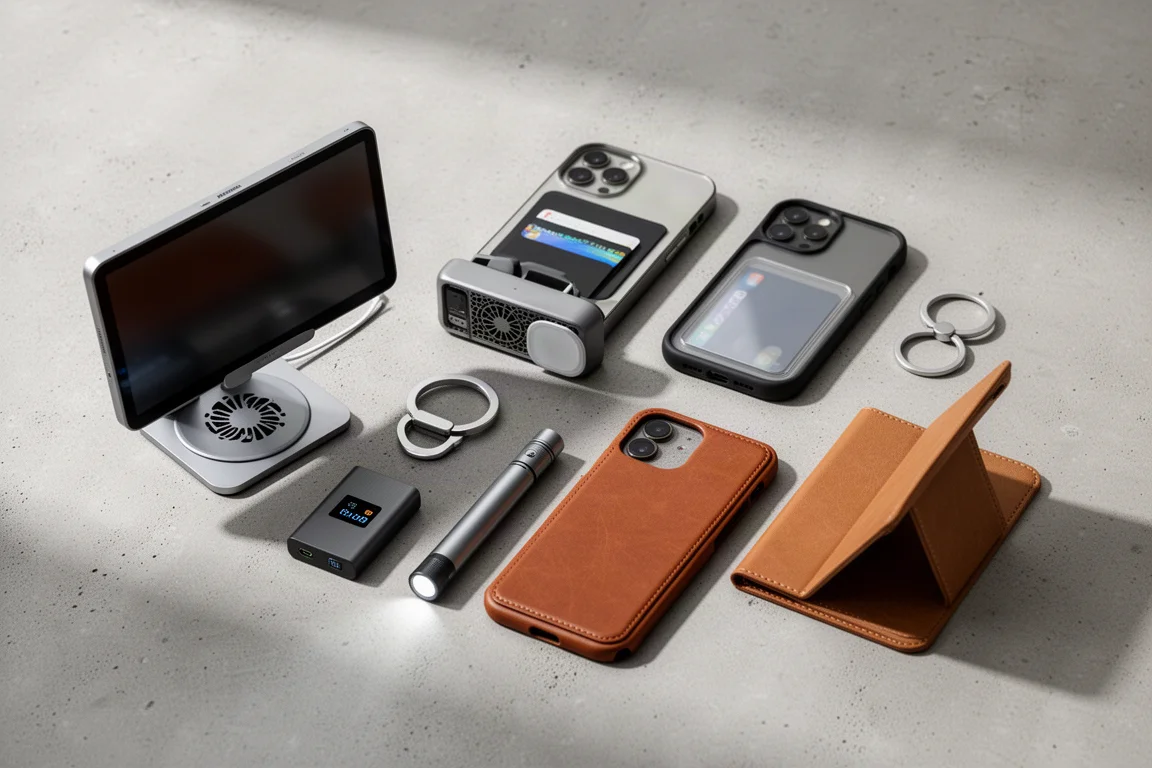
MagSafe has quietly become one of the most flexible accessory ecosystems on any phone, but the market is crowded with gear that looks good in listings and disappoints in daily use. After plenty of trial and error, eight accessories stand out as genuinely worth the money: a front-camera monitoring solution, a cooler that protects your battery, a case for collectors, a grip-tool hybrid, a portable SSD enclosure, a MagSafe flashlight, a leather back plate, and a notebook stand. Each solves a specific problem, and none of them gets in the way once attached.
Fist Vlogmate Mini Monitor
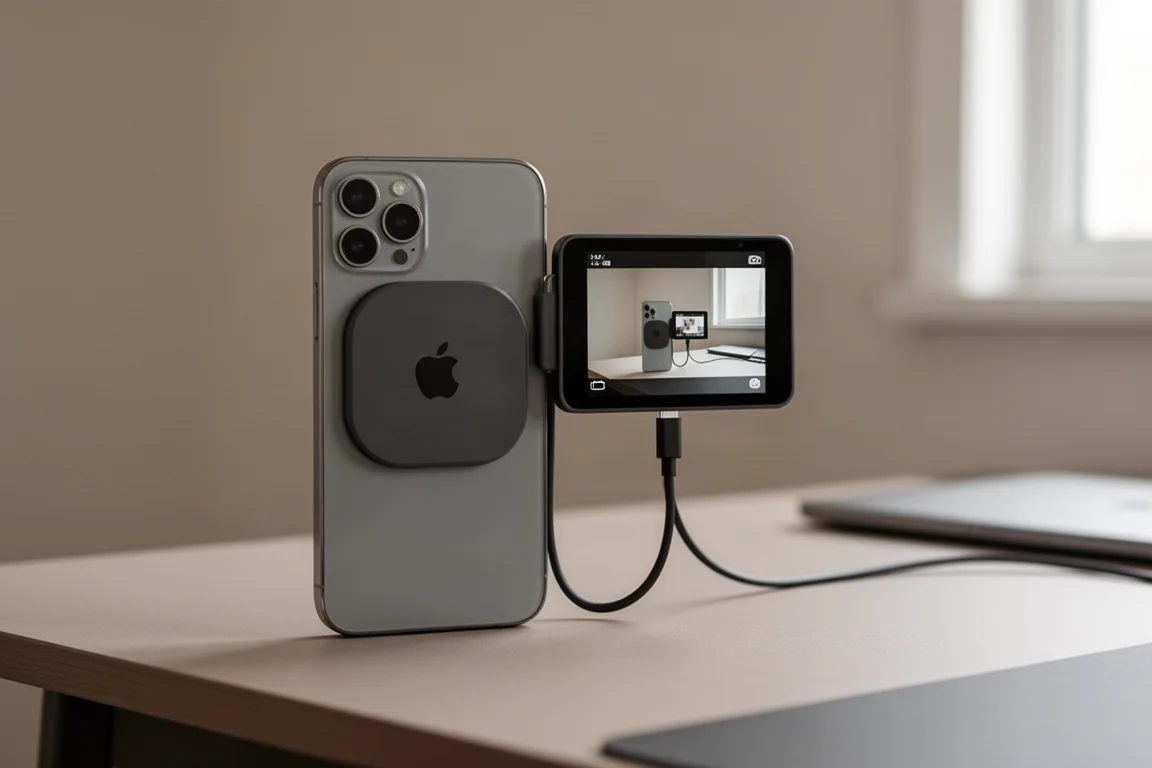
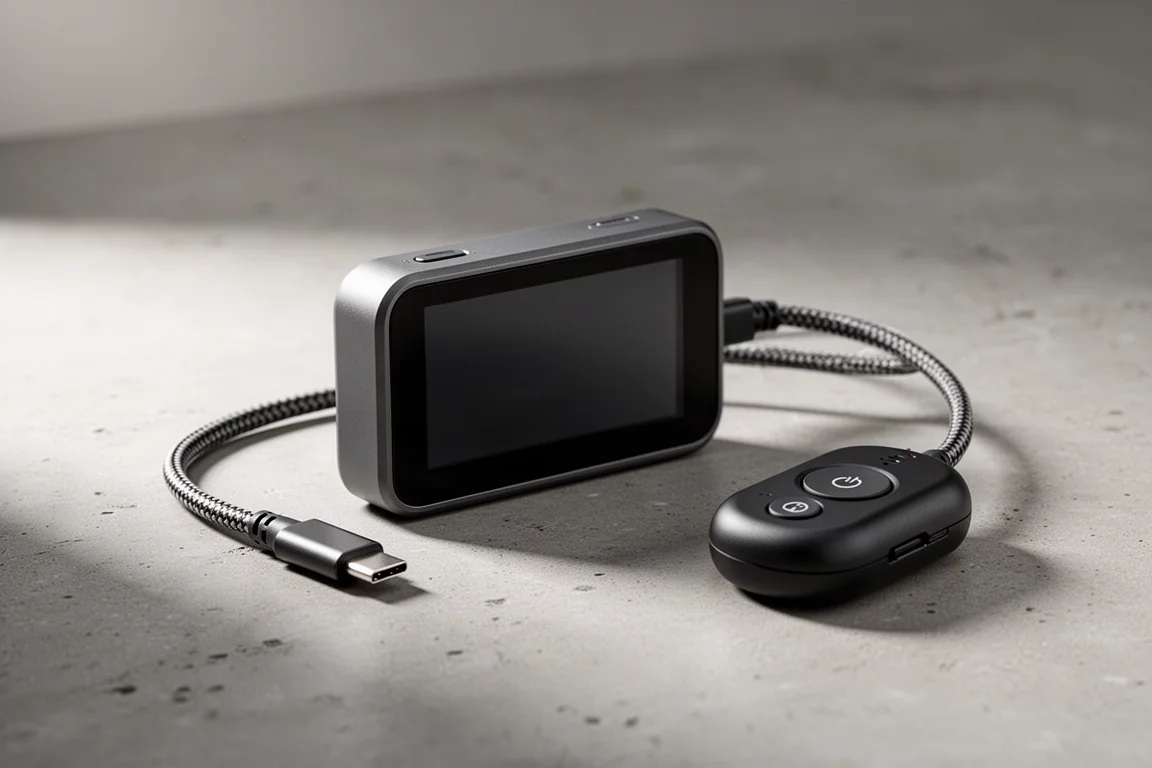
Taking photos with the front camera is awkward because you can never quite see yourself while framing. The Fist Vlogmate Mini Monitor fixes that by attaching to your iPhone with MagSafe and connecting through a short, dedicated USB-C cable, giving you a mirrored view of your actual iPhone screen. There is no charging, Wi-Fi pairing, or app to manage: one power button turns it on and you are ready to shoot, including proper 4K selfie capture.
The wireless remote is a thoughtful addition for anyone who finds a large iPhone awkward to hold at arm’s length, and it stores on the magnetic mount so it does not get lost. The rounded plastic design adds minimal weight, stays comfortable one-handed, and can be left plugged in all day.
ESR CryoBoost MagSafe Charger
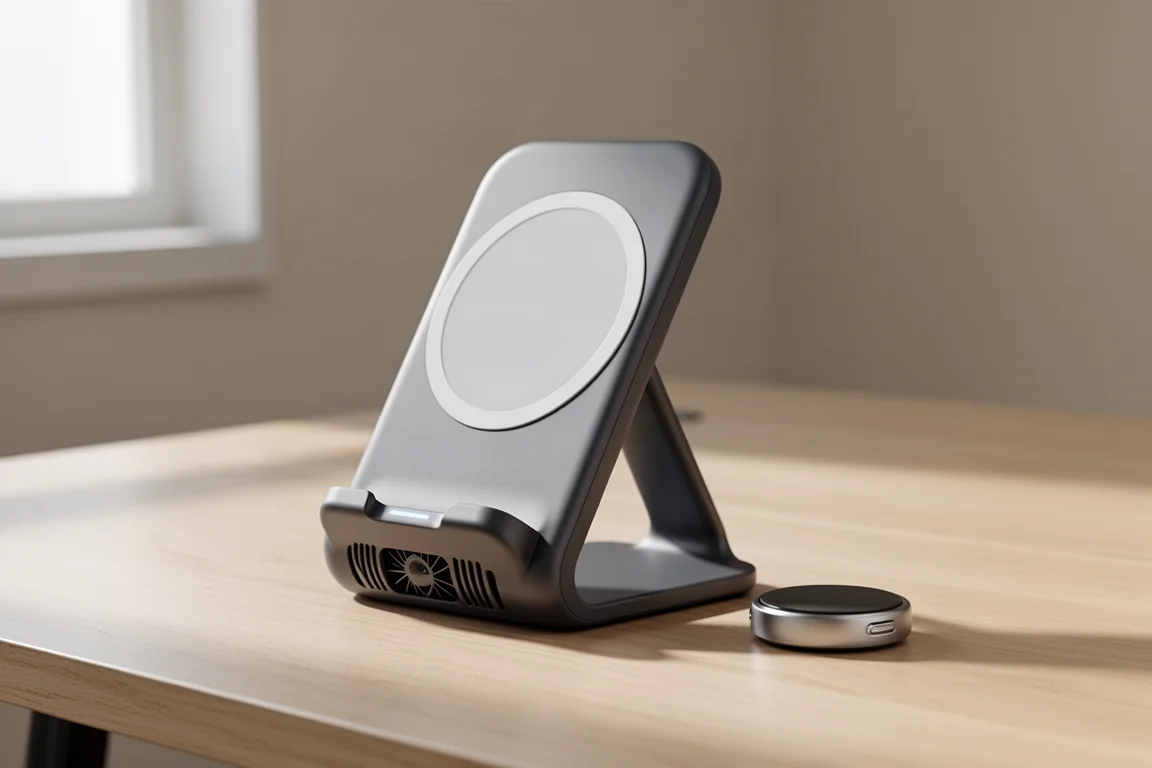
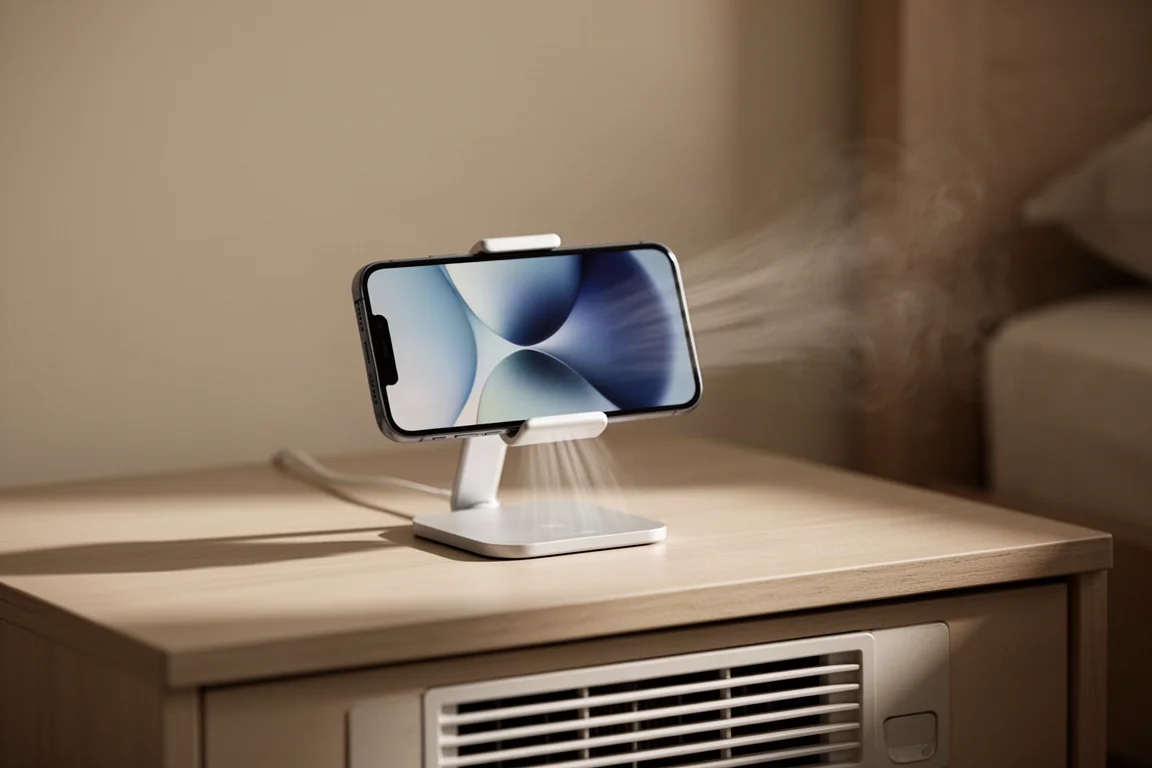
Wireless charging has a hidden cost: heat. A phone that gets hot while charging is slowly taking a toll on its battery health, and that is the problem ESR’s updated CryoBoost technology is built to address. A built-in fan pushes cooling air across the phone while it charges, noticeably quieter than before, and the difference is something you can actually feel.
The stand holds your iPhone in portrait or landscape at a comfortable viewing angle for watching, scrolling, or FaceTiming. With its updated CH2 charging at 15 watts, it is rated at roughly 99 minutes to reach an 80% charge, faster and more efficient because the phone stays cool. It also works as a three-in-one docking station, so your earbuds and watch stay charged too, and the Apple Watch charger can double as a standalone charger plugged into an iPad or laptop, which is handy for travel.
Card Haven Displays MagSafe Case
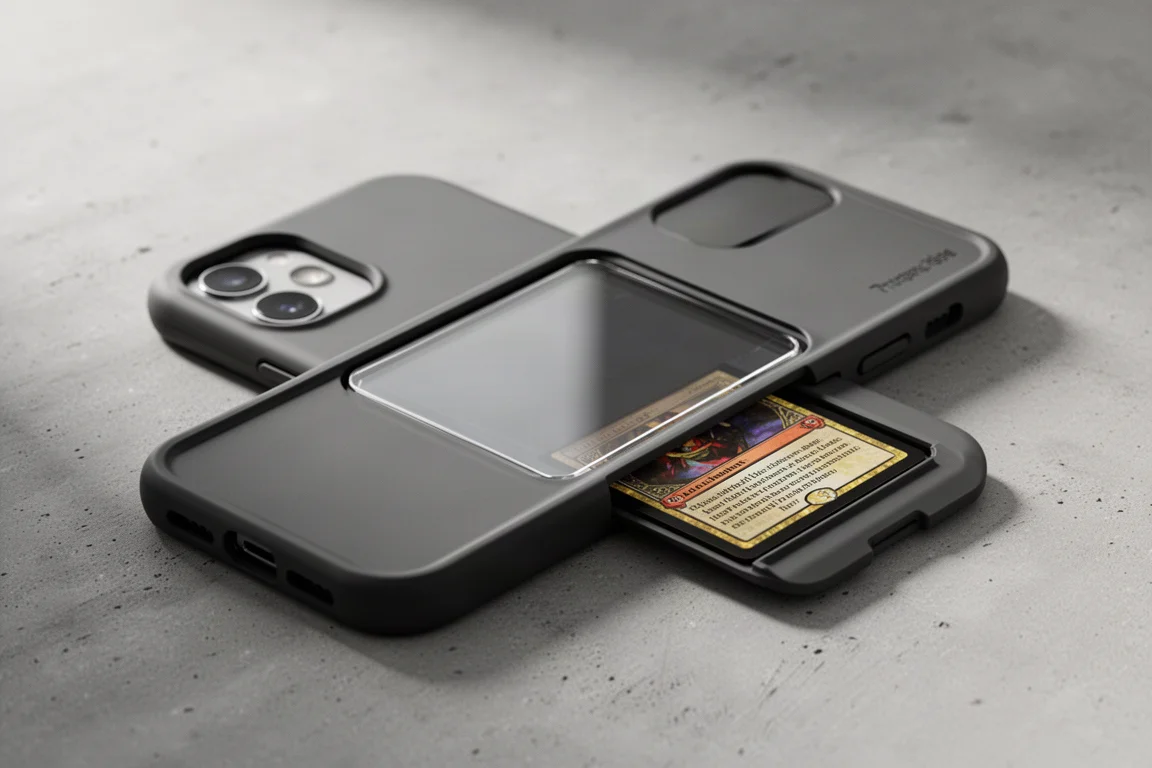
For collectors, the best cards usually live in binders where nobody sees them. Card Haven Displays makes MagSafe cases with a window on the back that lets you display a card of your choice, protected by a separate sliding shell so the card stays safe once it is in place.
The magnets are strong enough to hold their own, the case fits an iPhone 16 Pro well, and while it adds a little height, it sits flush along the sides and feels surprisingly good in the hand. It is a niche product, but for anyone who wants to carry a favorite card around instead of hiding it at home, there is not much else like it.
UAG Mag 2 Dual Ring
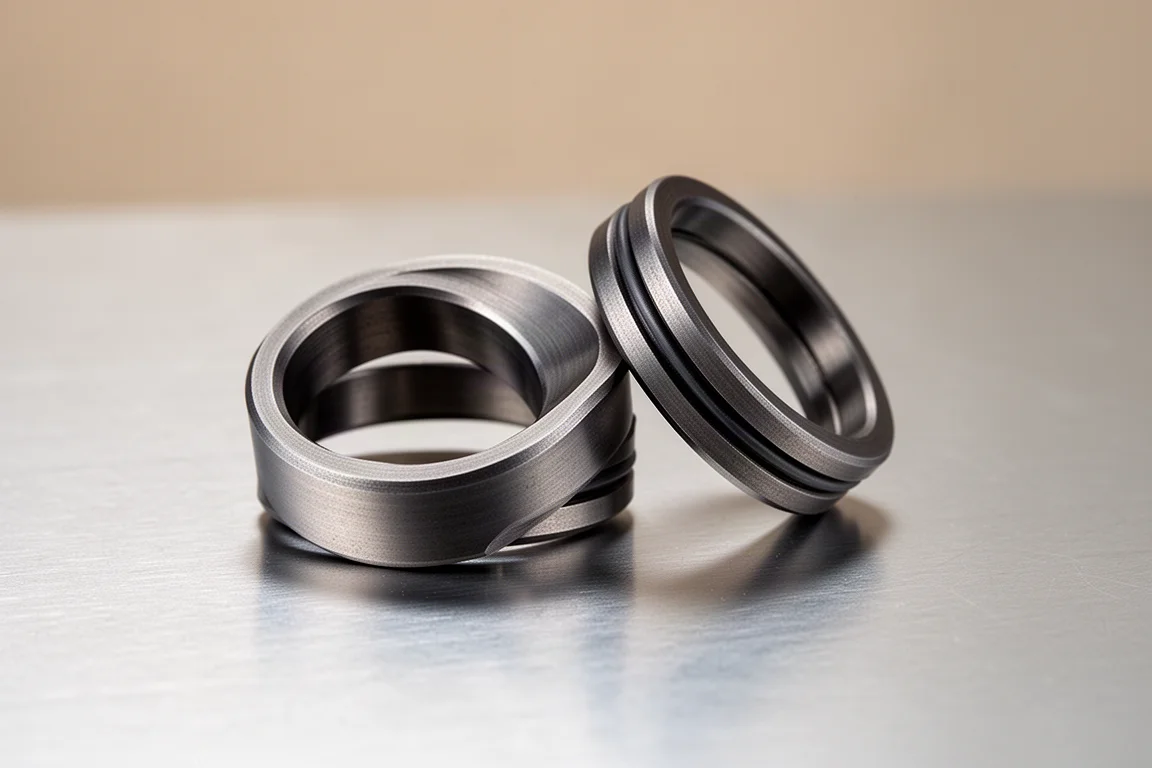
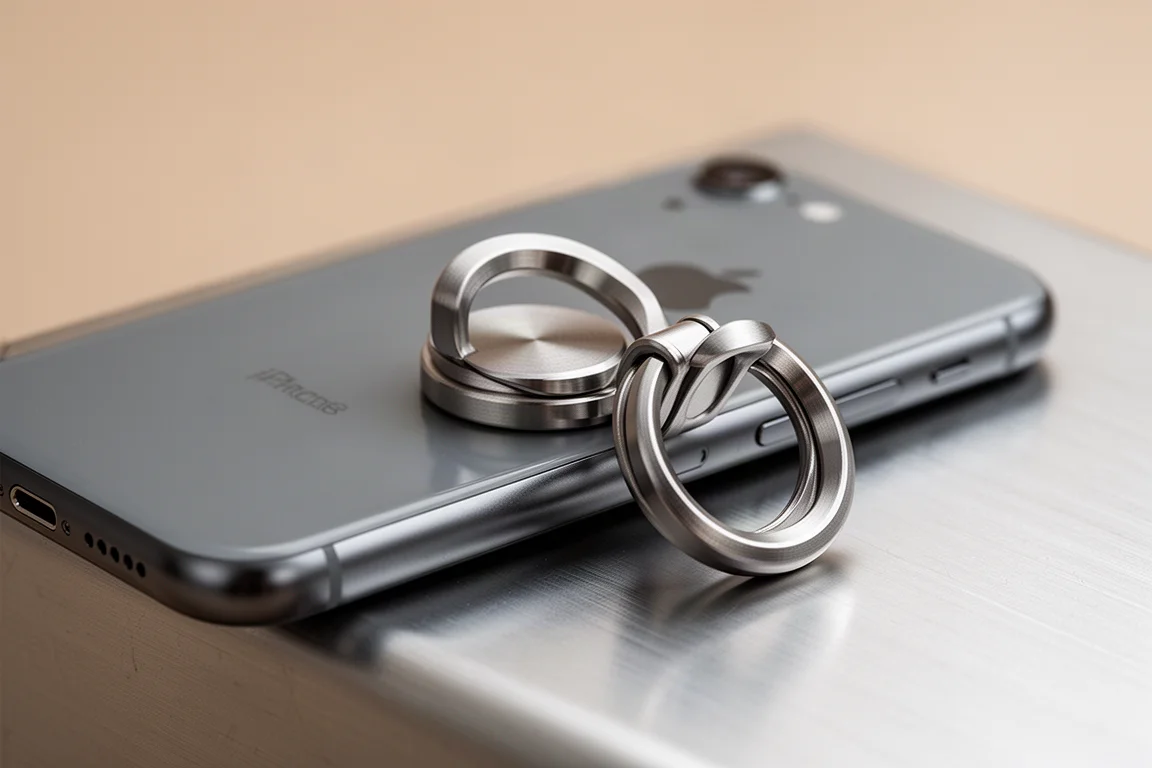
The UAG Mag 2 Dual Ring is, at its core, a chunk of metal with a hole in it, but that understates how versatile it is. Thanks to a double-joint action and a surprisingly strong magnetic connection, it can attach to walls, metal racks, and other surfaces, then flip, rotate, and spin to fit your fingers at whatever angle you prefer while scrolling or watching.
It adds about half a fingernail of thickness to the back of the phone, which is not minimal but also not bulky, and it conveniently levels out the camera bump when the phone is set down. Rounded edges let it slide in and out of tight pockets smoothly. Being all metal, it works outside the iPhone too, and in casual drop testing it held up without concern while the magnets stayed attached most of the time, with removal still easy when you do not want it on.
Dockcase MagSafe SSD Enclosure
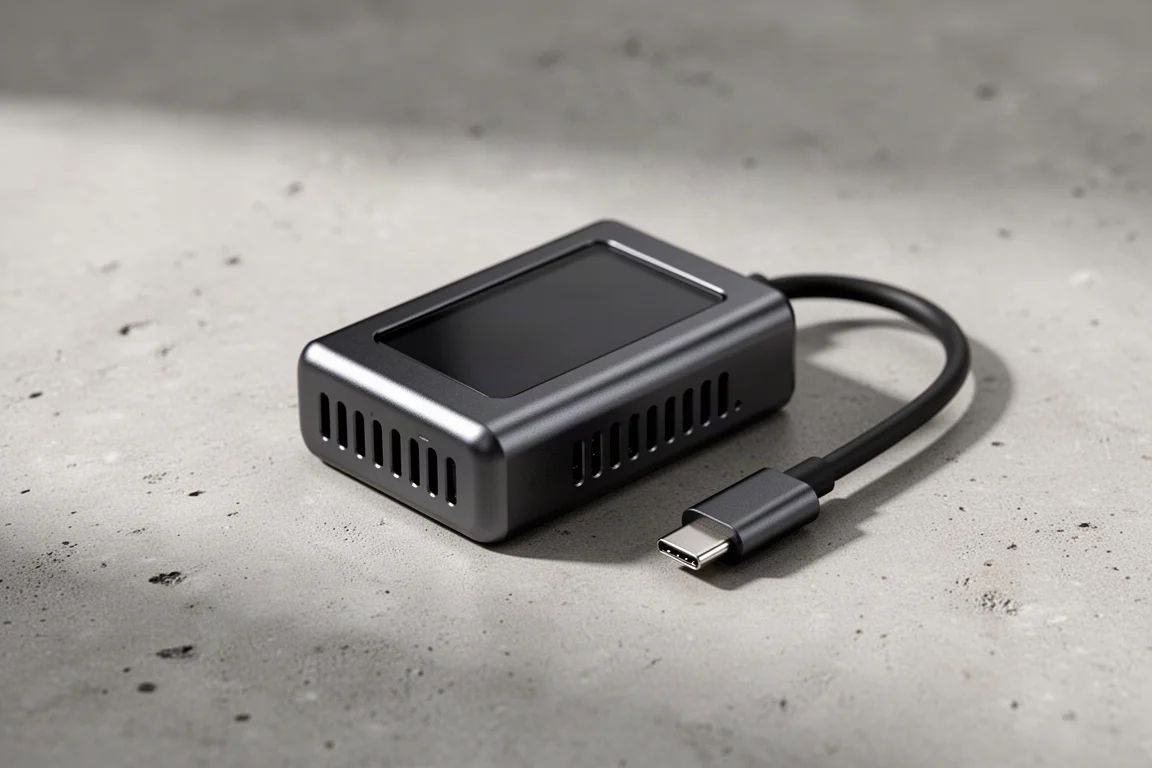
Aimed at serious videographers who want the best possible quality, the Dockcase MagSafe SSD Enclosure is deliberately overkill, and it has a built-in screen to remind you of that. About the size of a pair of earbuds, it extends your storage by up to 2 TB using tiny M.2 2230 drives, so you are not lugging around a large external hard drive.
Transfer speeds reach 10 GB per second, fast enough that a 12 GB file moved in under 15 seconds in testing, and it can double as extra storage for other devices. Because it attaches with MagSafe, it travels cleanly on the back of your phone without dangling, and if it gets knocked off or unplugged, the built-in power supply shuts it down safely so files are not lost or corrupted. The metal body includes generous ventilation, which it needs at these speeds, and that also makes it fairly durable.
Wuben E1
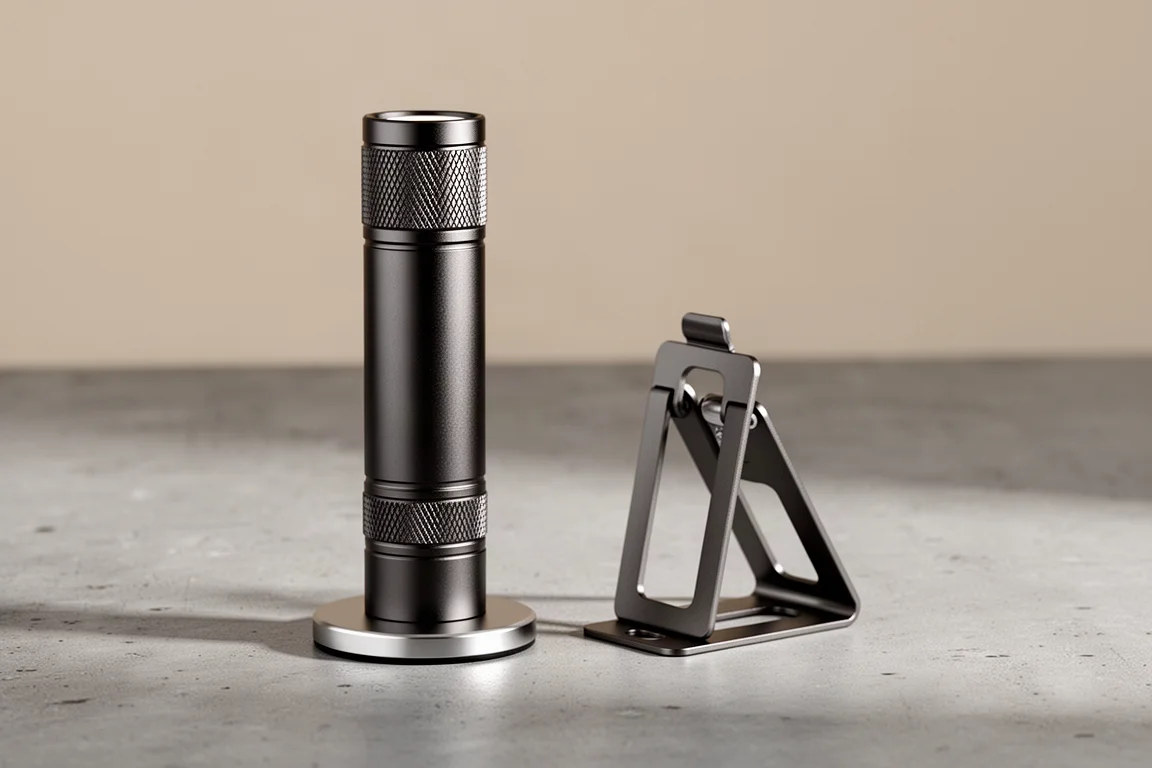
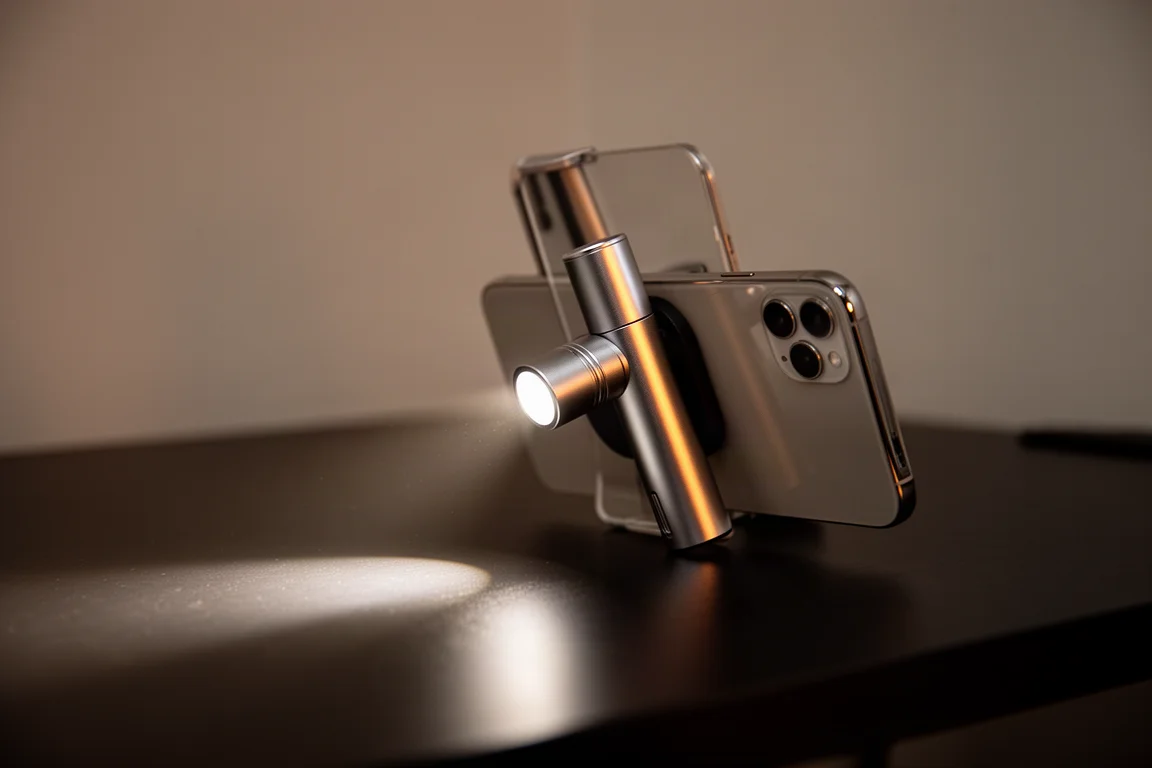
The Wuben E1 started as an impulse buy and ended up as one of the most-used MagSafe accessories on hand. It may be one of the slimmest flashlights tested and the only one with MagSafe built in. Your iPhone already has a flashlight, but the E1 is much brighter, can be angled and even flipped forward to light your face, and adjusts brightness with a quick twist, none of which the built-in light can do.
It stays put reliably even while mounted, and because it clings to any metal surface, it doubles as an adjustable work light, reading light, or hands-free light without needing to prop up your phone. A included metal plate lets phones and tablets without MagSafe use it too, and the stiffer bracket with a flat edge works as a phone stand. It lays flat, slides into pockets easily, and unlike most MagSafe accessories, works on its own thanks to a metal body and a satisfying twist mechanism, available in multiple colors and materials.
Nomad Goods Magnetic Leather Back
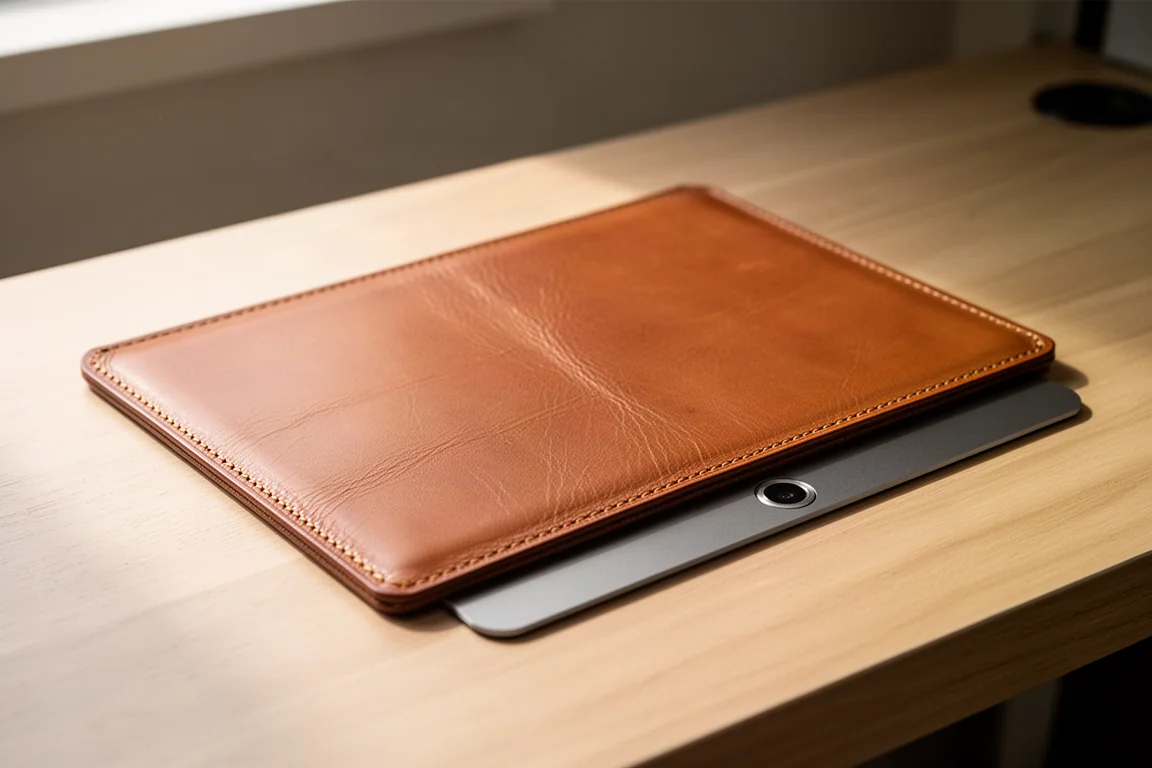
Most iPhone cases add bulk or look forgettable. The Nomad Goods Magnetic Leather Back takes a different approach: it is essentially half a case, covering only the backside of the phone, attaching with MagSafe plus a few adhesive strips for extra security. Installation is as simple as applying a thick leather skin.
The leather itself is Horween, and it is genuinely good material: it smells good, looks good, and ages with character. Every scratch and ding marks the surface, but the oils from your hands slowly blend those marks in, so the back becomes one of a kind over time. You can still stack MagSafe accessories like wallets or battery packs on top. Be clear about the trade-off: this will not protect your phone from heavy drops, and it offers only scratch resistance with some camera coverage around back. If you drop your phone often, look elsewhere, but if you want a simple, sophisticated way to show off your phone without side bulk, this is it.
Moft Snapflow
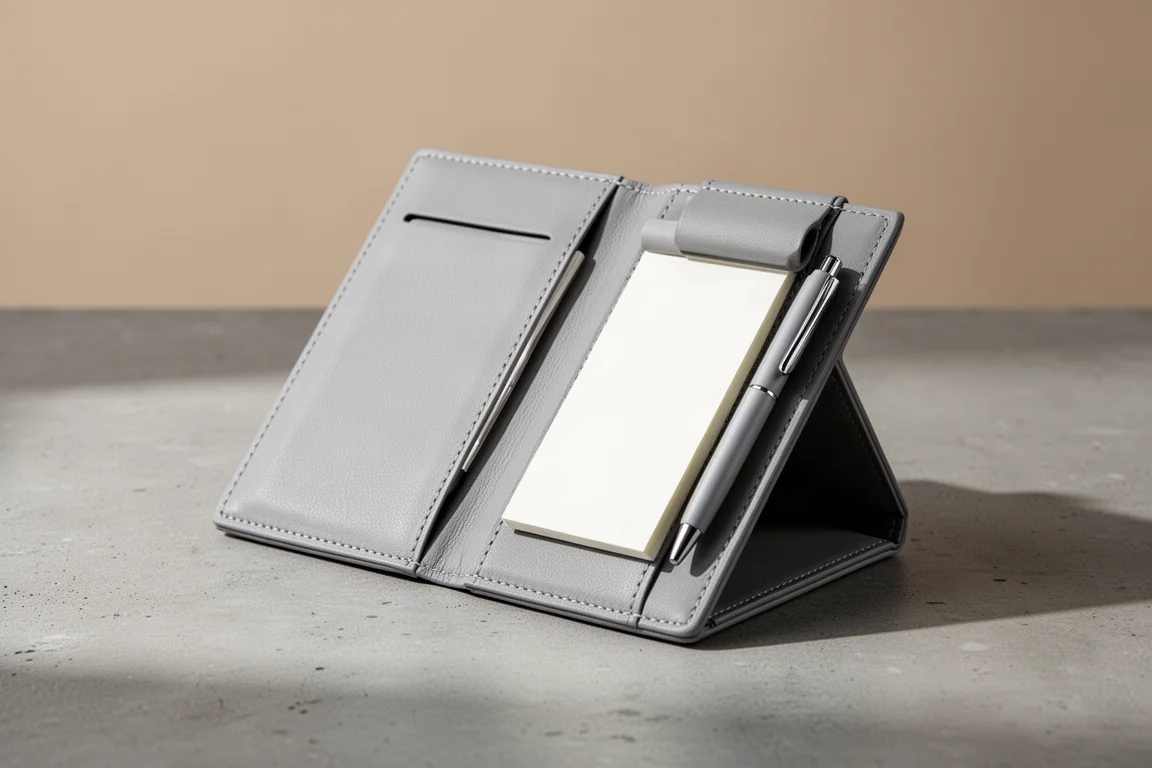
For ideas you do not want to forget, pen and paper is still hard to beat, and the Moft Snapflow brings that back in a clever way. One side is a notebook, the other is storage, and a pen is hidden in plain sight within the design. Folded open, it genuinely feels like using a tiny notebook, and the soft vegan leather gives it a premium feel.
A built-in tripod mode turns it into a small desktop setup, and when you are done, everything folds flat and stores with magnets. Tucked behind your phone, it blends old and new: analog notes riding along with a digital device.
Buying Advice
The right pick depends on what your iPhone lacks most. If you shoot a lot of front-camera video, the Vlogmate monitor is the obvious choice. If battery health worries you, the CryoBoost charger is a practical long-term investment. The Dual Ring suits anyone who wants more grip and mounting flexibility, while the Dockcase enclosure is for creators who need fast portable storage. The Wuben E1, leather back, and Snapflow are smaller indulgences that each earn a spot through daily usefulness rather than specs.
Conclusion
MagSafe works best when an accessory solves one problem really well. These eight picks all do that: better framing, cooler charging, something to show off, something to hold onto, faster storage, better light, better looks, and a place for quick notes. Choose the one that matches your actual routine and it will be hard to regret.
Further reading
Related Reviews

Tech Accessories
Best Premium Tech Dupes 2026: Five Budget Alternatives That Actually Deliver
We compare five premium desk and streaming staples against their budget counterparts to see which dupes are genuinely worth the savings.
Tech Accessories
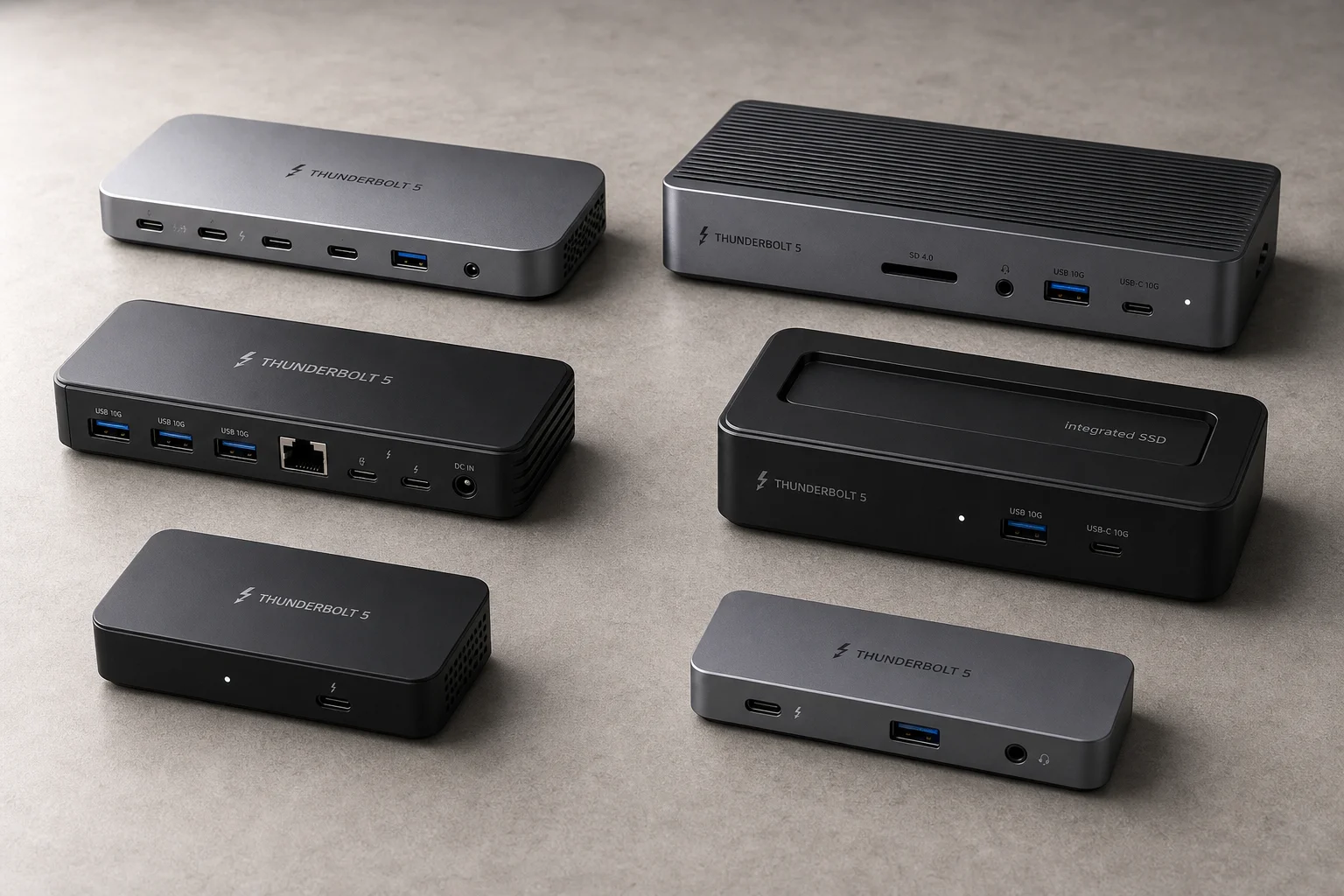
Best Thunderbolt 5 Docks 2026: Six Options Tested for Desktop Connectivity
A practical guide to six Thunderbolt 5 docking stations, covering their strengths, trade-offs, and which setup they suit best.
Tech Accessories
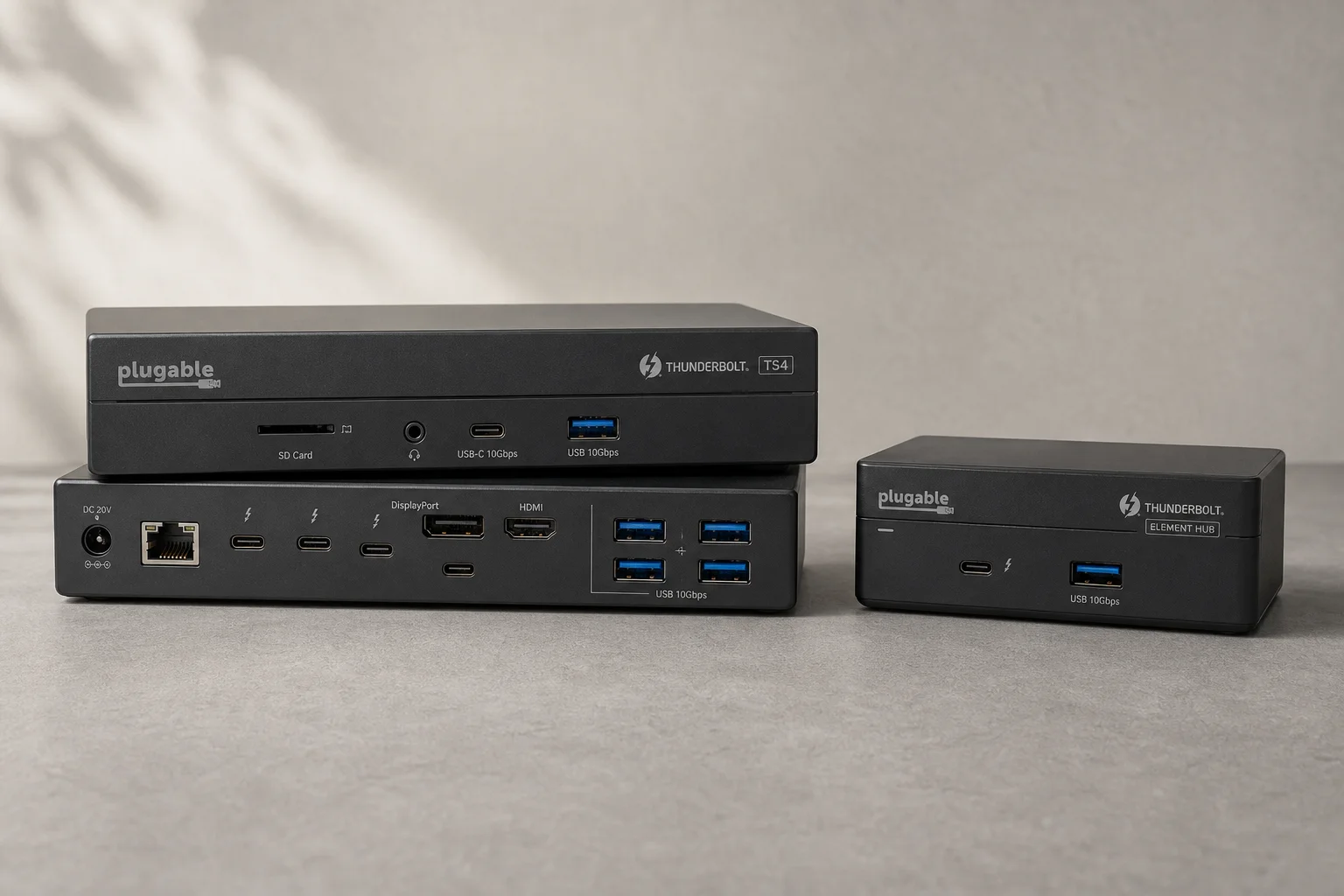
CalDigit Thunderbolt Docks: TS4 vs Element Hub
Two Thunderbolt docking solutions with different port counts and use cases. The TS4 offers 18 ports and 2.5 Gbps ethernet; the Element Hub provides a compact 8-port alternative.