Laptop Reviews
ASUS TUF Gaming A14 with Steam OS: A Practical Look at AMD Laptop Gaming
We installed official Steam OS on the ASUS TUF Gaming A14 to see how this AMD-powered laptop handles modern games, battery life, and everyday desktop use.
Introduction
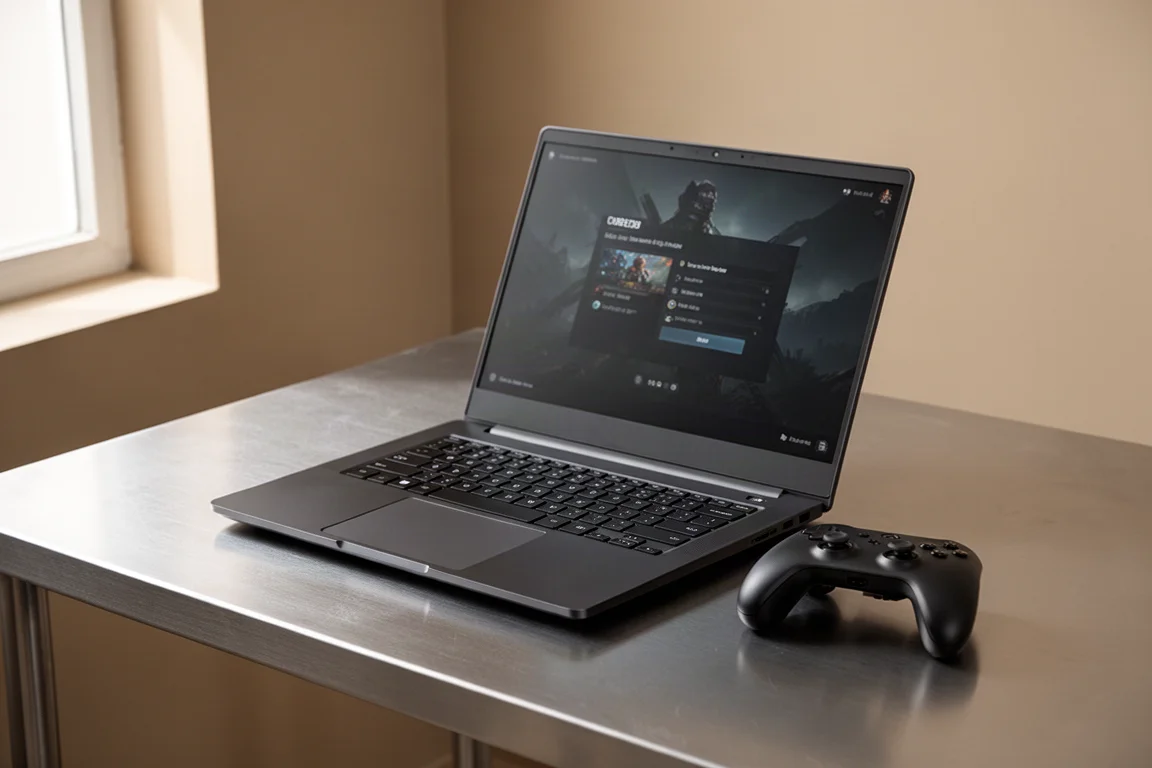
Valve’s Steam OS has traditionally been tied to the Steam Deck and the recently announced Steam Machine. But what happens when you install official Steam OS on a powerful AMD-powered laptop? That is exactly what we set out to explore with the ASUS TUF Gaming A14, a thin and light gaming laptop released a few months ago.
The idea of a dedicated Steam OS laptop is appealing, but Valve has not announced anything in that direction. However, since Steam OS is available from Valve’s official website, installing it on compatible hardware is entirely possible. The ASUS TUF Gaming A14, with its all-AMD internals, turned out to be an excellent candidate for this experiment.
Why Steam OS on a Laptop Makes Sense
The appeal of Steam OS on a laptop is straightforward: a console-like gaming experience with the flexibility of a full desktop operating system. For gamers who prefer the Steam ecosystem, having Steam OS preinstalled or installed manually removes the overhead of a traditional Windows setup.
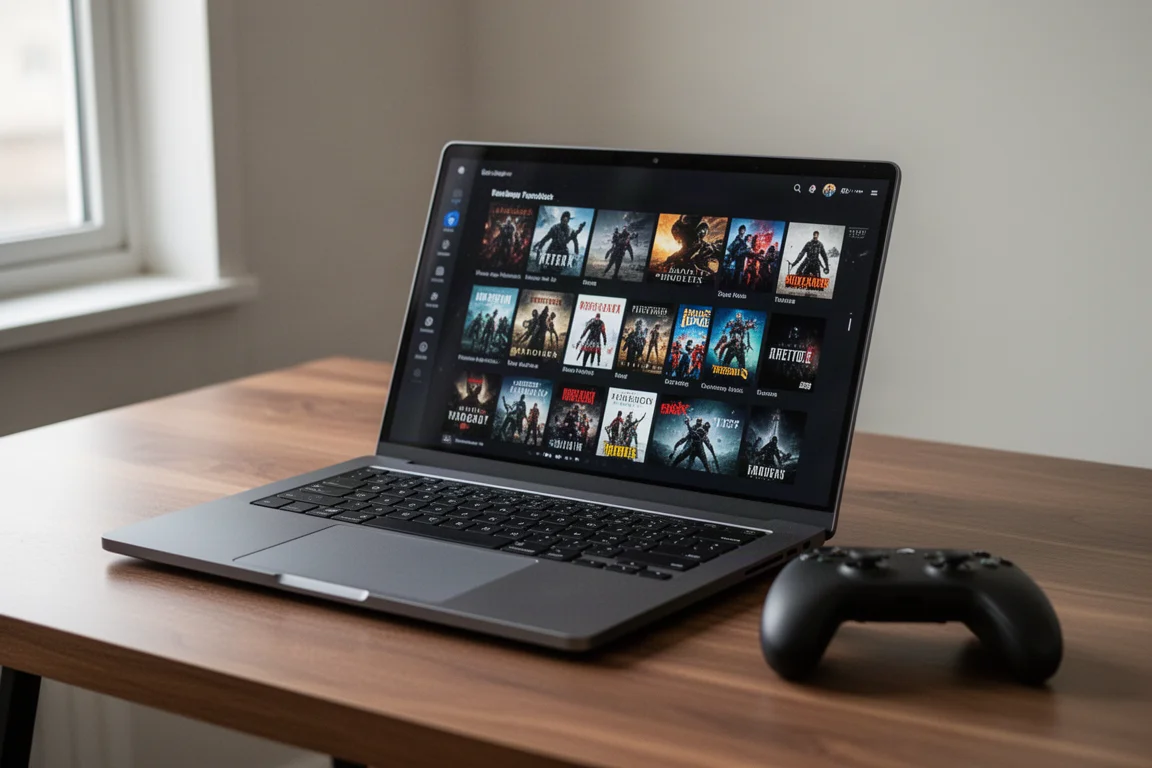
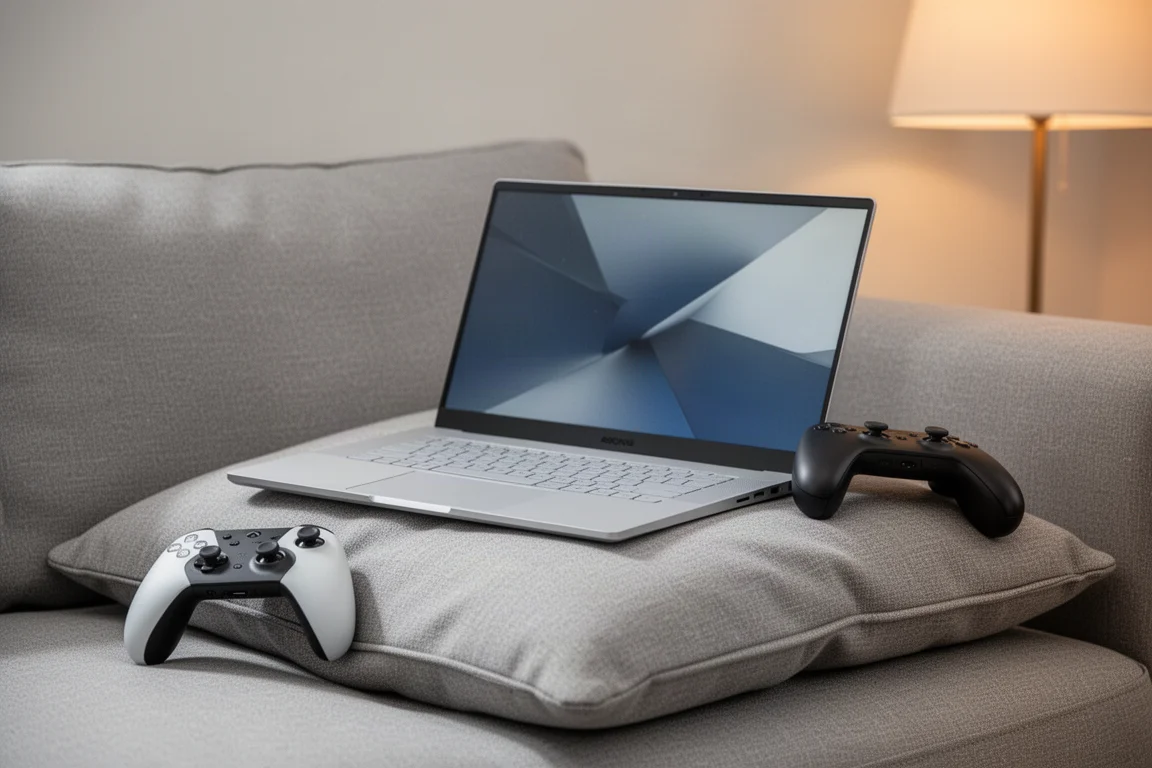
The ASUS TUF Gaming A14 handled the installation process without any issues. Flashing Steam OS to a USB drive, installing it to the internal drive, and booting the system took minimal effort. Right out of the box, Wi-Fi, Bluetooth, USB ports, and the display all worked correctly. This level of compatibility is encouraging for anyone considering a similar setup.
Hardware Overview: ASUS TUF Gaming A14
The 2026 ASUS TUF Gaming A14 is powered by an AMD Ryzen AI Max CPU. The unit we tested features the lower-tier 392 chip rather than the top-end 395, but both share the same integrated GPU: the Radeon 8060S, which remains one of the most powerful iGPUs available.
The system includes 12 cores and 14 threads, paired with 32GB of system memory running at 8000 megatransfers per second. We dedicated 16GB of that RAM to the GPU, giving the Radeon 8060S plenty of VRAM for demanding titles. The built-in display runs at 2560 by 1600 with a 165Hz refresh rate, though we used an external capture setup at 1440p for testing.
Desktop Mode and Everyday Usability
Steam OS includes a desktop mode that feels familiar to anyone who has used Windows, macOS, or another Linux distribution. The taskbar sits at the bottom, and installing additional applications is straightforward through the Discover store. Emulators, photo editors, and other tools are all accessible without touching the terminal.
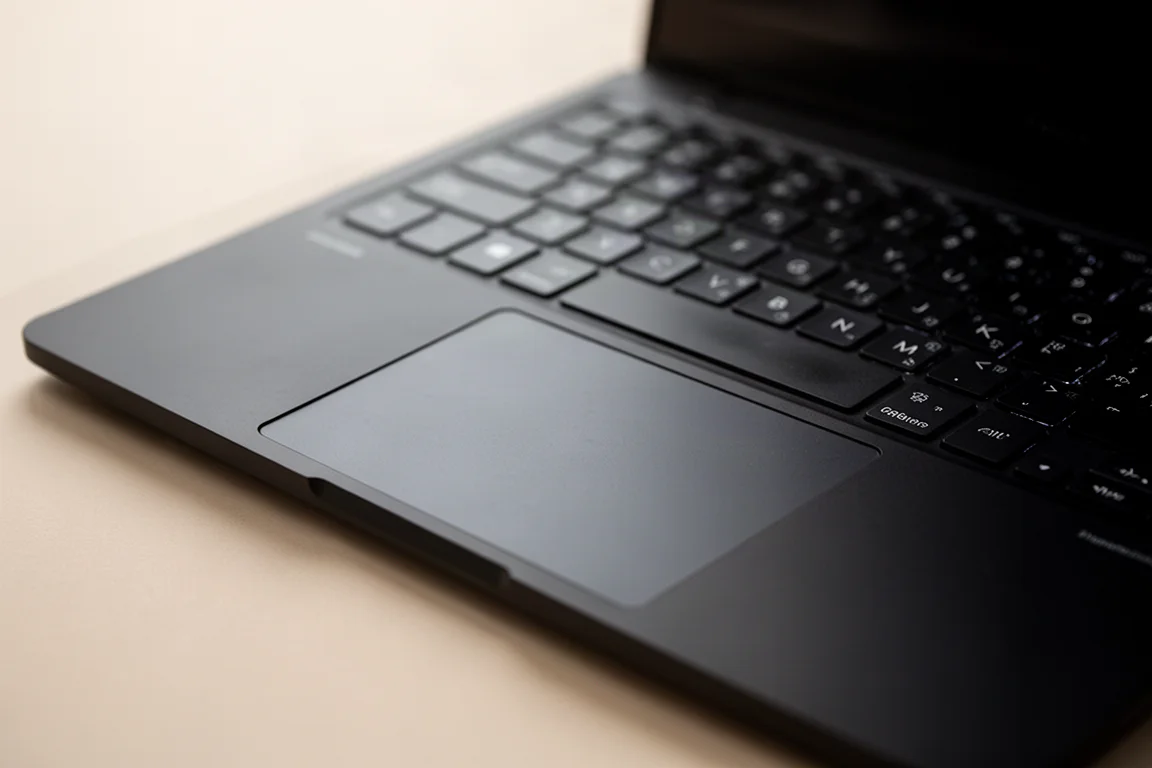
The A14’s trackpad works just like any other laptop, making it possible to get real work done when you are not gaming. This dual-purpose capability is one of the strongest arguments for Steam OS on a laptop rather than a dedicated handheld.
Gaming Performance at 1440p
We tested several demanding titles on the ASUS TUF Gaming A14 with Steam OS, all at 1440p with high settings unless otherwise noted.
Halo Campaign Evolved ran at mid-70s FPS with FSR set to medium, which is essentially FSR balanced. It was playable, though we hoped for a bit more headroom. Crimson Desert performed impressively, staying above 60 FPS at high settings with FSR quality. Spider-Man 2, a game that has historically been problematic in Linux, averaged over 80 FPS at high settings with no FSR. Doom The Dark Ages required FSR at balance tier to maintain smooth frame rates, especially during large explosions. Cyberpunk 2077 held close to 60 FPS at the high preset with FSR 2.1 quality, dipping occasionally during heavy particle effects.
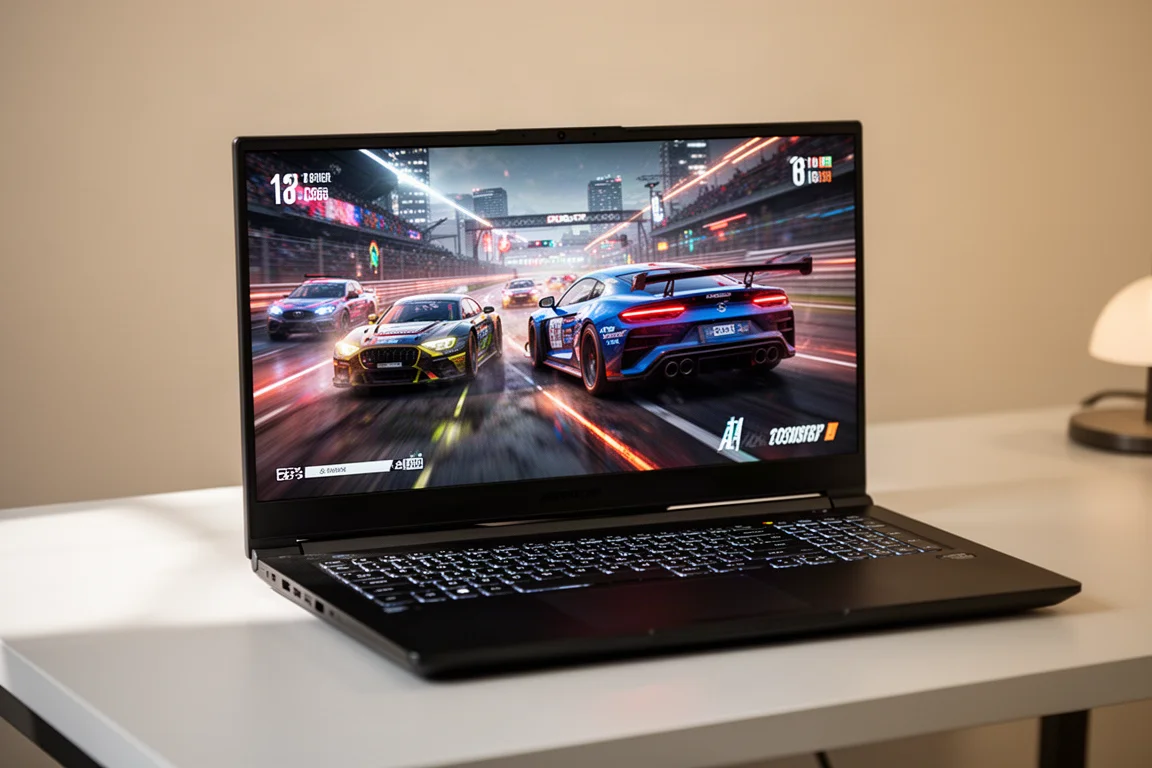
For most of these games, enabling FSR frame generation nearly doubled the frame rate, though we left it off for testing purposes. The Radeon 8060S proved capable of delivering a solid gaming experience at 1440p, which is impressive for an integrated GPU.
Battery Life and On-the-Go Gaming
Gaming laptops typically perform best when plugged into the wall, but the A14’s thin and light design makes battery life worth examining. We tested at lower resolutions and wattages to simulate on-the-go use.
At 1200p locked to 60 FPS, Silk Song pulled under 16 watts with the stock power profile. Mixed indie gaming delivered between 4 and 7 hours depending on the title. For AAA gaming, 800p yielded around 2 hours and 25 minutes, while 1200p dropped to roughly 1 hour and 40 minutes. With TDP control and power management installed, those numbers could improve, but the 73 watt-hour battery sets a practical ceiling.
Buying Advice
The ASUS TUF Gaming A14 is a compelling laptop for gamers who want strong performance in a portable chassis. Its AMD Ryzen AI Max CPU and Radeon 8060S iGPU handle modern titles at 1440p with respectable frame rates, and the ability to run official Steam OS adds a layer of flexibility that Windows laptops do not offer.
That said, the battery life for AAA gaming is limited, and the laptop performs best when plugged in. If you primarily game at home or near an outlet, this is less of a concern. For those who want a device that can handle both gaming and everyday productivity, the A14 delivers on both fronts.
Conclusion
Installing Steam OS on the ASUS TUF Gaming A14 proved to be a smooth and rewarding experience. The combination of powerful AMD hardware and Valve’s Linux-based operating system created a gaming laptop that feels responsive, efficient, and versatile. While a dedicated Steam OS laptop from Valve remains speculative, this experiment shows that the software is already mature enough to shine on capable hardware.
For gamers who already own an AMD-powered laptop, trying Steam OS is a low-risk way to explore an alternative gaming environment. And for anyone in the market for a new gaming laptop, the ASUS TUF Gaming A14 deserves serious consideration.
Product link
View more details for ASUS TUF Gaming A14
This product is mentioned in the review. Check the specifications, options, and compatibility before buying.
View more details for ASUS TUF Gaming A14Further reading
Related Reviews
Laptop Reviews
Lenovo LOQ 15 (2026) Review: A Budget Gaming Laptop That Cuts the Right Corners
The 2026 Lenovo LOQ 15 pairs an Intel Core i7 with an RTX 5060 at a budget price. We break down the display, performance, and the trade-offs you should know about.
Laptop Reviews
MSI Prestige 16 AI+ Review: A Thin and Light Laptop That Can Game
The MSI Prestige 16 AI+ pairs a stunning 120 Hz OLED display with Intel's new Core Ultra 3 series chip, delivering impressive integrated graphics performance in a portable package.
Laptop Reviews
Nemo N173 Review: A Budget Friendly 17 Inch Laptop for Students and Creators
The Nemo N173 pairs a Ryzen 5 6600H with 32 GB of DDR5 RAM and a 1 TB Gen 4 SSD at a $600 price point. Here is how it holds up for everyday work, creative tasks, and light gaming.