Smartwatches
Apple Watch Ultra Review: Endurance Battery Tested in the Real World
After a 70 km alpine day with 13,000 ft of climbing, here is how the Apple Watch Ultra actually performs for hikers, runners, and triathletes.
Introduction
The Apple Watch Ultra asks a simple question: what happens when Apple builds a watch for endurance athletes instead of everyday users? At $799 in the US (or 999 EUR in Europe), it is a serious investment, roughly double the $399 Apple Watch Series 8 and well above the $249 Apple Watch SE. To find out whether the price is justified for outdoor use, a 70 km test day through the Alps with roughly 13,000 ft of elevation gain put the battery, GPS, and durability claims to the test. The short version: it is the best Apple Watch experience to date for athletes, but with real gaps that matter for specific audiences.
Design and Hardware
The most obvious change is size. The Ultra uses a 49 mm case compared to the 45 mm case on the Series 8, yet the display is only slightly larger. What really improves is brightness: 2,000 nits versus 1,000 nits, which makes a genuine difference in direct alpine sunlight.
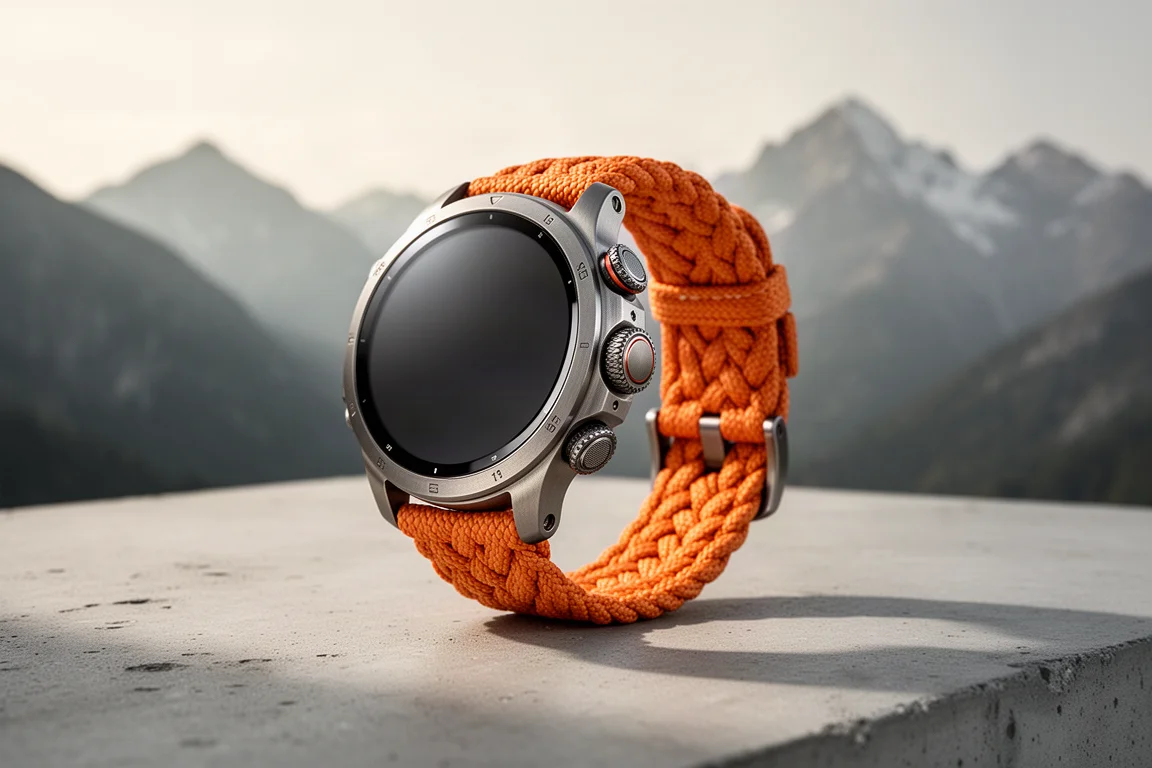
The case redesign is purposeful. Larger buttons and a larger digital crown make the watch easier to operate with gloves, and a button guard around them prevents accidental presses from coat sleeves or pack straps. On the opposite side sits the new customizable Action Button, which can be set to instantly launch a specific activity, such as starting a particular run workout with one press.
Every Ultra model includes cellular connectivity built in, with no lower-cost tier, unlike the Series 8 lineup. Three strap options ship with it: the Alpine Loop, the softer fabric Trail Loop, and the Ocean Band designed for diving. The watch also comes with a braided charging cable that looks and feels more premium than the usual charging puck.
Software and Everyday Features
The Ultra ships with watchOS 9 and inherits the full smartwatch experience, which remains the strongest in the industry for daily use. Hardware-dependent features shared with the Series 8 include crash detection and wrist-based night temperature sensing, the latter establishing a baseline over five days and primarily supporting women’s health tracking with historical ovulation cycle data. Notably, the temperature data is not used for forward-looking cycle prediction, unlike some competing fitness bands.
Sleep tracking now includes sleep stage tracking. In practice, it reliably captured bedtime and wake-up in general use, though it struggled with one real-world quirk: waking briefly and going back to sleep registered as waking for good, while other wearables worn simultaneously handled it correctly.
Activity tracking still revolves around the familiar three Rings for move, exercise, and standing, with all data mirrored in the iPhone Fitness app for daily and historical views. It remains a simple, effective motivation system.

Sports and Workout Tracking
Workout mode has gained meaningful depth in watchOS 9. Structured workouts let you build interval sessions with work and recovery intervals, warm-ups, and cool-downs, with step prompts as you go. Running power, running efficiency metrics, and heart rate zones now appear across supported sports, and a multi-sport triathlon mode supports both automatic and manual transitions, which worked smoothly in a real triathlon this summer.
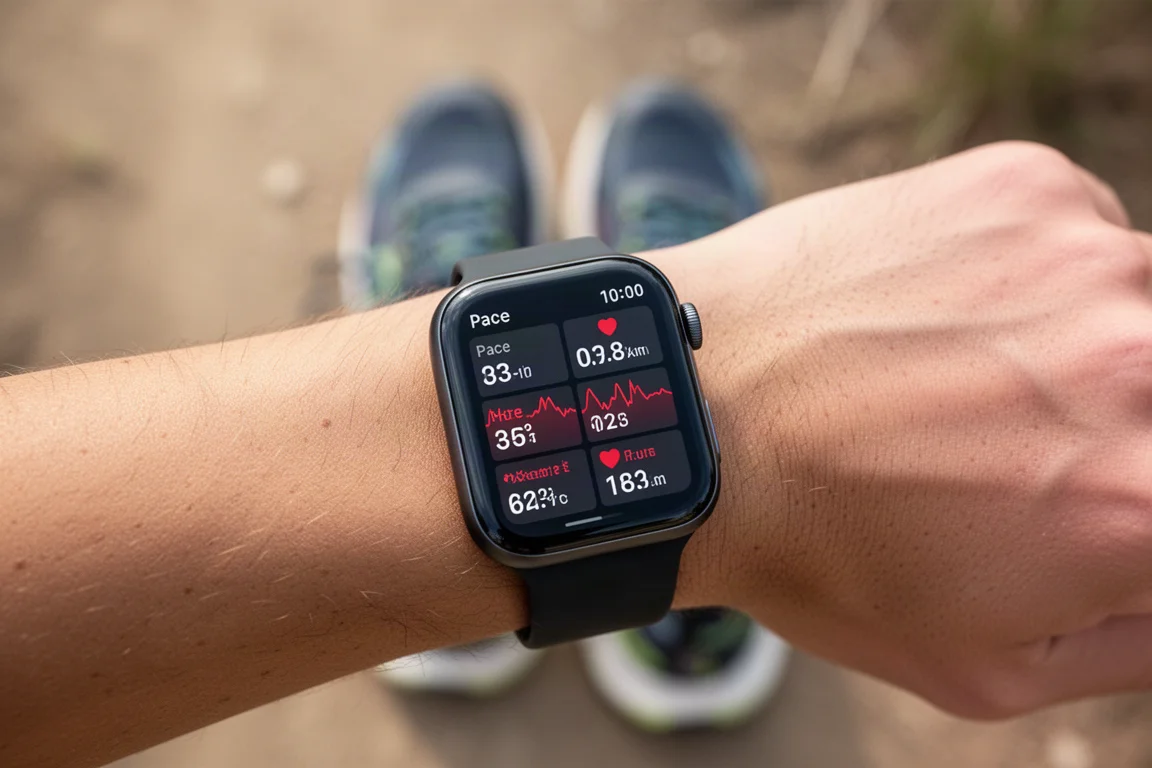
On the Ultra you can fit up to seven data fields per page, one of which is the clock, effectively giving you one more live field than the Series 8. Two friction points stand out, though: heart rate zones are configured globally rather than per sport, and you can no longer configure data fields or create structured workouts from the phone app, making everything clunky to build on the watch itself.
A bigger limitation for the triathlon crowd: beyond a heart rate chest strap, no external sensors can be paired. No cycling power meters, no cadence sensors. For serious Ironman training, that is a genuine requirement that the Ultra does not meet yet.
Compass, Backtrack, and Navigation
The redesigned compass app includes Backtrack, a breadcrumb trail feature that records your route so you can retrace it. You can also drop persistent waypoints with custom icons and colors that stay saved for months. Backtrack normally starts automatically when you move into an area with low Wi-Fi or signal density, and it runs independently of any workout.
Two caveats matter. First, during the long alpine test day, the Backtrack trail stopped displaying after six to eight hours, showing a blank screen at the most remote point of the day. Apple confirmed the data was still recorded and a fix is coming in an upcoming release, but the moment was genuinely concerning. Second, Backtrack is about getting back, not going forward. There is still no native navigation: you cannot load a course to follow. Third-party apps can fill the gap, but then you have to manage that app’s battery expectations yourself.
The Siren
The built-in siren is genuinely clever. Activated by a long press on the left side, it emits an 80-decibel pattern combining a distinctive chirp with a Morse code SOS. The pitch matters more than raw volume: in a field test, the siren remained clearly audible from roughly 300 meters away despite highway noise echoing through a valley, and its distinctive tone would likely carry a kilometer or more on a calm night. Apple claims about eight hours of siren runtime, with the chirp pattern designed to conserve battery and protect hearing.
Battery Life: Tested Over a 14-Hour Alpine Day
Apple claims 36 hours of regular use, and in testing the watch comfortably reached 48 hours including two hour-long GPS runs, an hour of other GPS activity, and a 45-minute indoor workout. Low Power Mode extends the claim to up to 60 hours by reducing cellular signal frequency, background heart-rate checks, and non-workout optical heart rate sampling. Crucially, in workouts GPS and heart rate stay at full one-second fidelity; you only lose the always-on display, which worked fine in practice.
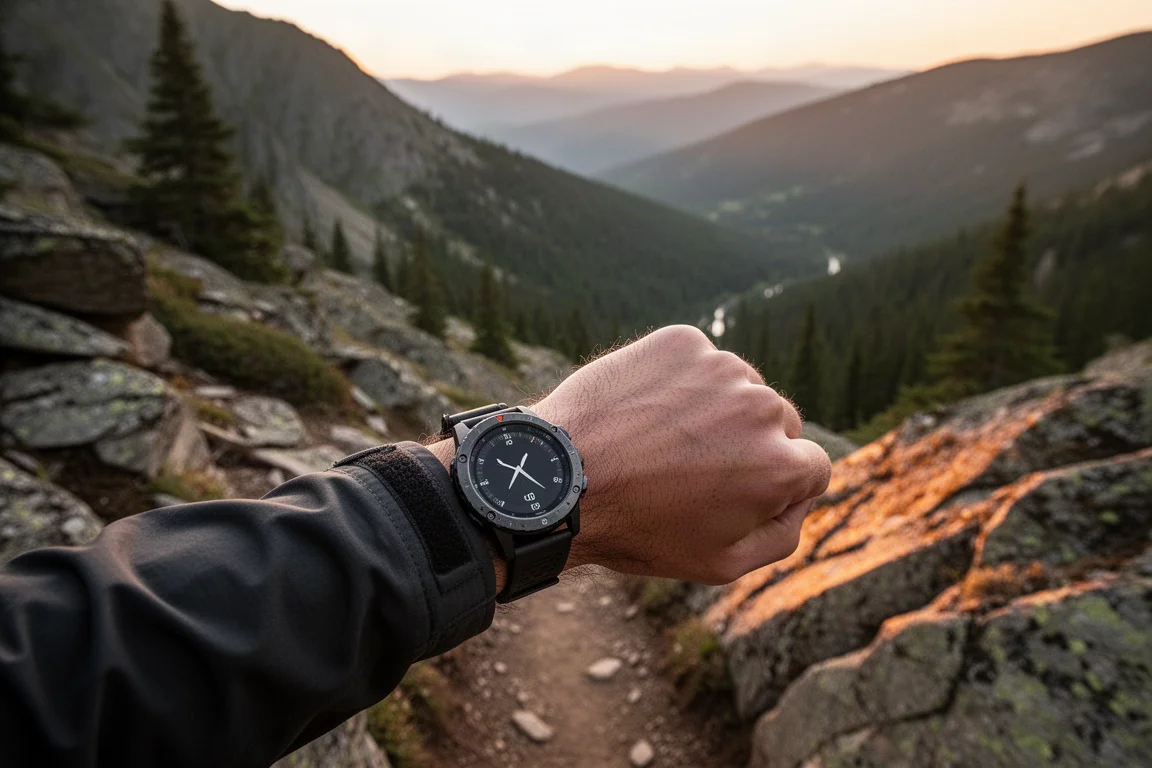
On the 14-hour alpine day with Backtrack running, the watch averaged five to six percent battery drain per hour (with one anomalous hour at 13 percent) and finished with 15 percent remaining. That translates to roughly 17 to 20 hours of full-fidelity GPS battery life. A future low-power workout mode coming later this year will also reduce GPS and heart rate sampling, which should extend GPS endurance substantially.
GPS and Heart Rate Accuracy
Heart rate accuracy against a chest strap was excellent, matching the strap almost perfectly in an interval run. GPS performance was strong in most conditions: clean tracks through downtown corridors with tall buildings, and on the toughest cliff sections of the alpine day, all watches in the test tracked within about five to seven meters of each other in elevation.
The one clear weakness is open water swimming. Every time the wrist went under water for a few seconds during a pause or sighting, the GPS plot was lost entirely. This is a bug rather than a hardware limit, given Apple’s historically strong open water swim accuracy, and similar bugs have affected nearly every open-water-capable watch at some point.

Buying Advice
The Ultra is the best Apple Watch for athletes who want longer battery life, precision GPS start before a race, brighter displays for sunlight, and even recreational diving capability (the watch is certified to 100 meters, with the bundled Depth app certified to 40 meters). For everyday smartwatch use, it is arguably the best on the market, full stop.
But three gaps matter if you are buying it specifically for endurance sport. Bugs exist today, though most, like the swim GPS loss and the Backtrack display issue, have committed fixes. Features are missing: no native course navigation and no sensor support beyond heart rate. And the touch-first interface is too easy to trigger accidentally in the field, with the watch ending or altering workouts without confirmation when the screen was brushed mid-activity.
Conclusion
The Apple Watch Ultra is a very good start, not a finished endurance watch. It delivers on battery, display, durability, and daily smartwatch excellence, and it takes convincing chunks of territory from dedicated GPS watches. If your activities are hikes, runs, and general fitness with occasional racing, it is easy to recommend. If you need course navigation, power meters, or a bulletproof race-day interface today, dedicated sports watches still hold the edge, at least until Apple closes the gap it clearly intends to close.
Product link
View more details for Apple Watch Ultra
This product is mentioned in the review. Check the specifications, options, and compatibility before buying.
View more details for Apple Watch UltraFurther reading
Related Reviews
Smartwatches
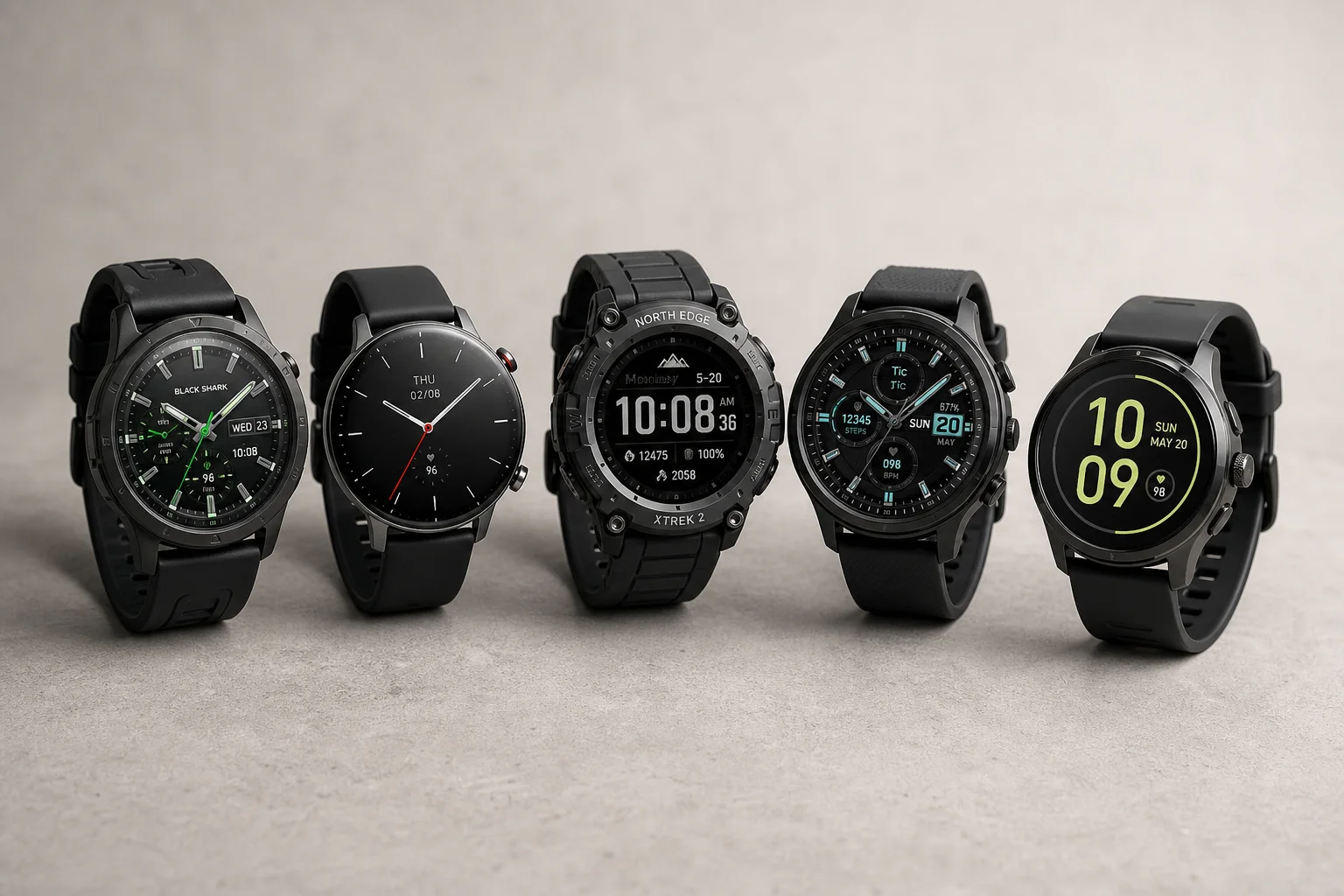
Best Budget Smartwatches 2026: Five Affordable Options That Actually Work
Five budget smartwatches tested for real daily use. From entry-level options to premium features at fraction of the cost, here's what actually delivers.
Smartwatches
Best Smartwatches on AliExpress 2026: Five Practical Options for Different Needs
Five smartwatches with strong customer feedback and competitive pricing, each suited to different priorities: premium design, battery life, outdoor durability, advanced health tracking, and sports versatility.
Smartwatches
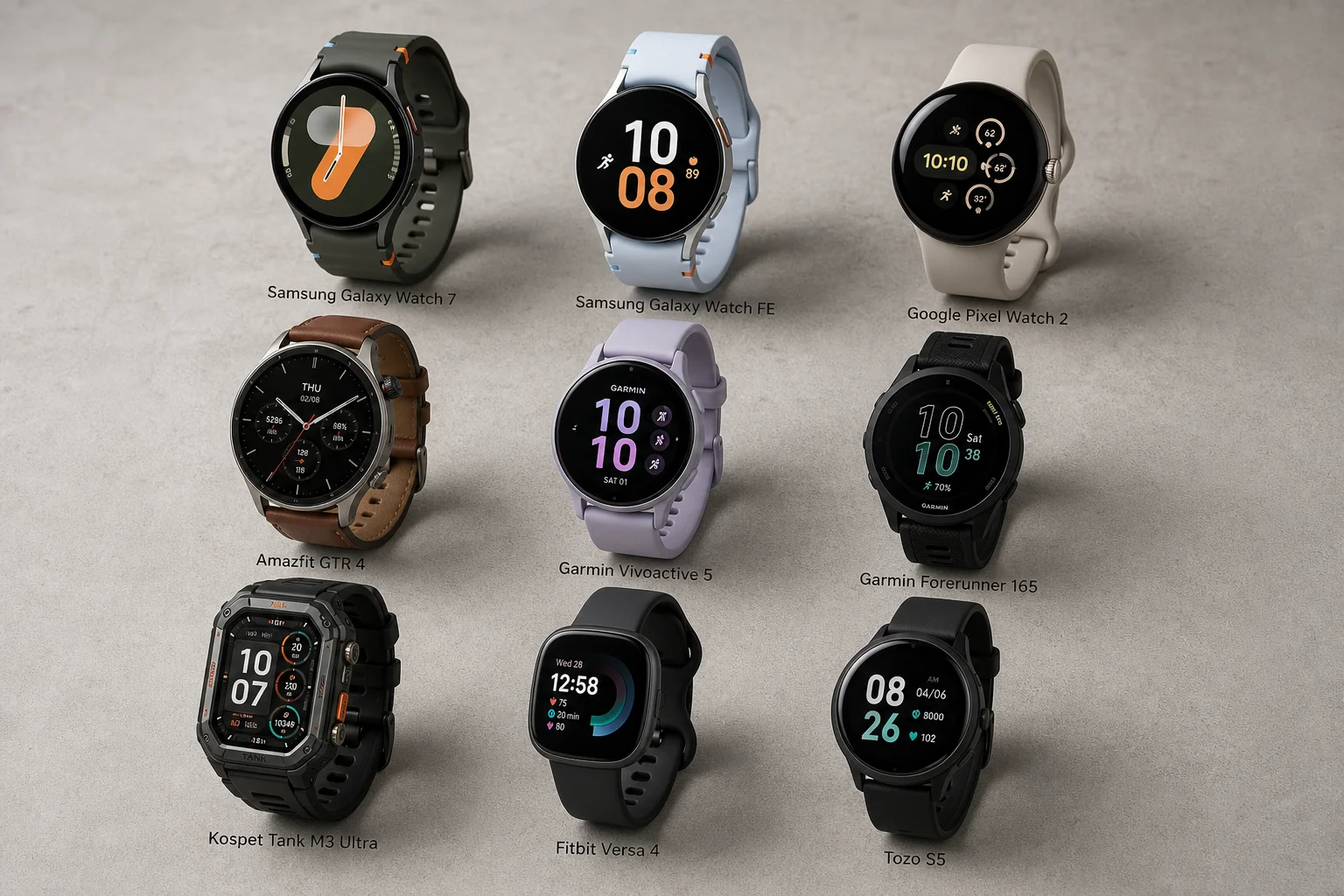
Best Smartwatches Under $300: 9 Practical Options for Every Need
A curated selection of nine smartwatches under $300, each excelling in health tracking, durability, battery life, or fitness features. Find the right match for your lifestyle.