Smartwatches
Apple Watch Ultra for Hiking: What Six Months on the Trail Reveals
A field-tested look at the Apple Watch Ultra as a hiking watch, covering battery life, GPS accuracy, safety features, navigation gaps, and how it stacks up against dedicated outdoor watches.
Introduction
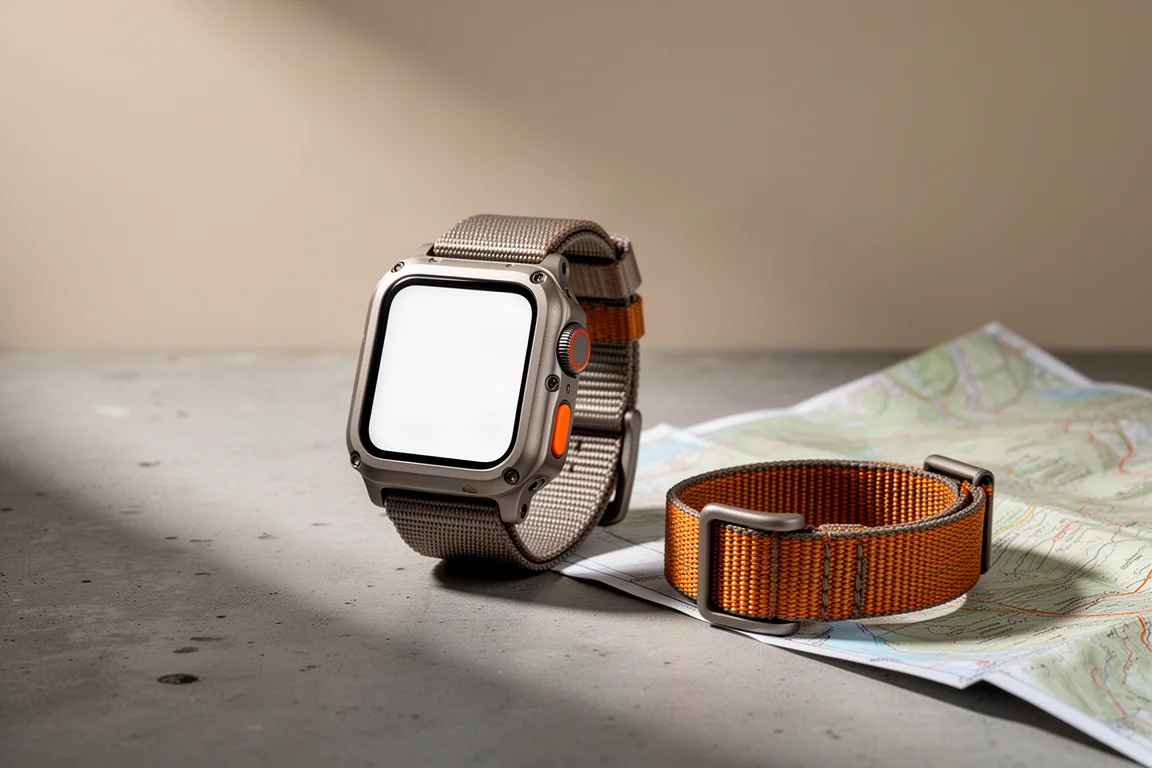
The Apple Watch Ultra arrived with launch imagery of athletes crossing deserts and climbing remote peaks, which set the expectation that a genuine hiking watch had finally come from Apple. Six months of trail use tells a more complicated story. The hardware is rugged in a way that holds up to real abuse, and battery life is a large step forward from other Apple Watch models, but the navigation experience falls well short of what a serious outdoor watch should deliver.
What follows is a practical assessment of what the Apple Watch Ultra does well on a hike, where it struggles, and who should consider buying it. Dedicated outdoor watches from Garmin sit in the background of that assessment, because they are the benchmark most hikers will measure it against.
Who the Apple Watch Ultra Is For
If you already wear an Apple Watch and rely on it for Apple Pay, music, workouts and unlocking your computer, the Ultra extends that same experience into the outdoors without asking you to carry a second device. It suits long day hikes and overnight backpacking trips, and it is a clear upgrade over a standard Apple Watch for anyone who has been limited by battery life on longer outings.
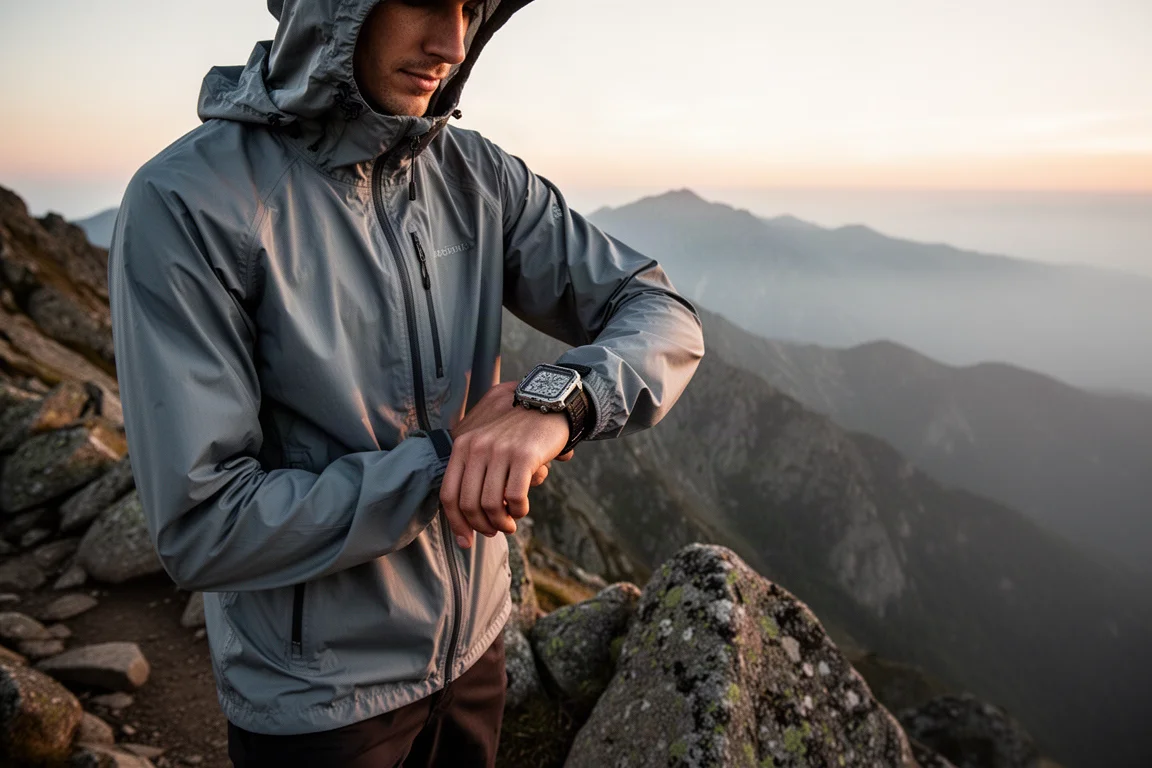
It is not the right choice for hikers whose priority is offline maps, on-watch route planning and dependable physical controls in poor conditions. Those needs point toward a purpose-built outdoor watch instead, and the sections below explain why.
Main Strengths on the Trail
Durability and Display
The casing and the screen have held up without scratches through sustained contact with rock, brush and wet weather. The display stays bright enough to read in daylight, and the oversized buttons have worked reliably every time.
Battery Life That Covers a Long Day
Battery life is the single biggest improvement over other Apple Watch models. A standard Apple Watch effectively caps out around six to seven hours of activity tracking, which is not enough for a full hiking day. The Ultra records a hike for roughly 12 to 13 hours in normal mode, which covers the longest single-day objectives most hikers attempt, including all-day efforts on big mountain routes.
Low power mode is worth using. It turns off the always-on display so the screen only lights when you raise your wrist, and it reduces communication with a paired phone over Wi-Fi and Bluetooth, which means fewer notifications arriving while you are out of signal range. In that mode the watch can last at least a couple of days of moderate use. A practical routine is to wear it overnight, charge it on a fast charger in the morning while getting ready, and leave with roughly 80 percent. There is also an ultra low power mode rated for up to 60 hours of activity tracking, but it records a track point only every two minutes. On switchbacks that turns a winding climb into a straight line, so the resulting distance and route are too coarse to be worth recording.
GPS, Altitude, and Safety
Positioning is a genuine strength. The watch uses multi-band, multi-GNSS reception, drawing on satellite systems beyond the United States’ GPS, including Galileo and the Chinese constellation, with more signals to choose from and better reliability in difficult terrain. The result is an accurate track you can trust for distance and route history.
The barometer and altimeter also perform well. Altitude readings typically land within about 5 to 20 feet, which is normal for a watch-grade sensor rather than a professional instrument. One limitation is that location handling sits inside the watch operating system, so apps cannot tune the GPS the way a Garmin owner can with options such as GPS-only mode or every-second recording. Apple’s location services blend GPS with cellular, Wi-Fi, the accelerometer and the barometer, and use whichever source looks most reliable at the time, so in a city a recorded track may lean on cell towers rather than satellites.
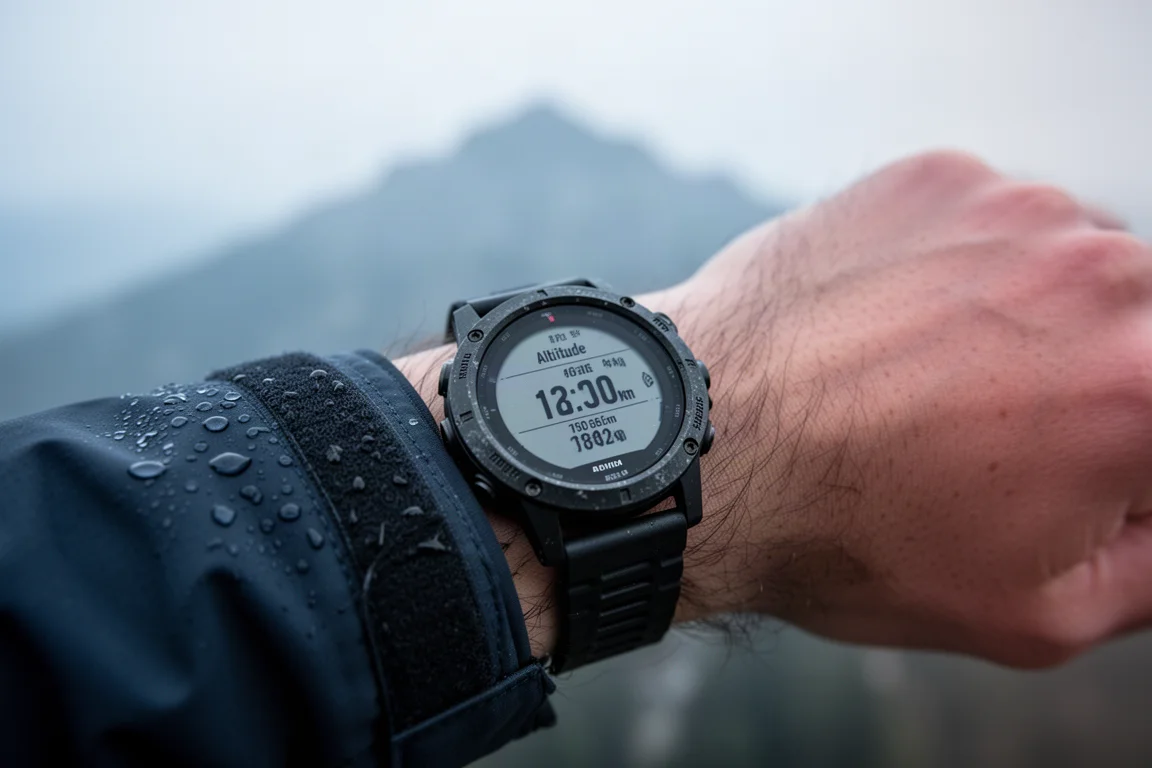
Two safety features deserve attention. A loud siren can be triggered from the watch, though a whistle remains a sensible backup because it does not depend on a battery. More significantly, fall detection can place an emergency call and send a text to emergency services when you are within cellular range. If you are out of range and paired with an iPhone 14, it can trigger a satellite SOS instead, and the watch runs a countdown so you can cancel a false alarm. Satellite communication is not built into the watch itself, and the technology does not yet allow a device that small to carry it.
Things to Consider Before Buying
Navigation Is the Biggest Gap
No navigation software is bundled with the Apple Watch Ultra. There are no offline maps with walking directions in Apple Maps, and the built-in workout app has no maps at all. It offers limited data field customization for hiking and nothing close to what a Garmin provides, and there is no direct way to export a GPX file or a track from the workout app. A hike has to sync to the health app first before it can be pushed to services such as Strava.
The compass app works, and dropping waypoints is possible, but waypoints cannot be exported and guidance back to one is a straight line with no routing around terrain. The backtrack feature is meant to help once you leave cellular and Wi-Fi range by recording a point every two minutes, but it did not always engage when it should have, and it has no map data behind it. Garmin watches handle all of this inside the operating system, with track back recorded roughly every second, on-watch route planning at a trailhead, and the ability to see nearby trails on a map.
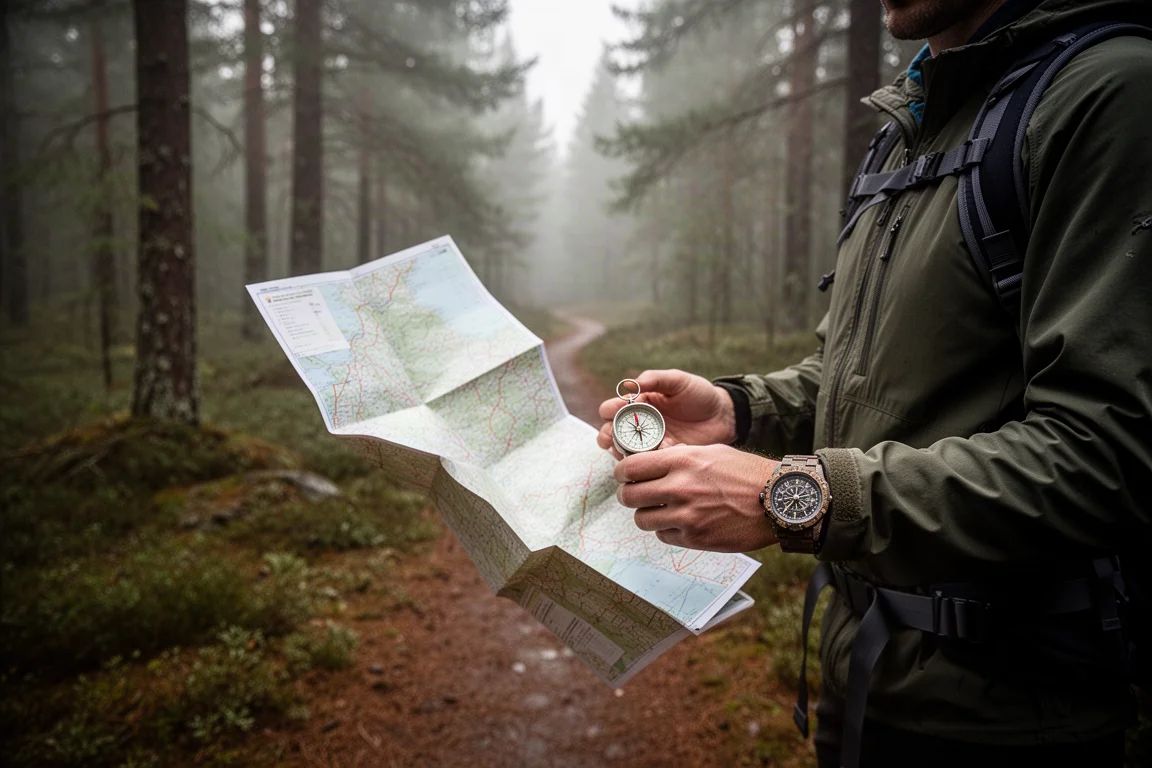
Most hikers who want real navigation on the Ultra end up adding third-party software, which means extra cost and extra setup on a watch that is not inexpensive to begin with.
Touchscreen, Buttons, and Cold Hands
The action button is the most disappointing piece of hardware. It works with only a handful of built-in apps and does not work with popular hiking apps such as AllTrails or Gaia GPS. It can be mapped to a shortcut, but only if the app supports watch shortcuts, which many do not.
Almost everything outside the default workout app requires touching the screen, whether that means swiping, pinching, tapping or holding. In good conditions that is fine. After 10 to 12 hour days covering 15 to 20 miles, finding the right spot to tap takes more attention than it should.
Long sleeves and jacket cuffs can also catch the buttons and stop an activity mid-hike. Wearing the watch on the other wrist or flipping its orientation solves this. Wet sleeves brushing the touchscreen can trigger unintended input as well, and some apps allow the touchscreen to be locked to prevent it.
Dedicated outdoor watches take a different approach, with five physical buttons plus a touchscreen you can disable. Once the button layout is familiar, everything can be done without removing gloves, and wet mittens are not a problem.
Apps That Fill the Gaps
Two apps address much of what is missing. WorkOutDoors adds configurable data screens, offline maps stored on the watch, GPX track import and off-track alarms. Footpath is the closest thing to the Garmin experience on an Apple Watch, with climb guidance that shows what is coming on an ascent, and route creation by drawing a path on a phone before sending it to the watch. It requires a subscription. Both are paid additions.
Buying Advice
The Apple Watch Ultra is a strong choice for hikers who are already committed to the Apple ecosystem. It handles long day hikes and overnight trips, keeps the conveniences of Apple Pay, music and workout tracking, and is a worthwhile step up from a standard Apple Watch for anyone upgrading from an older model.
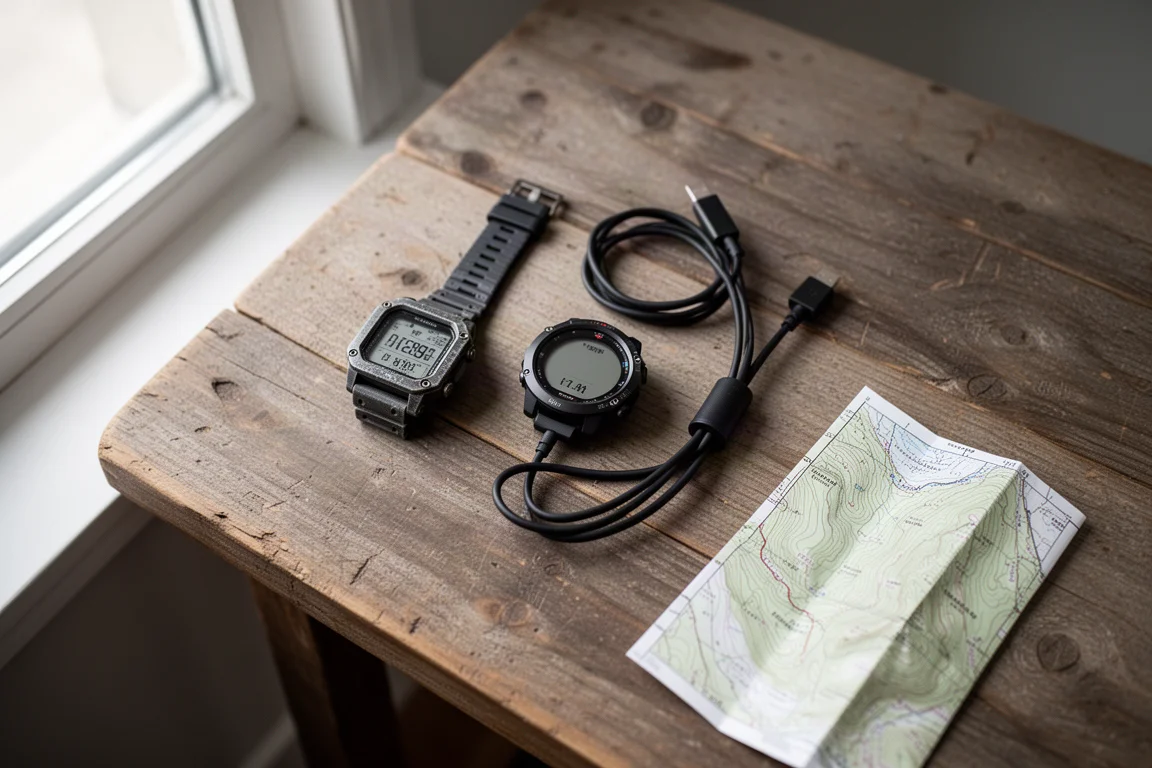
Hikers whose priority is the best possible outdoor tool should look at a dedicated GPS watch instead. The Garmin Epix pairs a bright color screen with about a week of battery life, notifications from either an iPhone or an Android phone, and navigation built into the watch. The Garmin Fenix trades screen brightness and map detail for roughly a month of battery life, and its transflective display often needs to be angled toward the light to be read clearly. Either way, neither needs the daily or near-daily charging the Ultra still requires.
Budget for the extras as well. The watch itself sits in a premium bracket, and the apps that make navigation workable on the Ultra are separate purchases.
Conclusion
The Apple Watch Ultra is durable, bright, and finally has battery life that suits a full hiking day, and it makes the most sense for people who want one watch to cover both daily life and the outdoors. What it lacks is the navigation depth and button-first control that dedicated outdoor watches are built around. Buy it as a versatile Apple Watch with real outdoor capability rather than as a replacement for a purpose-built hiking watch, and the trade-offs are easy to live with.
Product link
View more details for Apple Watch Ultra
This product is mentioned in the review. Check the specifications, options, and compatibility before buying.
View more details for Apple Watch UltraFurther reading
Related Reviews
Smartwatches
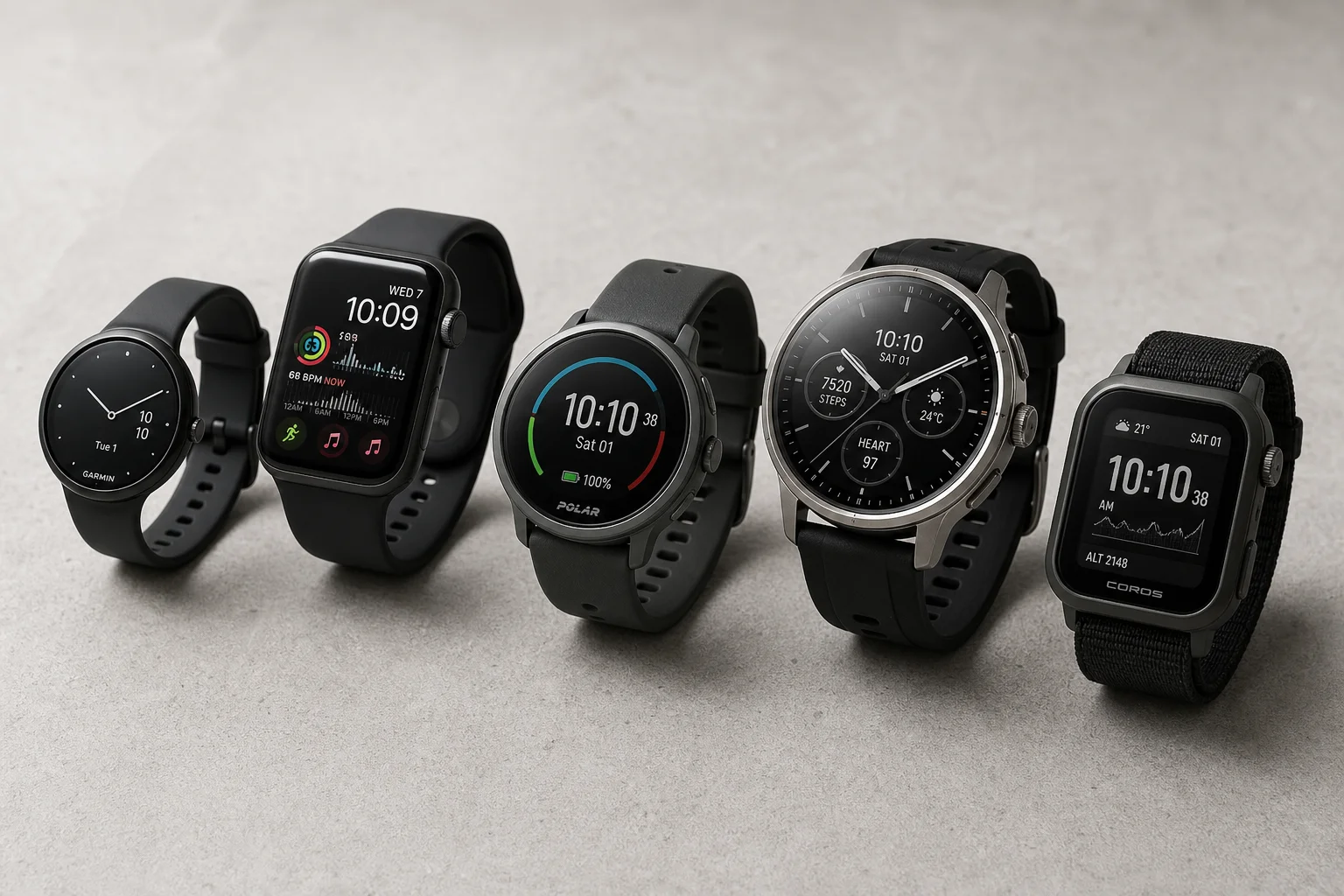
Best Budget Smartwatches 2026: Five Affordable Options That Actually Work
Five budget smartwatches tested for real daily use. From entry-level options to premium features at fraction of the cost, here's what actually delivers.
Smartwatches
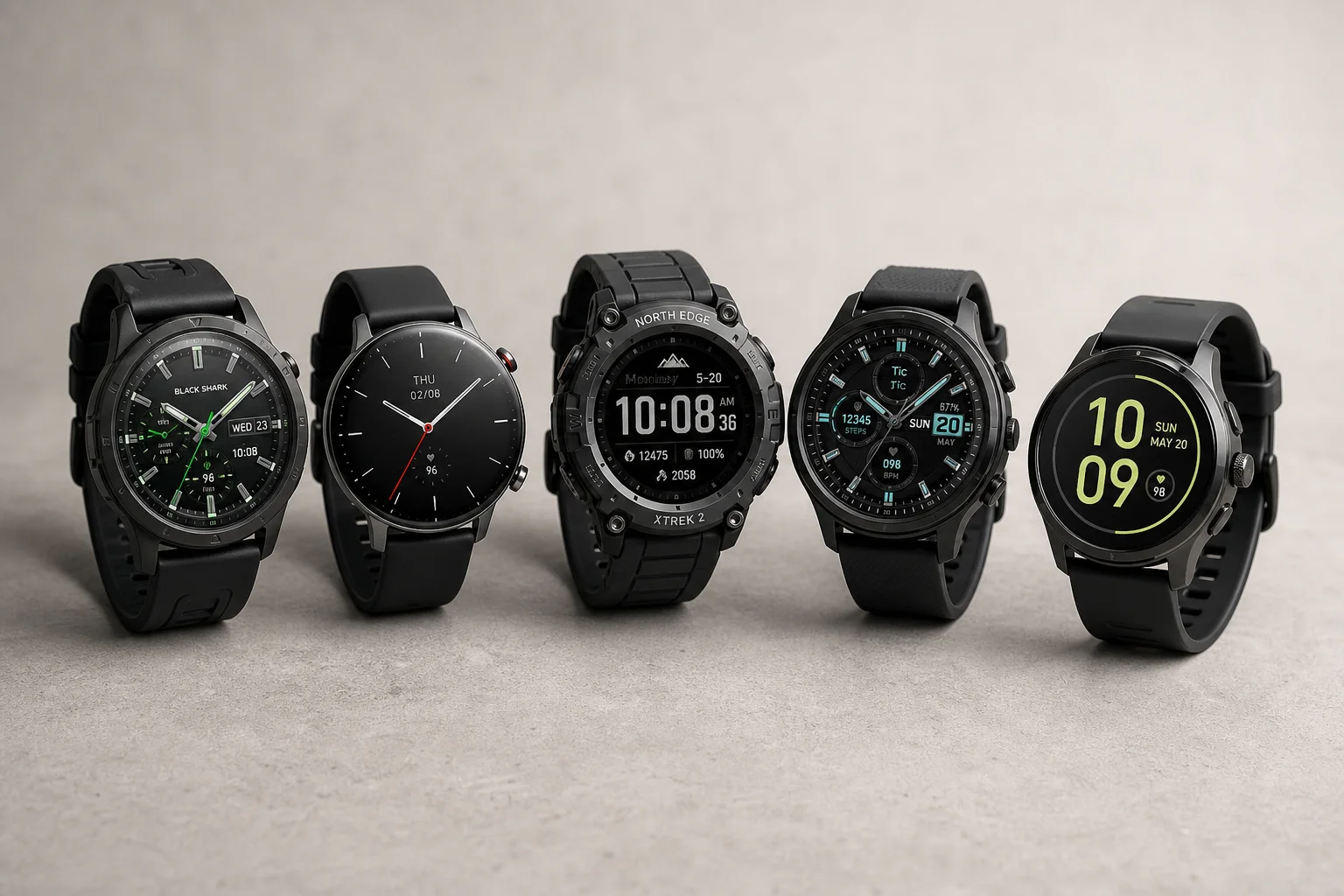
Best Smartwatches on AliExpress 2026: Five Practical Options for Different Needs
Five smartwatches with strong customer feedback and competitive pricing, each suited to different priorities: premium design, battery life, outdoor durability, advanced health tracking, and sports versatility.
Smartwatches
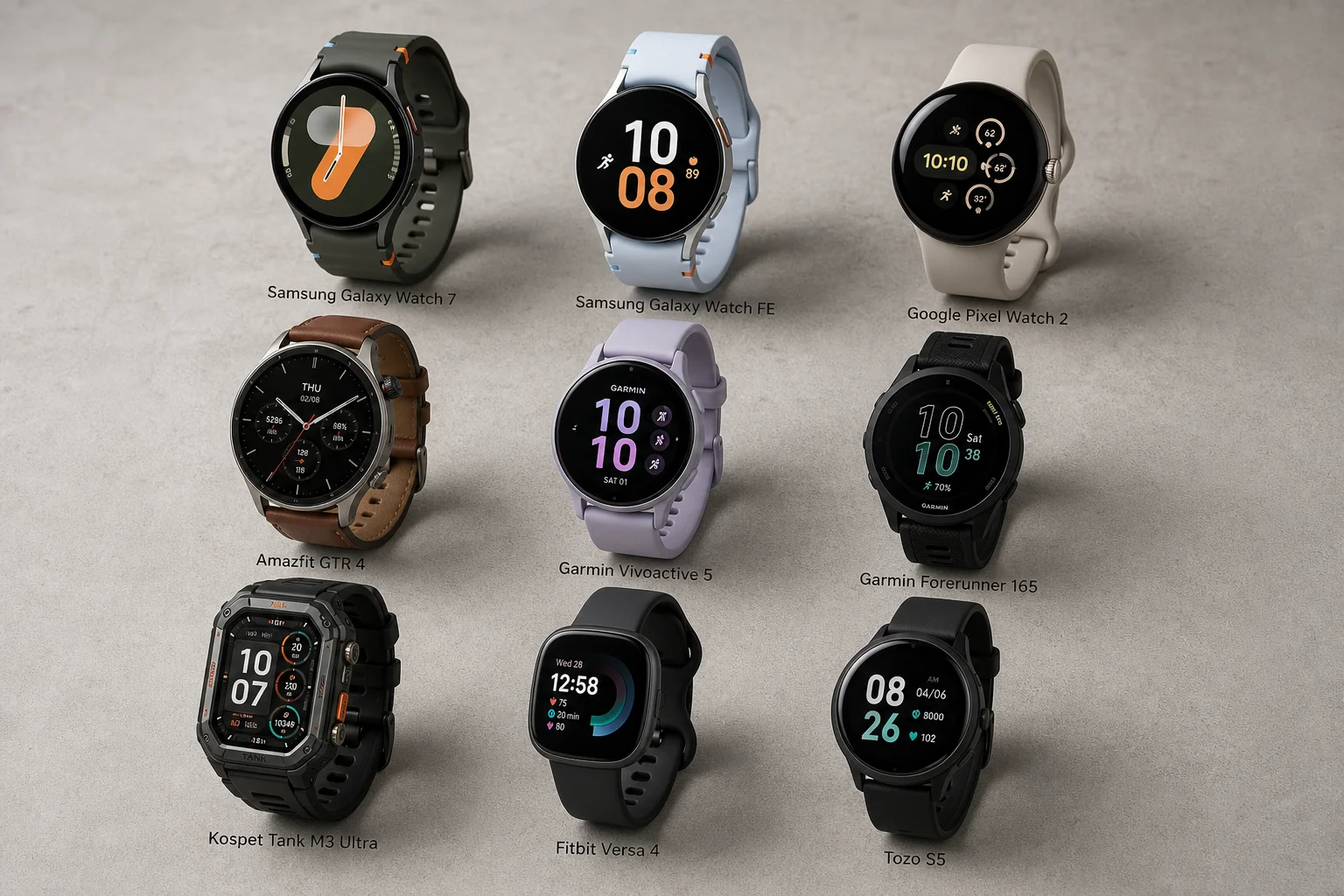
Best Smartwatches Under $300: 9 Practical Options for Every Need
A curated selection of nine smartwatches under $300, each excelling in health tracking, durability, battery life, or fitness features. Find the right match for your lifestyle.