Smartwatches
Apple Watch Ultra 3 Review: Big Screen, Satellite Messaging, and a Battery That Finally Delivers
After months of running, cycling, swimming, hiking, and one 70 km test trek, here is what works well on the Apple Watch Ultra 3, and what still needs work.
Introduction
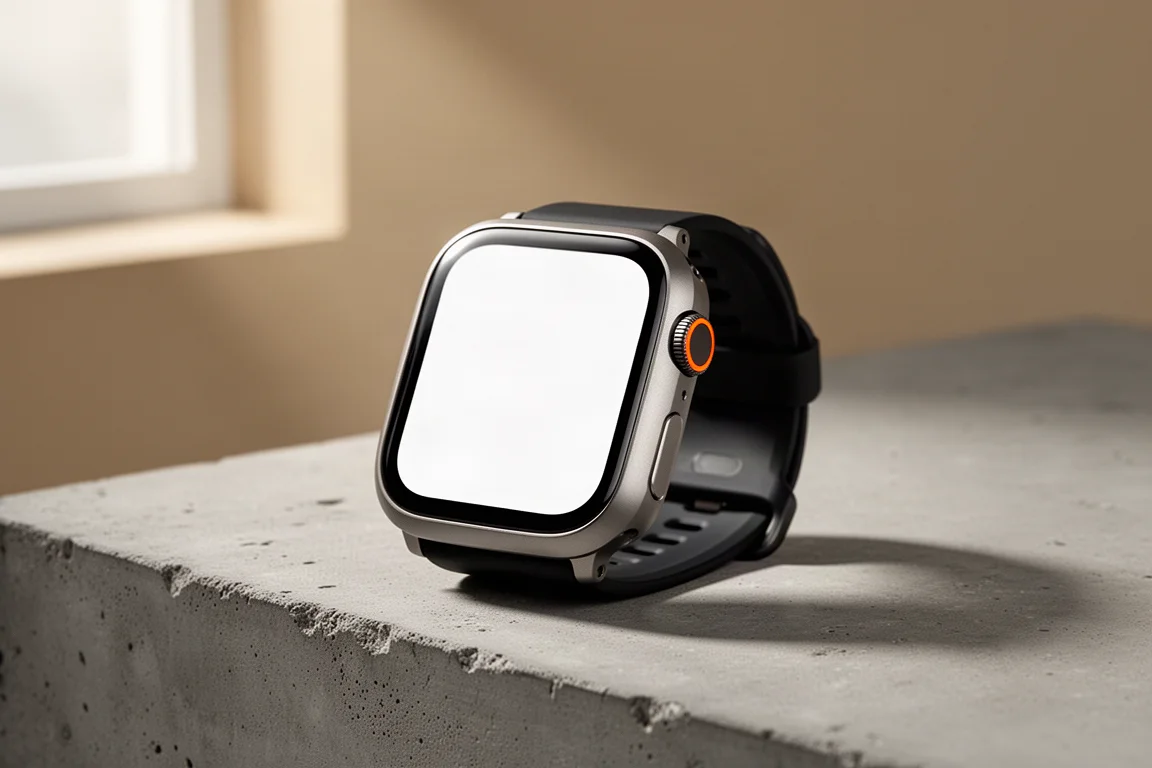
The Apple Watch Ultra 3 arrived with a long list of new features across both hardware and software, and it has spent the last few months on our wrist through running, cycling, swimming, and hiking, including a single-day, nearly 15-hour, 70 km trek in the mountains. That kind of sustained testing tends to reveal which features are genuinely useful and which are just demo-day polish.
This review walks through the new hardware, the daily tracking changes, the redesigned workout experience, mapping, battery results, satellite messaging, and accuracy, and finishes with clear advice on who should actually upgrade.
Display and New Hardware Bits
The most visible hardware change is a slightly larger screen than the Apple Watch Ultra 2, and it is noticeable in day-to-day use. The new LTPO3 display also lets you see the seconds ticking on the watch face even in the dimmed state, something previously reserved for raising your wrist. That feature arrived on the Series 10 last year and now carries through to the Ultra line.
Less convincing is the claimed improvement in off-angle viewing. Compared side by side with the Ultra 2 in bright sun, indoors, and everywhere in between, the difference simply never showed up in practice. It is not a dealbreaker, just a claim that did not translate into a perceivable benefit.
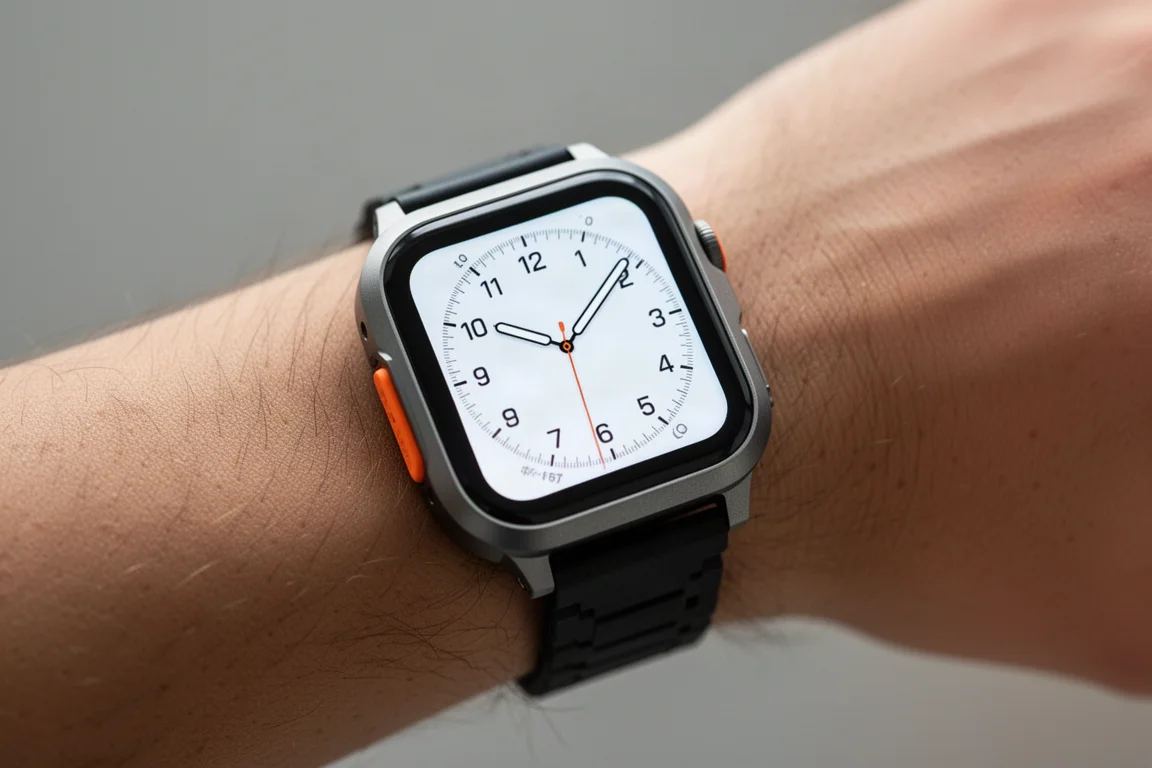
The other notable hardware addition is 5G, present across the 2025 Apple Watch lineup. Rather than being about downloading big files, it is aimed at battery savings, supported by a new two-antenna design. Apple says the second antenna kicks in near the edge of cellular coverage to prolong connectivity. That kind of claim is nearly impossible to validate in isolation, but the GPS battery results below tell a more concrete story.
Daily Tracking and the New Sleep Score
The core tracking experience carries over: activity rings to close each day, sleep tracking, and the Vitals app that compares overnight heart rate, respiratory rate, wrist temperature, blood oxygen, and sleep duration against your recent trends.
The genuinely new piece is Sleep Score, available across all watchOS 26 watches. Apple deliberately keeps it simple with three components: sleep duration, bedtime consistency, and interruptions. That simplicity mostly works, and the score is easy to understand and agree with, until it is not.
The problem is bedtime consistency punishing early nights. In one real example, a nine-and-a-half-hour sleep earned a perfect 50 out of 50 for duration, but going to bed at 11:30 instead of the usual 2:30 a.m. docked consistency points. The next night, with barely seven hours of sleep and a later bedtime, the score came back higher at 91. Every sleep-scoring platform has quirks, and Apple is far from the last company to have them, but a system built around simplicity should not penalize you for going to bed when you are tired.
Sports Mode and Workout Buddy
The workout screen has been redesigned and simplified. Workout views for data pages sit in the upper left, workout goals and structured workouts in the upper right, music controls including a new on-the-fly Apple Music playlist option in the lower left, and Workout Buddy in the lower right.
Workout Buddy is an AI assistant for your workouts with three requirements: your phone must be with you, you need an audio device such as AirPods or Bluetooth headphones, and you need cellular or Wi-Fi connectivity. It delivers a pep talk at the start, calls out milestones with pace and heart rate details during the session, and finishes with a summary recap when you save the workout. Around 80 to 90 percent of the mid-workout callouts are genuinely useful, but the remainder can be badly wrong, including outright errors on workout duration. Those factual hallucinations are frustrating precisely because accurate data callouts are the feature’s core job.
The bigger structural issue: once you leave connectivity range on a trail run, Workout Buddy and even standard audio split metrics stop entirely, where pre-workout-buddy watches would have kept them coming.

Elsewhere in the sports software, structured workouts can now be built on your phone instead of fiddling with the watch or paying for a third-party platform, and you can mirror live workout metrics from any workout type on your phone, not just cycling. Post-workout, an effort rating feeds into training load trends. The limitation remains that training load is shown only as a percentage trend rather than an actual value, which makes comparing seasons or returning from injury harder than it should be.
Mapping and Navigation
Offline maps remain supported: you can download map pieces from Apple Maps to the watch and create routes on any Apple device to sync across. Route creation, however, is severely limited outside the US. Routes must follow defined trails in Apple’s mapping database, and Apple has confirmed its trail focus is on the US. Real-world consequence: well-established local trails simply do not exist in the database and cannot be routed on at all.
For off-road navigation, third-party apps are still the answer. WorkOutDoors is a common choice, supporting GPX import and offline maps with solid turn-by-turn trail directions. Its downsides are a very geeky interface, no Strava or Komoot route syncing, and roughly 50 percent higher battery drain, around 10 percent per hour, which limits navigation to about 10 hours. Komoot has also said offline routing for the Apple Watch is coming by the end of the year.
The honest takeaway: GPX import and off-road routing should be core watchOS features, not third-party workarounds.
GPS Battery Life: The 70 km Test
Apple increased daily battery life from 36 to 42 hours, which is fine, though in practice charging every second day remains the pattern either way. The more meaningful claim is 14 hours of GPS with full GPS and heart rate readings, and that was put to a serious test with a non-stop 70 km mountain trek.

Battery level was logged every hour throughout the hike, and the drain was remarkably consistent at roughly 6 to 7 percent per hour. At the 14-hour mark the watch was at 12 percent, and at 14 hours and 50 minutes it still held 6 percent. In short, it exceeded its own claim, just shy of 15 hours of continuous GPS tracking. Low power modes can stretch things further, though they carry their own compromises.
Two-Way Satellite Connectivity
The headline feature of the Ultra 3 is two-way satellite messaging: sending and receiving messages using just the watch when you are outside cellular range. Apple was the third company to announce this, following Google and Garmin within a two-week window, but the technical execution is arguably the best of the three.
Sending a message works well: when cellular drops, the Messages app escalates to satellite and the watch guides you to point your arm toward a passing satellite. Once connected, the link holds for a few minutes, letting you send messages back and forth without re-pointing every single time, a real advantage over Garmin’s approach.
Because the system uses low earth orbit satellites that pass overhead every few minutes, a blocking cliff is not fatal. If terrain blocks one satellite direction, you can wait a few minutes for a satellite on a different bearing, which can matter in mountain terrain where backing up is impossible. Apple is also by far the fastest of the three for message sending.

The catch is regional coverage. Satellite text messaging is currently limited to the US, Canada, and Mexico, and does not work in Europe, where Garmin handles text messaging without issue. Two other satellite features do work in more regions: Find My position updates, available in roughly 18 countries, let you manually update your location every 15 minutes (not live tracking), and satellite Emergency SOS, available in 17 countries, walks you through a checklist and communicates with emergency responders, optimized for the watch’s smaller screen.
GPS and Heart Rate Accuracy
GPS accuracy was strong across the board. Mountain hiking tracks were spot on, fast road-cycling switchbacks held the line cleanly, road running was flawless with light tree cover, and open water swimming, after a few rough early sessions, settled into consistently good results.
Heart rate accuracy is very good in most scenarios, including intervals and steady-state workouts, with readings matching across the board. The caveat: recent firmware on the Ultra series has produced more problem cases than in the roughly decade of Apple Watches before it. It is still solid overall, just no longer uniformly perfect.
Buying Advice: Should You Upgrade?
For Apple Watch Ultra 2 owners, there is little urgency unless satellite messaging or battery life matters to your specific use. Ultra 1 owners get the larger display, the always-on seconds, and 5G, but still receive the vast majority of watchOS 26 features, so the overall experience stays relatively similar.
The clearest upgrade path is from the regular Apple Watch Series lineup to the Ultra, particularly for the big-ticket differences: satellite connectivity, battery life, and the display. Beyond cellular range, the two-way messaging genuinely works well, and that alone can justify the move for frequent backcountry users. Expect to pay a premium price for it.
Conclusion
The Apple Watch Ultra 3 is a confident refinement rather than a revolution. The satellite messaging is the standout, executed better than the competition technically even with regional gaps, and GPS battery life exceeded its 14-hour claim in punishing real-world testing. The larger screen, phone-based structured workouts, and solid accuracy round out a strong package. The frustrations are real too: sleep score quirks, Workout Buddy’s factual errors and connectivity requirement, and off-road routing that still leans on third-party apps. For outdoor athletes who spend time beyond cellular range, it is an easy recommendation; for everyone else, the decision depends on how much those headline features are worth to you.
Product link
View more details for Apple Watch Ultra 3
This product is mentioned in the review. Check the specifications, options, and compatibility before buying.
View more details for Apple Watch Ultra 3Further reading
Related Reviews
Smartwatches
Best Budget Smartwatches 2026: Five Affordable Options That Actually Work
Five budget smartwatches tested for real daily use. From entry-level options to premium features at fraction of the cost, here's what actually delivers.
Smartwatches
Best Smartwatches on AliExpress 2026: Five Practical Options for Different Needs
Five smartwatches with strong customer feedback and competitive pricing, each suited to different priorities: premium design, battery life, outdoor durability, advanced health tracking, and sports versatility.
Smartwatches
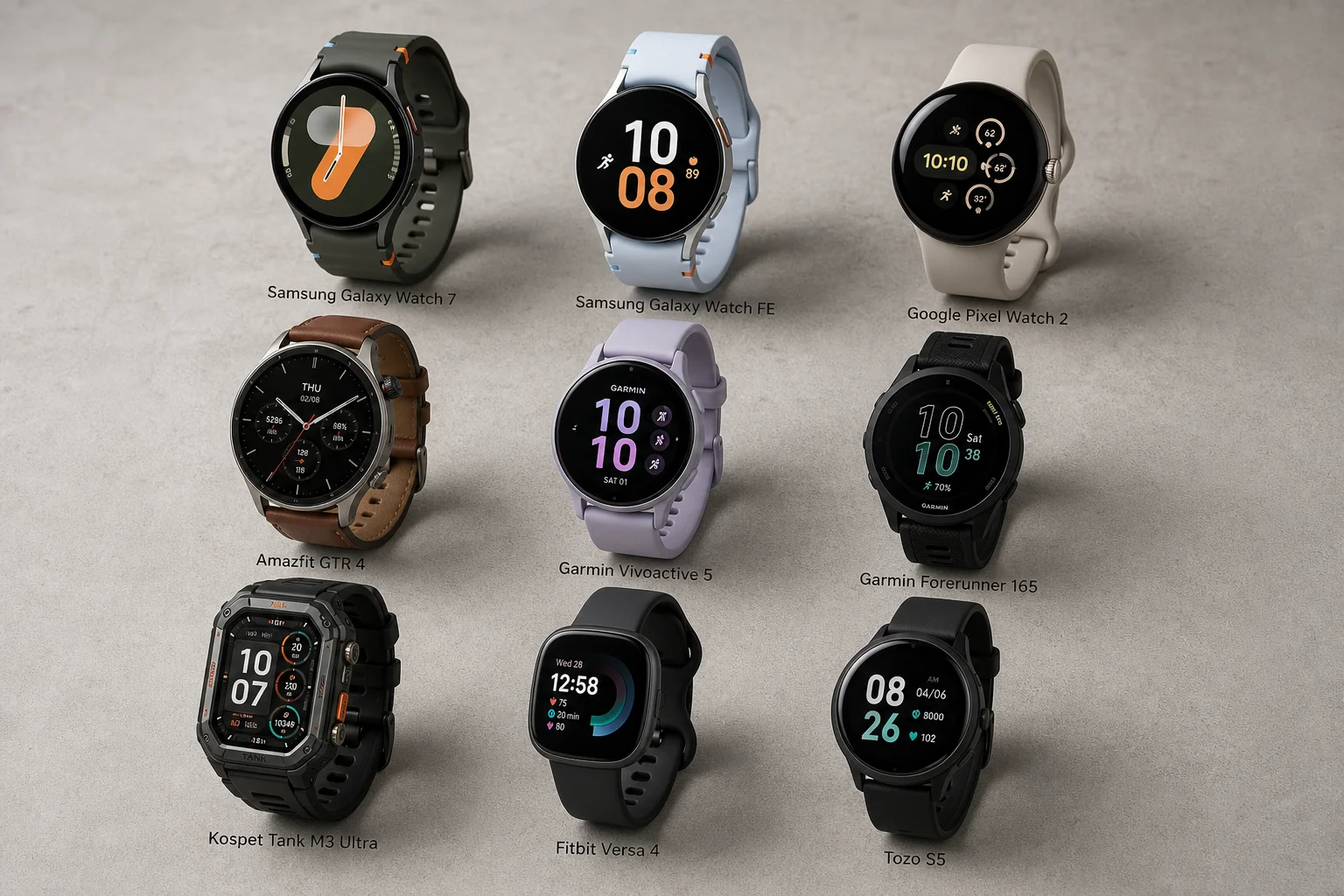
Best Smartwatches Under $300: 9 Practical Options for Every Need
A curated selection of nine smartwatches under $300, each excelling in health tracking, durability, battery life, or fitness features. Find the right match for your lifestyle.