Smartwatches
Apple Watch Ultra 2 Review: Fall Detection That Calls for Help Around the Clock
A single-watch solution built around 24/7 fall detection, automatic emergency calling, and a cellular and satellite backup chain worth understanding before you buy.
Introduction
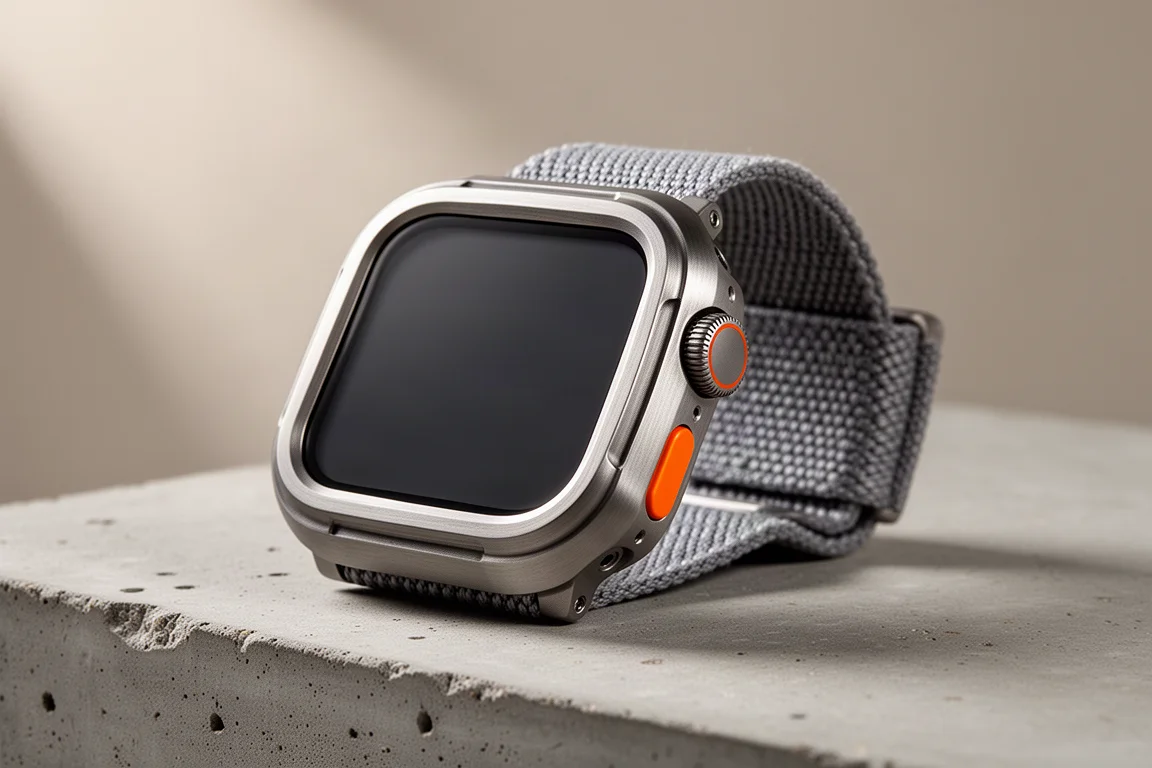
Wearing one watch for everything is a compromise most people accept, and the Apple Watch Ultra 2 leans into that compromise in a way that is easy to underestimate. The reason is fall detection that runs all day rather than only while a workout is being tracked. If the watch detects a hard fall and the wearer does not respond, it can place a call to emergency services and pass along a location.

That is a real difference from incident features that only wake up during specific activities. For anyone who has spent years on a dedicated sports watch, the question becomes whether the extra battery life is worth giving up automatic emergency calling. For many wearers, the trade is worth it.
Who This Watch Is For
The Ultra 2 makes the most sense for people who keep a single watch on their wrist from morning to night. That includes hikers and trail runners who spend time on remote routes, people who live alone, and anyone managing a health condition where a sudden fall could leave them unable to call for help themselves.
It also fits well for anyone already using an iPhone, because the fall response can use the phone as a backup path when the watch itself cannot make the call.
Main Strengths: Fall Detection That Contacts Emergency Services
Fall detection is a setting that can be enabled on the watch. Once active, it monitors for a hard fall and, if there is no response from the wearer, escalates to an automatic call to emergency services with the wearer’s location.
The feature does not wait for a workout to start. It works through the ordinary day, which is where most falls outside of sport actually happen. Emergency dispatchers have noted that the watch does generate false alarms, most often from people who have fallen while intoxicated, but they have also described genuine emergencies where the watch brought help. Their position is that they would rather handle the false alarms and save lives than not have the feature at all.

For a wearer, the practical value is simple. A fall that leaves you unable to reach a phone stops being a dead end.
Main Strengths: Cellular and Satellite Backup
If the watch has cellular service, it can place the emergency call on its own. When an iPhone is nearby, the call can fall back to the phone’s cellular connection instead. On top of that, a satellite-enabled iPhone can send a text message to emergency services with the position and the fact that a fall occurred.
The satellite fallback is more forgiving than it sounds. The phone does not need to be aimed precisely at the sky to work, and it has been shown to function while lying flat on the ground. The trade-off is speed, since a flat phone takes a little longer to get the message out.
Things to Consider Before Buying
Battery life is the clearest trade-off. Dedicated sports watches built for ultra runs and multi-day hikes still last longer between charges, and that matters if you are away from power for days at a time.
Fall detection has to be enabled to work, so it is worth confirming the setting rather than assuming it is already on. False alarms do happen, and they are a known part of how the system behaves in the real world.
The emergency chain also depends on what you carry. The satellite fallback requires a satellite-enabled iPhone, and the watch-side call requires a cellular model. Wearers who leave the phone behind on remote routes lose one layer of that backup.
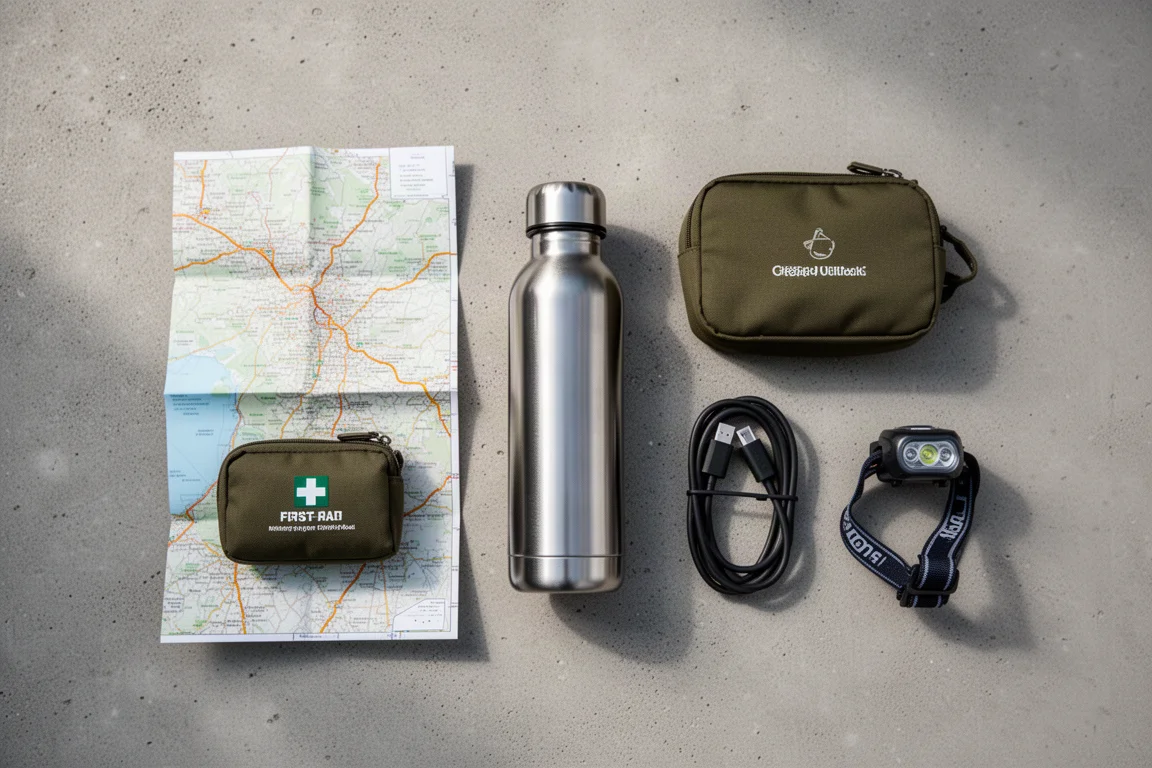
None of these points make the feature less useful. They simply define the conditions under which it performs at its best.
Getting the Most From Fall Detection
Turning the feature on is the first step, and keeping the watch on the wrist is the second, since nothing works if the watch is sitting on a charger at home. On remote routes, carrying the iPhone adds the satellite layer to the response, and choosing a cellular watch model means the call does not depend on the phone at all.
It also helps to think through what the response looks like before you need it. The value is not in the sensor alone. It is in the full path from detection to a call for help reaching someone who can act on it.
Buying Advice
If your priority is a single watch that covers training, daily wear, and automatic emergency calling, the Apple Watch Ultra 2 is a straightforward recommendation. The fall response works around the clock, and the connection chain from watch cellular to phone cellular to iPhone satellite gives it several ways to get a message out.
If you regularly go days without charging and battery life outweighs everything else, a dedicated sports watch remains the better tool for that specific job. Incident detection on those watches works only for certain activities and contacts a pre-set emergency contact rather than emergency services, so the two approaches are not equivalent.

A cellular watch model paired with a satellite-enabled iPhone is the combination that covers the most ground for remote wear.
Conclusion
The case for the Apple Watch Ultra 2 is not that it does everything better than a dedicated sports watch. It is that automatic fall detection runs continuously, reaches emergency services directly, and has a backup path through the phone when the watch cannot connect on its own. For anyone who wears one watch all day, that is a strong reason to choose it.
Product link
View more details for Apple Watch Ultra 2
This product is mentioned in the review. Check the specifications, options, and compatibility before buying.
View more details for Apple Watch Ultra 2Further reading
Related Reviews
Smartwatches
Best Budget Smartwatches 2026: Five Affordable Options That Actually Work
Five budget smartwatches tested for real daily use. From entry-level options to premium features at fraction of the cost, here's what actually delivers.
Smartwatches
Best Smartwatches on AliExpress 2026: Five Practical Options for Different Needs
Five smartwatches with strong customer feedback and competitive pricing, each suited to different priorities: premium design, battery life, outdoor durability, advanced health tracking, and sports versatility.
Smartwatches
Best Smartwatches Under $300: 9 Practical Options for Every Need
A curated selection of nine smartwatches under $300, each excelling in health tracking, durability, battery life, or fitness features. Find the right match for your lifestyle.