Smartwatches
Apple Watch Ultra 2 Review: The Case for 24/7 Fall Detection
A focused look at the Apple Watch Ultra 2 and its always-on fall detection, plus what to weigh before making it your only daily watch.
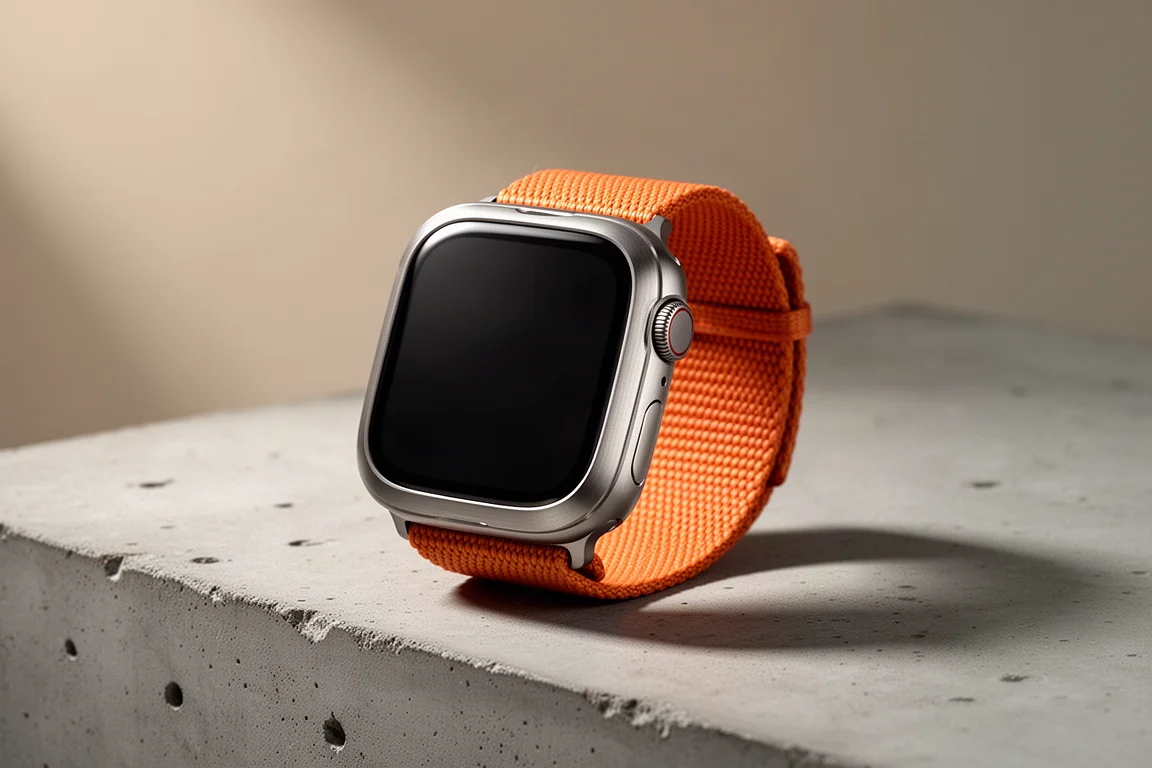
Introduction
The Apple Watch Ultra 2 is a large, rugged smartwatch built to be worn continuously, on the trail and everywhere else. Its most consequential feature is not a training metric or a display upgrade. It is always-on fall detection, a setting that watches for a hard fall and, if the wearer does not respond, reaches out for help automatically.
That single capability reframes the daily-wear decision for people who already own a dedicated sports watch with far longer battery life. When a watch is on your wrist around the clock, the question shifts from which device logs the better workout to which device is more likely to summon help when something goes badly wrong.
Who This Product Is For
This watch suits people who want one device on their wrist at all hours and who place a high value on automatic emergency response. That includes hikers on remote trails, trail runners, commuters, and anyone with a medical history that makes a sudden collapse a realistic concern. It also suits households where a partner or family member travels frequently and may be unreachable for hours at a time.
It is less obviously aimed at athletes who prioritize multi-day battery life above everything else, or at buyers who simply want the lightest possible training tool. The Ultra 2 is a smartwatch first, and its always-on safety layer is the reason many owners keep it on overnight.

For anyone weighing a single-watch setup, the practical test is simple. If you would rather carry a device that can act on your behalf when you cannot act for yourself, this is the category of product to look at. If your priority is squeezing every hour out of a charge during long events, a dedicated sports watch still has a clear argument.
Main Strengths
The headline strength is automatic fall detection with emergency calling. Enable the setting and the watch monitors for a hard fall. If it detects one and you do not respond to the on-screen prompt, it places a call to emergency services and shares your location. In a scenario where you are unconscious and cannot dial for yourself, that behaviour is the entire point.
Connectivity is handled intelligently. A cellular model can place the call over its own connection. If the watch is not cellular, it can fall back to a paired iPhone’s cellular connection. If that iPhone supports satellite messaging, the fall can be reported from areas with no cellular coverage at all, sending a message with your position out to emergency services.
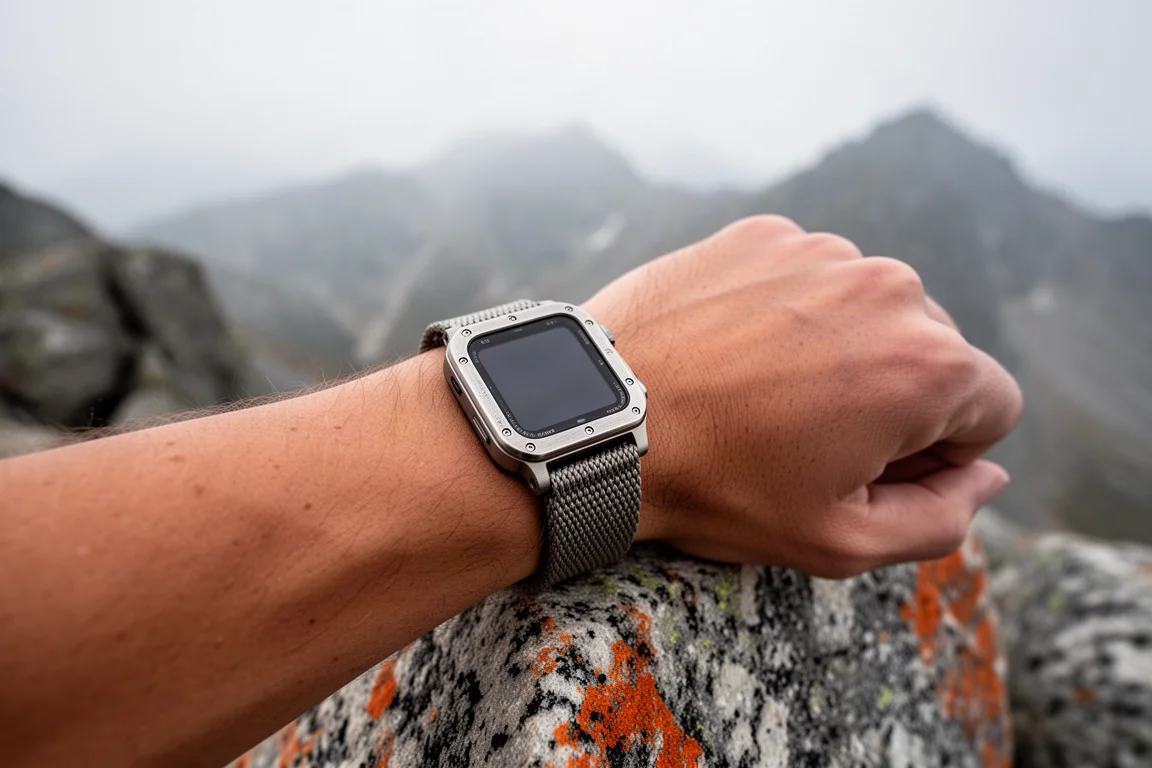
Satellite messaging does not demand precise aiming. The phone can be left lying flat on the ground and the message will still go out; it simply takes a little longer to establish the connection. That detail matters in a real emergency, when fumbling with a device may not be an option.
By comparison, the incident detection found on dedicated sports watches is narrower. It works only during certain activities, and the manufacturer states plainly that it does not contact emergency services. Instead it notifies a pre-set emergency contact. If that person is off the grid, on a flight, or otherwise unable to respond, the alert can sit unanswered for hours. That gap is the difference that pushes many long-time sports-watch owners toward the Ultra 2 for round-the-clock wear.
Things to Consider Before Buying
False alarms are part of the reality. Emergency dispatch teams report a high volume of fall alerts that turn out not to be emergencies, often from everyday trips and stumbles. They also confirm that genuine emergencies do arrive through the same channel, and the general view is that tolerating the false alarms is preferable to losing the feature entirely. Expect the watch to ask you to confirm you are fine, and answer it.
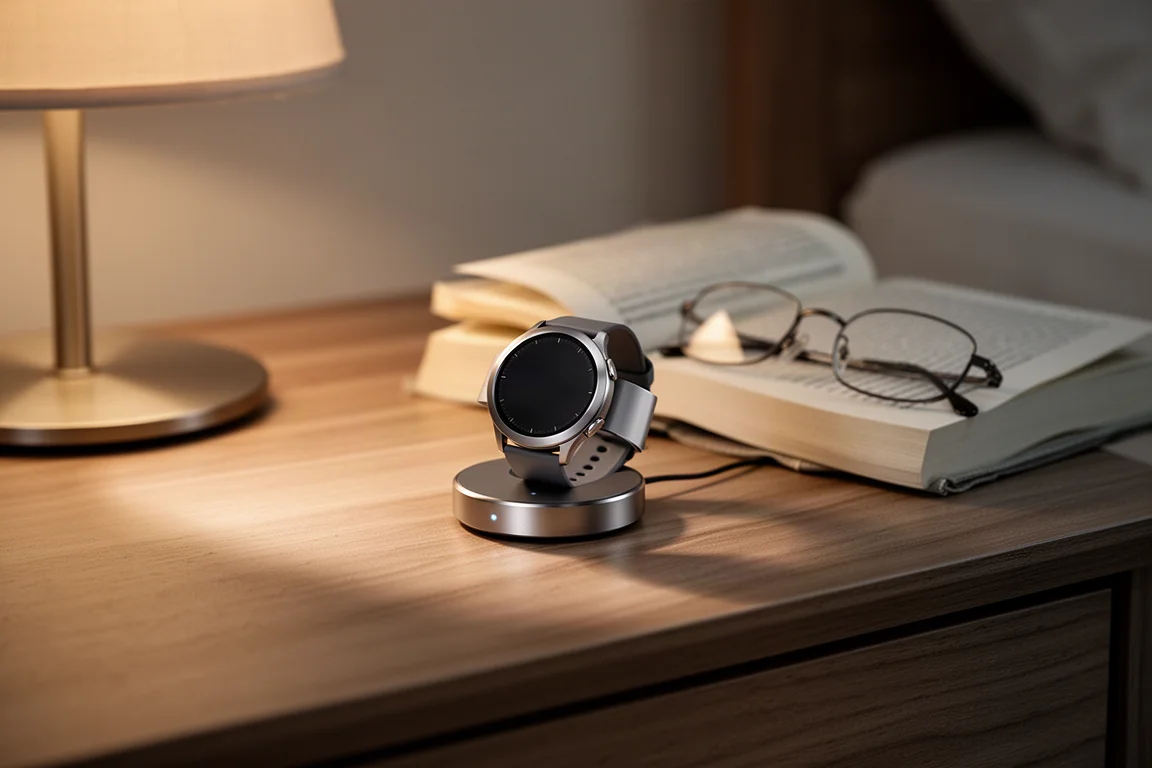
Battery life is the other trade-off. A dedicated sports watch generally lasts longer between charges than the Ultra 2 used as a full smartwatch, and wearing it overnight plus during training means charging becomes a routine rather than an occasional chore.
Setup also matters more than buyers expect. Fall detection is a setting you need to enable and verify, and the strongest safety chain depends on a cellular watch plan or a paired iPhone with cellular and satellite capability. It is worth confirming each link before you rely on it.
Buying Advice
Buy the Apple Watch Ultra 2 if you intend to wear one watch continuously and you want automatic emergency calling as a background safety net rather than an activity-specific extra. The value is highest for people who spend time on remote trails, train alone, or live with a health condition where a sudden fall is a real possibility.
Choose the cellular variant if you want the watch to place an emergency call without depending on a phone in your pocket. If you already carry a satellite-capable iPhone, the fallback path extends coverage into places with no signal at all, which is where the feature earns its keep most clearly.

Before you commit, take ten minutes with the settings. Confirm that fall detection is switched on, that your emergency contacts and medical details are current, and that you understand how the watch behaves when it detects a fall. A safety feature only helps if it is configured before you need it.
Conclusion
The Apple Watch Ultra 2 is not the longest-lasting watch you can strap on, and it is not the cheapest route to serious training metrics. What it offers is an always-on safety layer that calls for help when you cannot, with fallbacks to phone cellular and satellite messaging that keep the chain alive well beyond the reach of a normal signal.
For buyers who want a single watch for every hour of the day, that combination is a compelling reason to choose it. Set it up properly, keep it charged, and it becomes the kind of everyday equipment you stop thinking about until the moment it matters.
Product link
View more details for Apple Watch Ultra 2
This product is mentioned in the review. Check the specifications, options, and compatibility before buying.
View more details for Apple Watch Ultra 2Further reading
Related Reviews
Smartwatches
Best Budget Smartwatches 2026: Five Affordable Options That Actually Work
Five budget smartwatches tested for real daily use. From entry-level options to premium features at fraction of the cost, here's what actually delivers.
Smartwatches
Best Smartwatches on AliExpress 2026: Five Practical Options for Different Needs
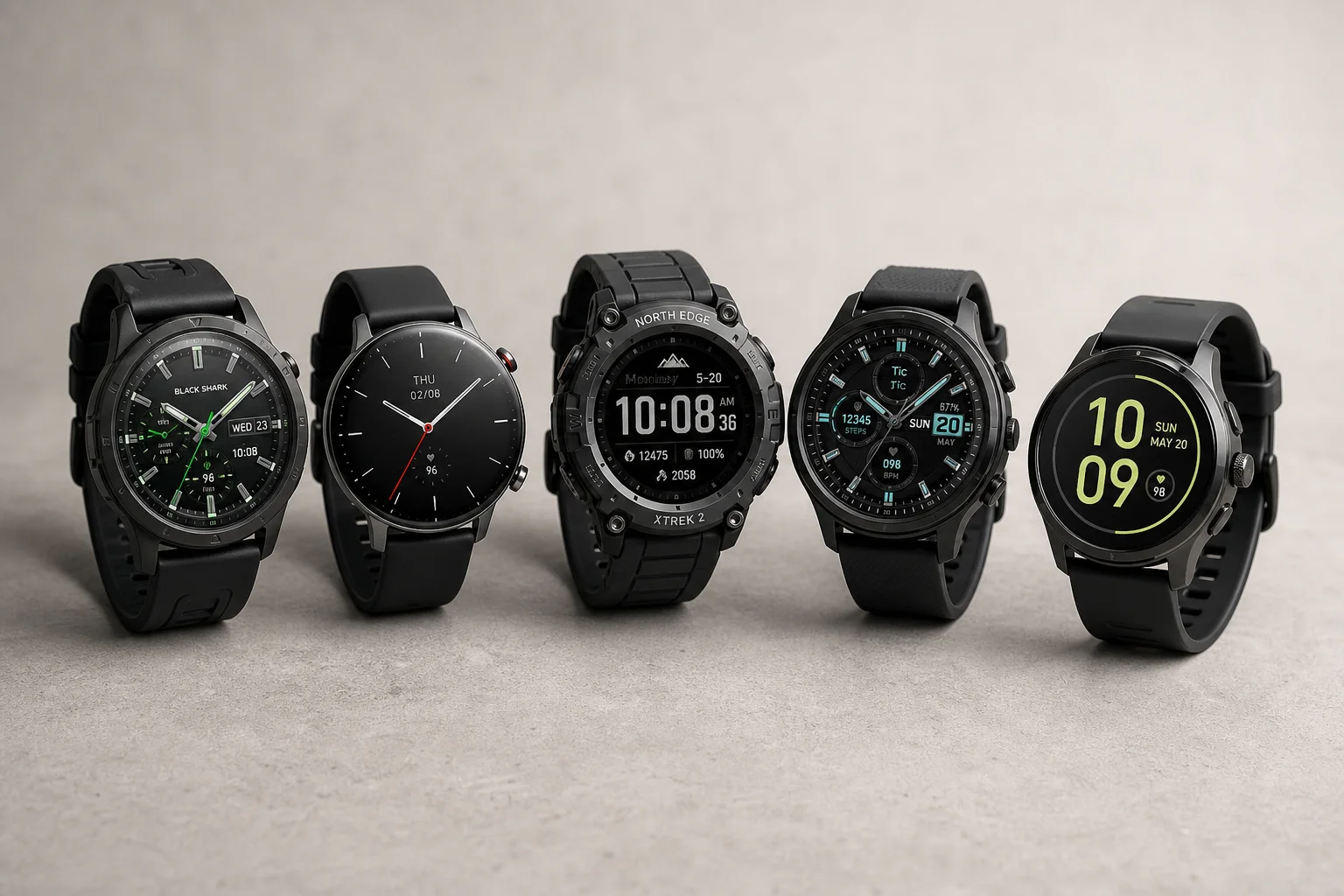
Five smartwatches with strong customer feedback and competitive pricing, each suited to different priorities: premium design, battery life, outdoor durability, advanced health tracking, and sports versatility.
Smartwatches
Best Smartwatches Under $300: 9 Practical Options for Every Need
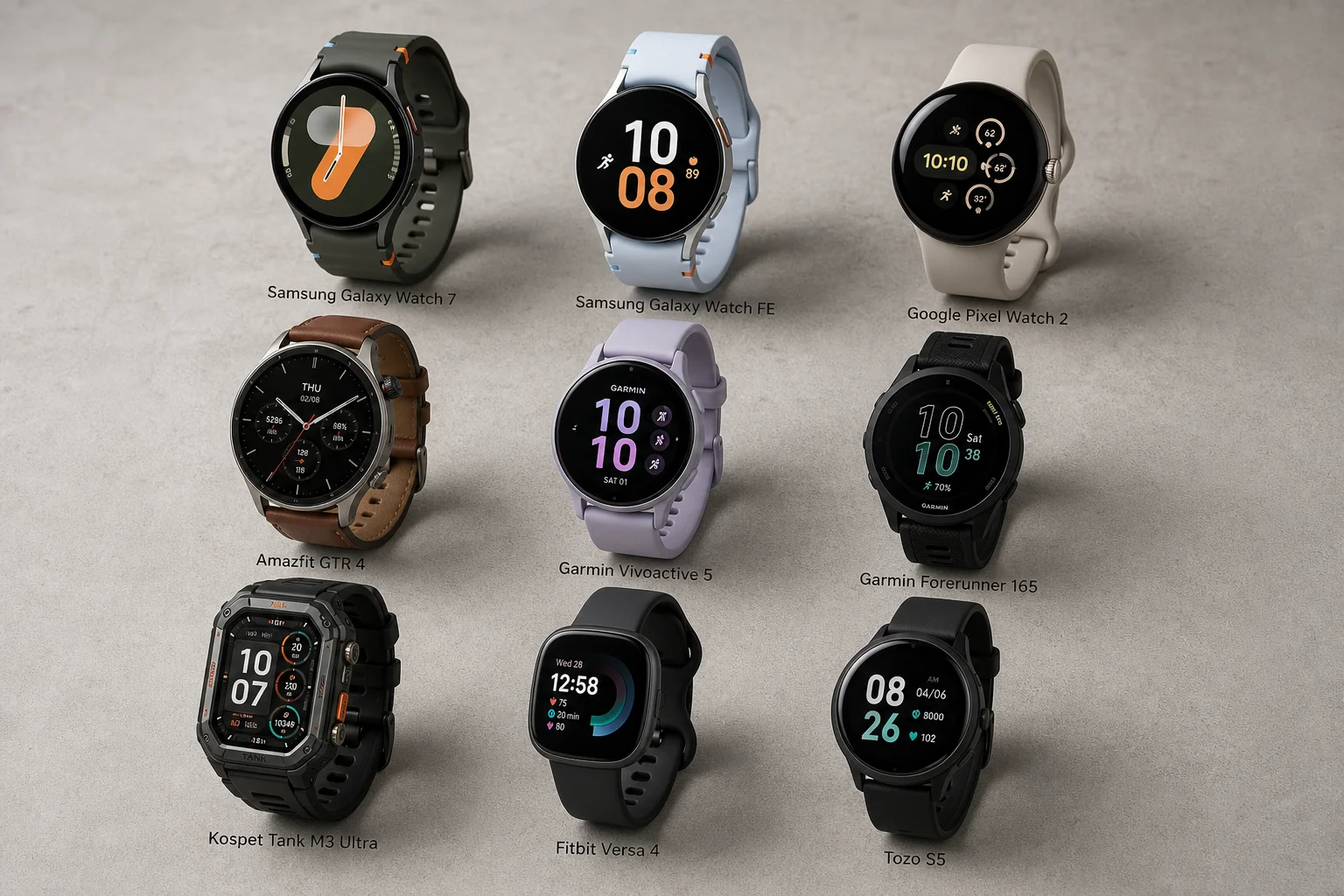
A curated selection of nine smartwatches under $300, each excelling in health tracking, durability, battery life, or fitness features. Find the right match for your lifestyle.