Smartwatches
Apple Watch Series 8 Review: A Sports-Focused Look at Apple's Smartwatch
Tested through running, cycling, swimming, indoor workouts, and a triathlon, the Apple Watch Series 8 pairs modest new hardware with major watchOS 9 fitness upgrades.
Introduction
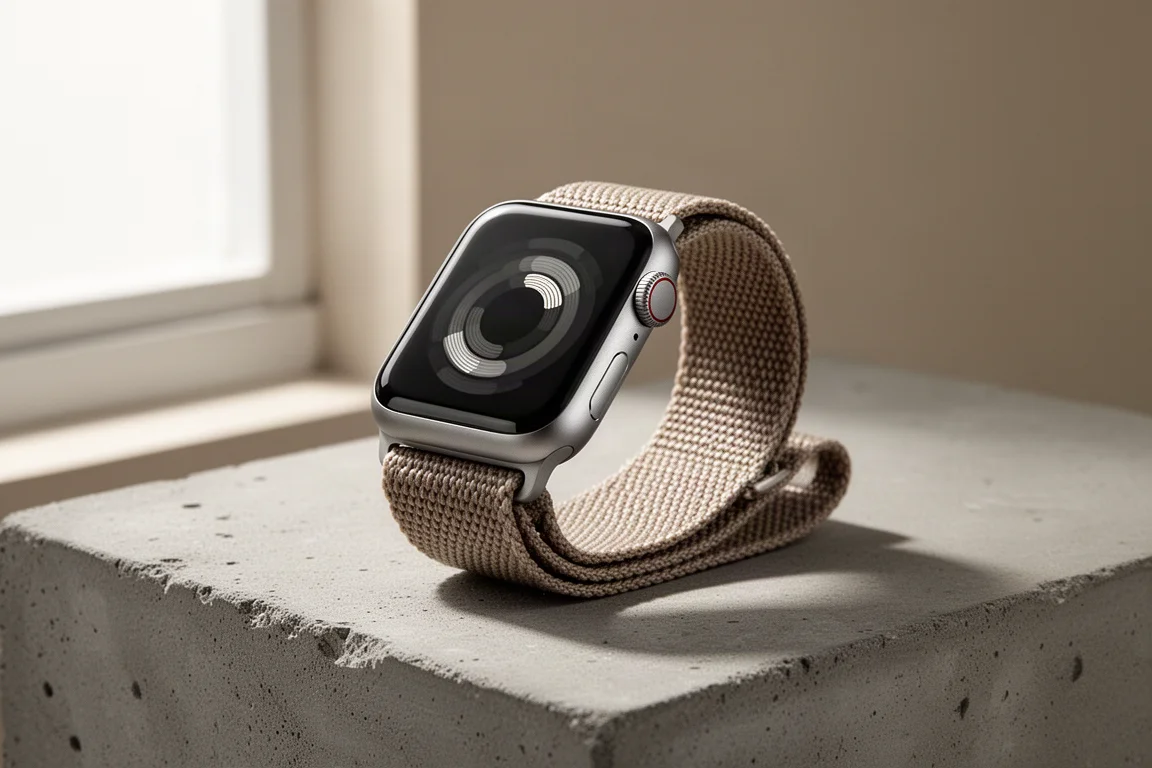
The Apple Watch Series 8 sits at $399, with the cellular edition at $499. That places it above the updated Apple Watch SE at $249 and below the Apple Watch Ultra at $799. On paper, the hardware story here is modest, but the real headline is watchOS 9, which brings a substantial slate of new sports and fitness features to this watch and most previous Apple Watches. For this review, the watch was put through running, cycling, swimming, indoor workouts, and a full triathlon, with a close look at running power along the way.
Who This Product Is For
The Series 8 makes the most sense for two groups. If you are coming from a Series 3 or an older Apple Watch, this is a significant upgrade, thanks to the always-on display and the entire wave of watchOS 9 features. If you already own a Series 7, there is not enough new here to justify an upgrade for most people.
It remains an iPhone-only device. All health and workout data flows into the Apple Health app, which is available only on the iPhone, not the iPad or Mac. That requirement continues across this year’s Apple Watch lineup.
Hardware Changes: Crash Detection and Temperature
The Series 8 adds two relatively minor hardware changes. The first is vehicular crash detection, which uses new sensors to notify emergency services automatically if you are in a crash and do not respond. The second is a wrist-based temperature sensor.
The temperature sensor only records at night while you sleep, and it reports relative differences against a personal baseline established during the first five days of wear rather than an absolute reading. Its primary use case is female health tracking: Apple retrospectively estimates ovulation dates based on that temperature data. Competing wearables also offer forward-looking cycle predictions, which Apple does not do today.
Daily Activity, Sleep, and Health Tracking
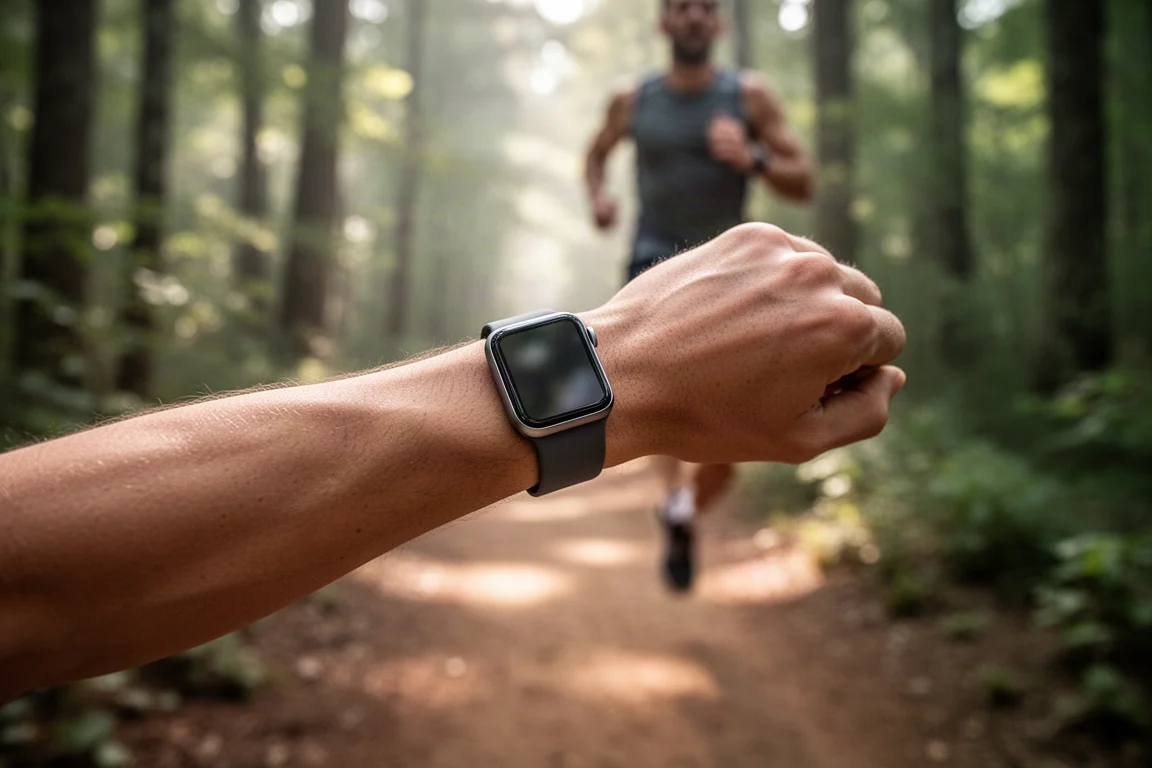
The familiar activity rings carry over unchanged: three colored rings covering standing, exercise, and movement, visible on both the watch and the Fitness app on the iPhone. The Apple Health app acts as the underlying database, accepting data from third-party devices and apps as well.
Sleep tracking gains sleep phase and sleep stage detection in watchOS 9. Sleep time accuracy is generally solid: wake and sleep times were mostly correct, though total time calculations occasionally got funky on some days, classifying a stretch of inactivity after waking as unclear time rather than cleanly ending the session. Nights where getting out of bed immediately produced crisp, clean results.
Workouts and Structured Training
The workout app offers plenty of sport modes with sub-categories, including open runs, goal-based runs, and the new structured workout option. Structured workouts can be created directly on the watch with warm-ups, cool-downs, work and recovery intervals, and repeats, offering real flexibility for interval sessions.
New in watchOS 9: heart rate zones with on-watch customization, expanded data field customization, running power and running efficiency metrics, and a triathlon multi-sport mode that automatically transitions from swim to bike to run, with a manual option as well. Notably, data pages, data fields, and sport types can no longer be customized from the phone in iOS 16 as of launch, which makes configuration more cumbersome than it used to be.
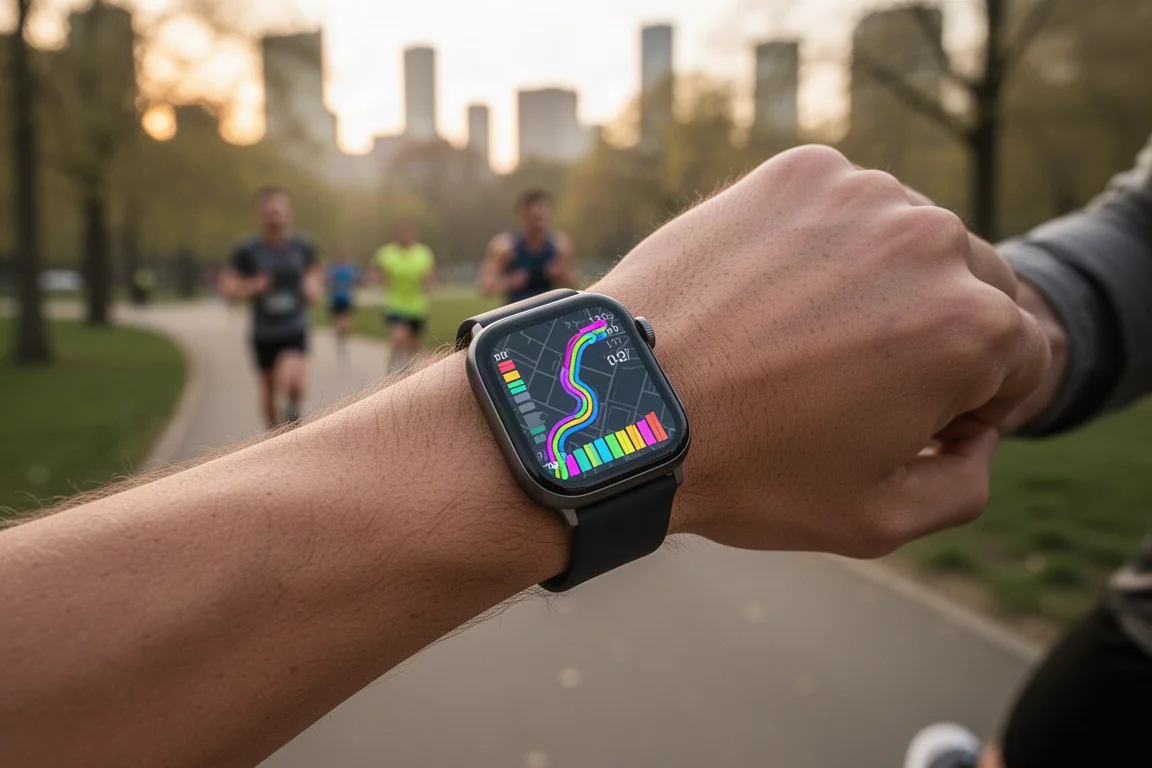
One notable sensor gap: the watch pairs natively with Bluetooth heart rate sensors, but not Bluetooth power meters or cadence sensors. Third-party apps can connect to a power meter, but none support multi-sport triathlon workouts, which is an odd gap given how many triathletes rely on those sensors.
After a workout, a quick summary appears on the watch while the full depth of data lives in the Fitness app, with export options to third-party platforms like Strava and TrainingPeaks.
Compass and Backtrack Navigation
The compass app is revamped in watchOS 9, and on Series 6 and above it gains waypoints and Backtrack. Waypoints let you save exact GPS coordinates with a name and icon. Backtrack does not start automatically; it activates manually or when you leave cellular coverage or denser Wi-Fi signals, laying down a point every two minutes and connecting them into a returnable route.
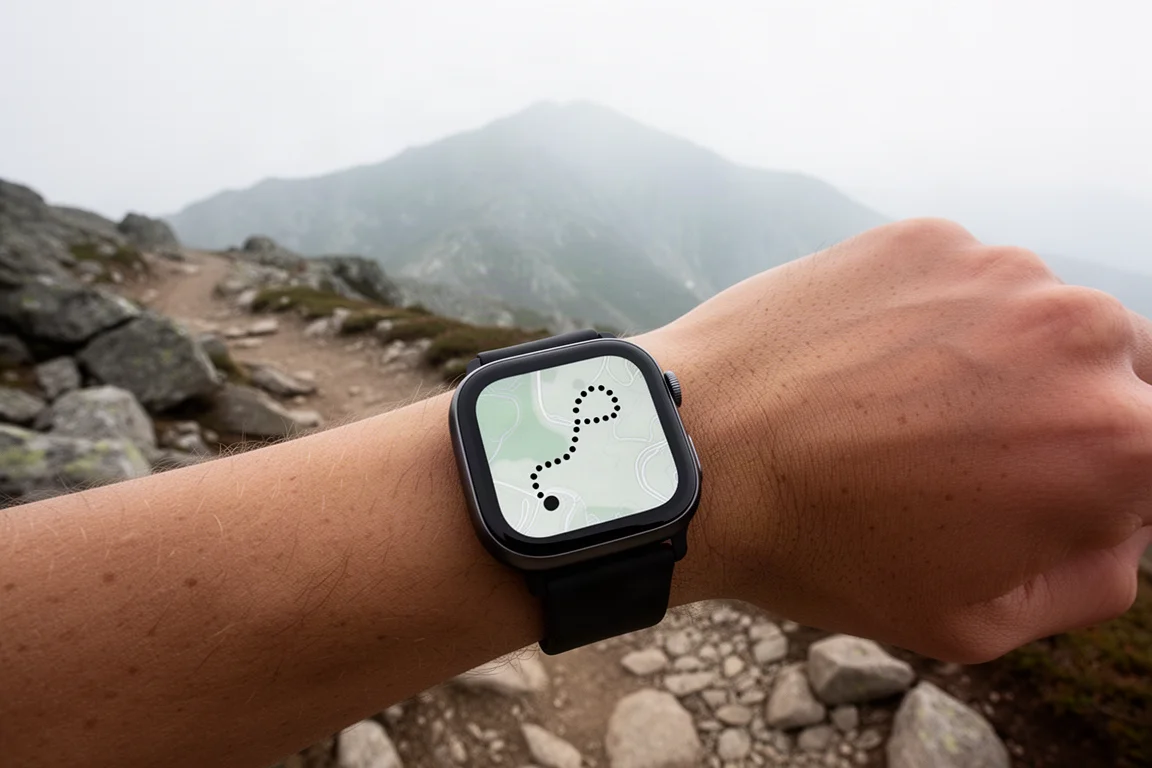
It is fairly basic compared to dedicated outdoor watches, and the two-minute granularity is coarse, but it is a genuine leap forward for Apple and works well for getting out of a pickle, with previously saved waypoints persisting indefinitely.
GPS, Heart Rate, and Running Power Accuracy
Heart rate accuracy against a chest strap was spot-on in interval workouts, both indoors and outside. GPS performance was consistently strong: clean tracks on interval runs, exact overlapping lines on out-and-back segments, and mountain bike tracks nearly identical to a dual-frequency GPS unit within a couple of meters, with elevation offsets of about 12 meters, which is normal across multiple devices.
Running power values run higher than some competitors, though there is no industry standard for running power and each company calculates it differently. Apple’s values were at least internally consistent. Cadence data, by contrast, was smoothed excessively during walking sections and did not reflect abrupt real changes.
Battery and Low Power Mode
The claimed battery life is 18 hours, and the new low power mode roughly doubles that to 36 hours by shutting off various features in general use. In workout low power mode, extended battery life comes without reducing GPS fidelity, heart rate fidelity, or any captured metrics as of today; savings come from the display and other systems instead. A future update later this year will add a secondary low-power workout mode that does reduce GPS and heart rate frequency for even more battery life.
Buying Advice
Against dedicated sports watches, the comparison gets messy quickly. Garmin’s Forerunner and Fenix lineups offer far more running and trail features, while the Apple Watch actually has more advanced running and multi-sport features than Garmin’s Venu series, though those watches still deliver a more cohesive fitness ecosystem experience. As a smartwatch, the Series 8 is unquestionably the better experience, and Apple is closing the sports-feature gap remarkably fast.
If you want the best all-round smartwatch with genuinely improved sports and fitness capabilities, the Series 8 is an easy recommendation at $399. If deep training tools and running analytics are the priority, dedicated sports watches still hold the edge.
Conclusion
The Apple Watch Series 8 is a modest hardware step, but watchOS 9 makes it a compelling sports and fitness watch for the first time: structured workouts, triathlon mode, running power, heart rate zones, and navigation features all arrive together. For older Apple Watch owners and anyone wanting one device for both daily life and endurance sports, it is a strong pick.
Product link
View more details for Apple Watch Series 8
This product is mentioned in the review. Check the specifications, options, and compatibility before buying.
View more details for Apple Watch Series 8Further reading
Related Reviews
Smartwatches
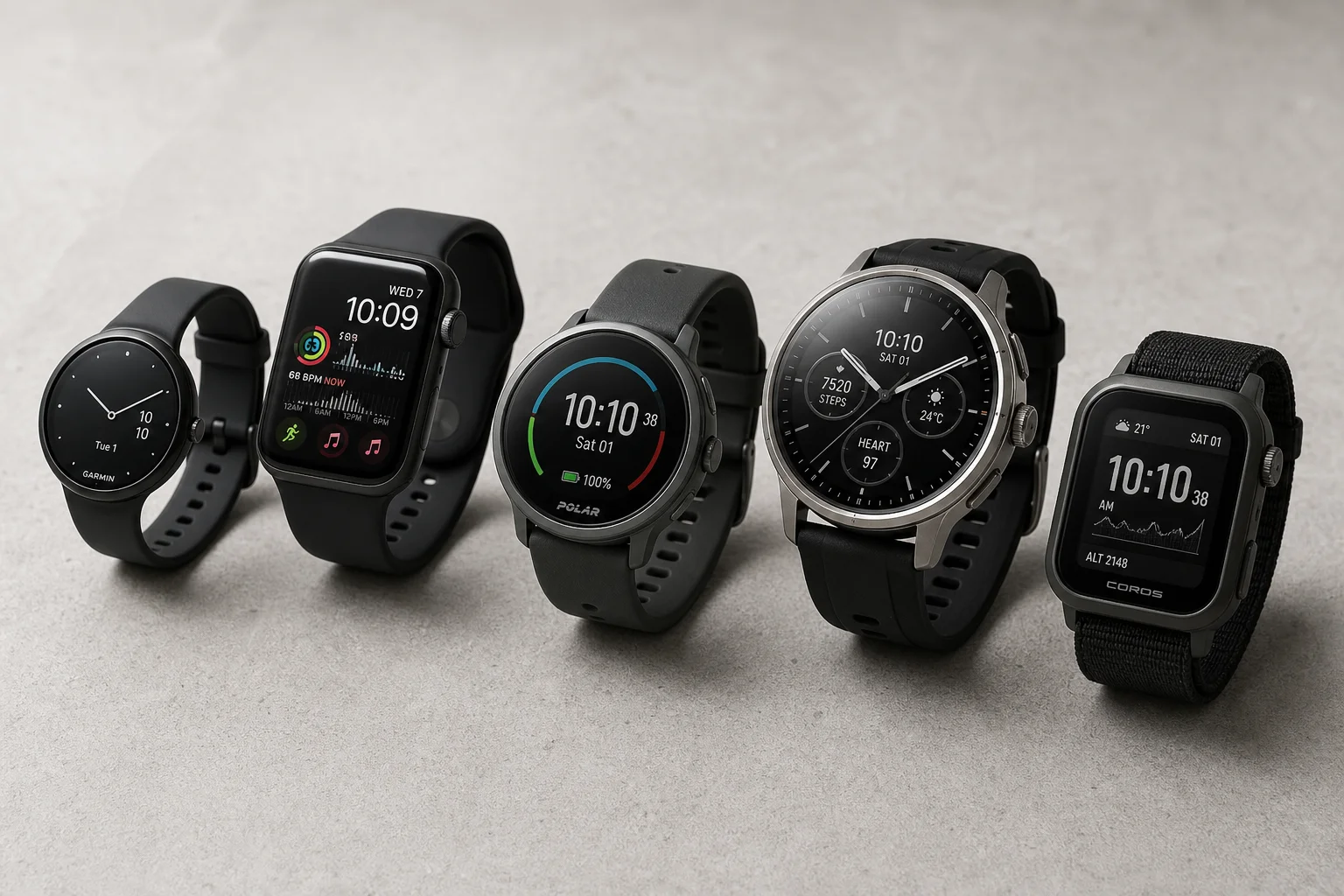
Best Budget Smartwatches 2026: Five Affordable Options That Actually Work
Five budget smartwatches tested for real daily use. From entry-level options to premium features at fraction of the cost, here's what actually delivers.
Smartwatches
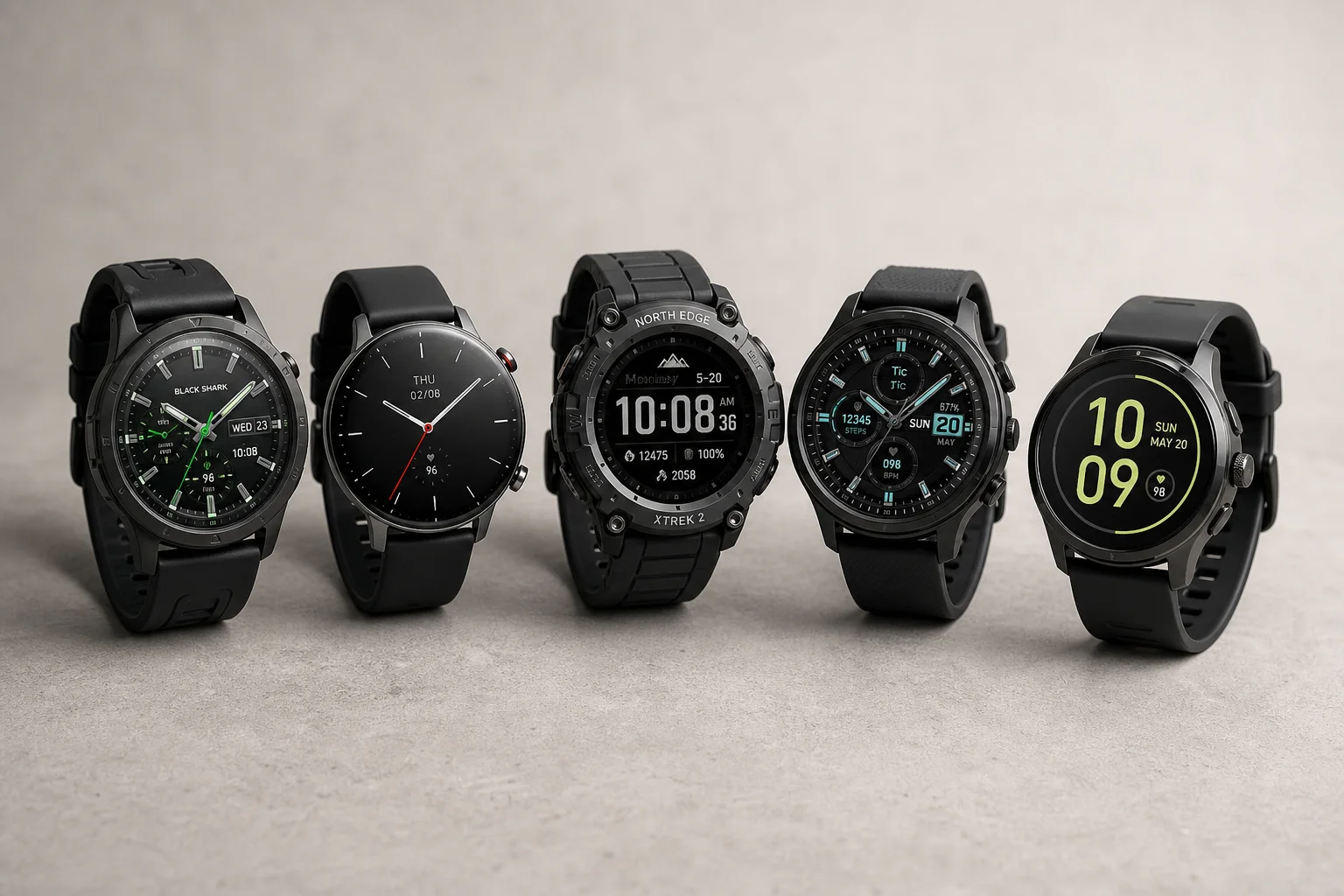
Best Smartwatches on AliExpress 2026: Five Practical Options for Different Needs
Five smartwatches with strong customer feedback and competitive pricing, each suited to different priorities: premium design, battery life, outdoor durability, advanced health tracking, and sports versatility.
Smartwatches
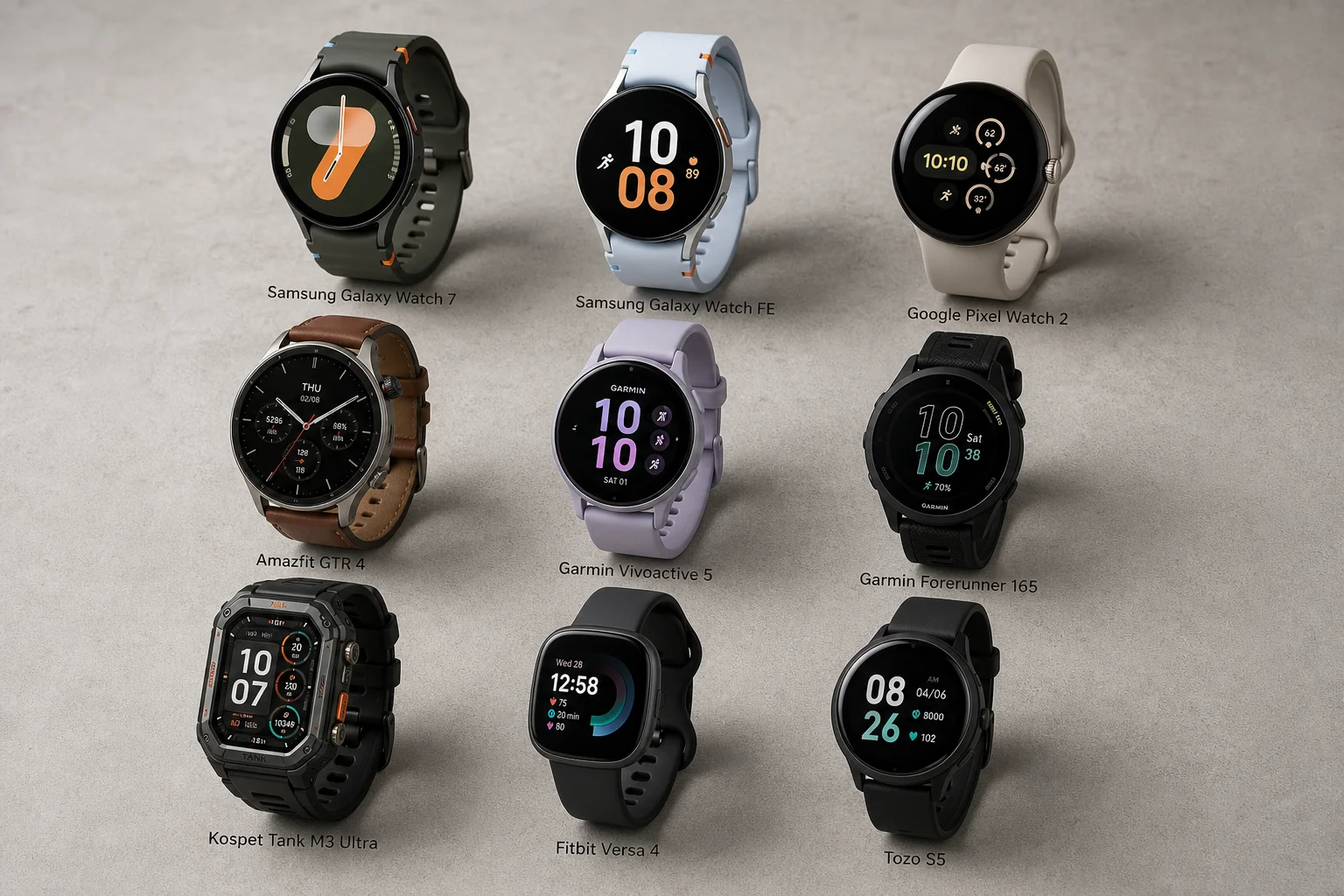
Best Smartwatches Under $300: 9 Practical Options for Every Need
A curated selection of nine smartwatches under $300, each excelling in health tracking, durability, battery life, or fitness features. Find the right match for your lifestyle.