Smartwatches
Apple Watch Series 10 Review: A Bigger Display and Smarter Training Tools
The Series 10 brings a larger wide-angle display, faster charging, a depth gauge, and new watchOS 11 features like Training Load and the Vitals app.

Introduction
The Apple Watch Series 10 arrives with the usual two-part story: new hardware, plus a fresh wave of software in the form of watchOS 11, which also extends to older Apple Watch models. After testing it across runs, rides, swims, and even snorkeling sessions, the picture is clear. This is not a radical redesign aimed at last year’s buyers. Instead, it is a steady refinement of the display, charging, and fitness features, and it lands in a very deliberate spot in the sports and fitness smartwatch market.
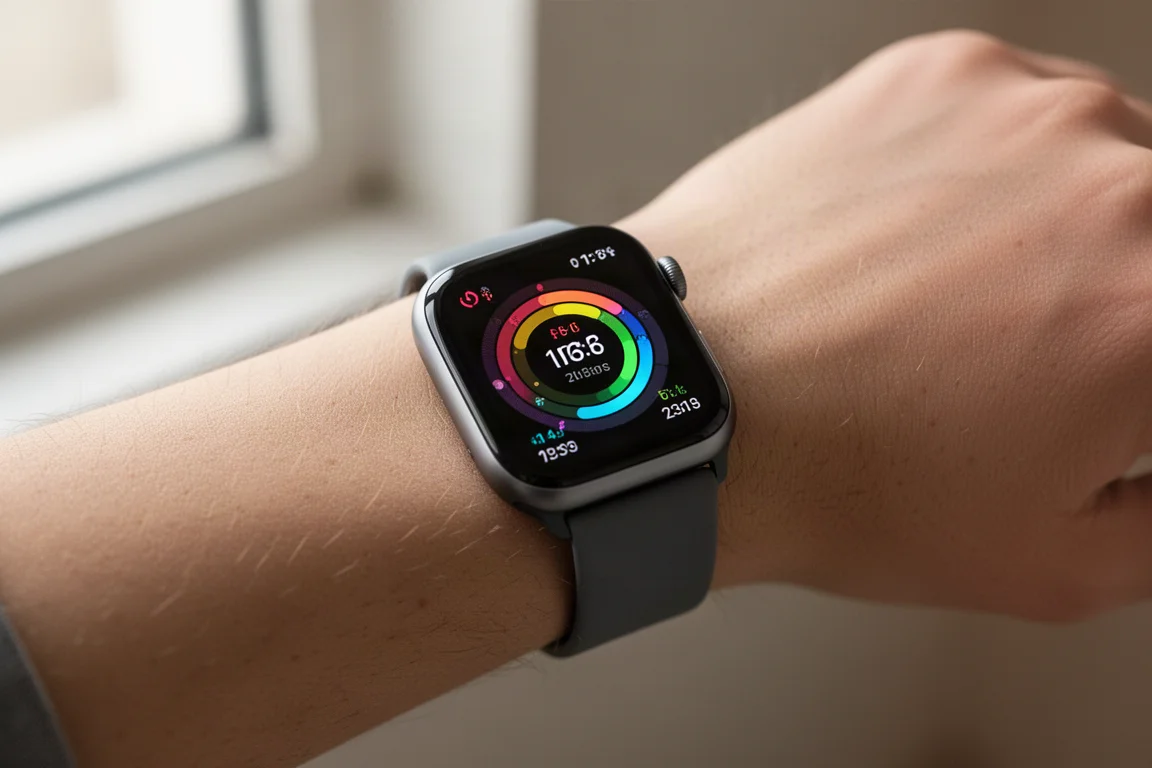
The headline hardware change is the larger display, available in two new sizes: 42mm and 46mm, up from the previous 41mm and 45mm. Side by side with a Series 9 45mm, the 46mm Series 10 is noticeably wider, and Apple’s claim that the active display area is larger than even the Apple Watch Ultra 2 checks out: it is about 3% larger.
Who This Product Is For
Apple is not generally trying to convince owners of last year’s watch to upgrade. The real target audience is people coming from three to five years back, so if you are on a Series 7, 6, 5, or older, the Series 10 makes a lot of sense. The bigger display is the change you will actually notice, especially coming from a Series 5 or 6. If you already own a Series 9, the upgrade case is thinner: mainly the larger display and the faster charging.
One important detail to check before buying: the blood oxygenation feature remains disabled on units purchased in the United States due to an earlier patent dispute. Buy outside the US and the feature stays enabled. On US models, the Vitals app therefore shows four overnight metrics instead of five.
Main Strengths
Display
The off-angle brightness improvement Apple touted is hard to perceive when comparing directly against a Series 9, but the sheer size increase is obvious, particularly in width. For anyone with an older, smaller Apple Watch, this alone can justify the upgrade.
Software: watchOS 11
watchOS 11 brings several genuinely useful training features. You can now adjust your daily goals per day of the week rather than a single fixed target, and you can pause activity readings if you are sick or traveling so you do not lose streaks. The new Vitals app shows overnight heart rate, respiratory rate, wrist temperature, and sleep metrics in one place.
The Sleep Apnea feature, which received FDA approval shortly after announcement, tracks breathing disturbances overnight and classifies them as elevated or non-elevated. After 30 days with at least 10 nights of data, if at least 50% of those nights show elevated readings consistent with moderate sleep apnea, the watch triggers a notification and lets you export a PDF report for your doctor. The goal is awareness, not treatment. It is available on Series 9, Series 10, and all Apple Watch Ultra 2 editions.
Training Load is the other major addition. Each workout gets a 1 to 10 effort rating, which is multiplied by duration and compared against a rolling 28-day baseline. It works well in practice, though the graphs only show percentage changes rather than an absolute number, which makes month-to-month comparison harder than it should be.
Charging Speed
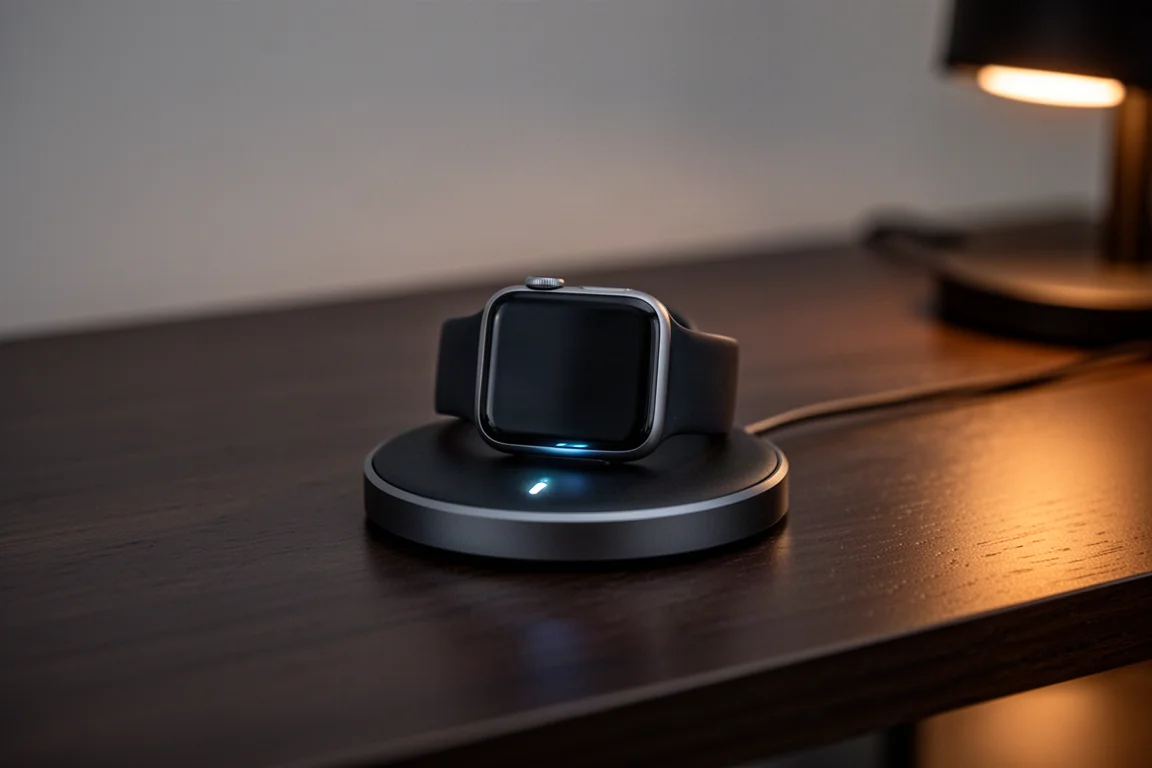
Apple’s claim of 80% in 30 minutes held up completely in testing. It is genuinely fast. You will need one of the newer faster-charging cables, such as any Apple Watch Ultra braided cable or a Series 7-or-newer cable with the metallic outer ring on the puck. Older cables still work but charge more slowly.
The New Depth Gauge and Snorkeling Quirks
The Series 10 adds a depth gauge rated to 6 meters (about 20 feet), recording depth and water temperature for snorkeling, pool swims, and open water swims. In theory this is a great feature for anyone near swimmable water. In practice it is quirky: Apple has no dedicated snorkeling sport mode. Instead, the Depth app records each descent below roughly three meters as a separate session, so an hour of snorkeling produces a pile of fragmentary entries. The recommended workaround is the third-party Oceanic app, which worked well on the watch itself but had an incomplete phone-side experience during testing. Since Apple already records all the underlying data, a proper native sport mode would be a simple software fix.
The Tides App
The new Tides app is a standout. It automatically finds nearby tides using your location, lets you scroll seven days ahead with the Digital Crown, adds swell information, and can pull from roughly 150,000 global locations. It is arguably the best native tides implementation seen from any watchmaker, which makes the snorkeling omission even more puzzling.
Accuracy
The Series 10 keeps the same heart rate sensor and GPS hardware as the Series 9, with no multiband or dual-frequency GPS. Testing told a strong story anyway: optical heart rate was spot-on against a chest strap on trail runs, interval runs, and a mixed-terrain gravel ride, matching the performance of the Google Pixel Watch 3. GPS tracks were equally impressive, matching virtually identical traces against two multiband watches, the Garmin Fenix 8 and the Apple Watch Ultra 2, even in high-rise areas, along cliff-lined coastlines, and under tree cover. Good antenna design and algorithms clearly make up for the lack of dual-frequency hardware.
Things to Consider Before Buying
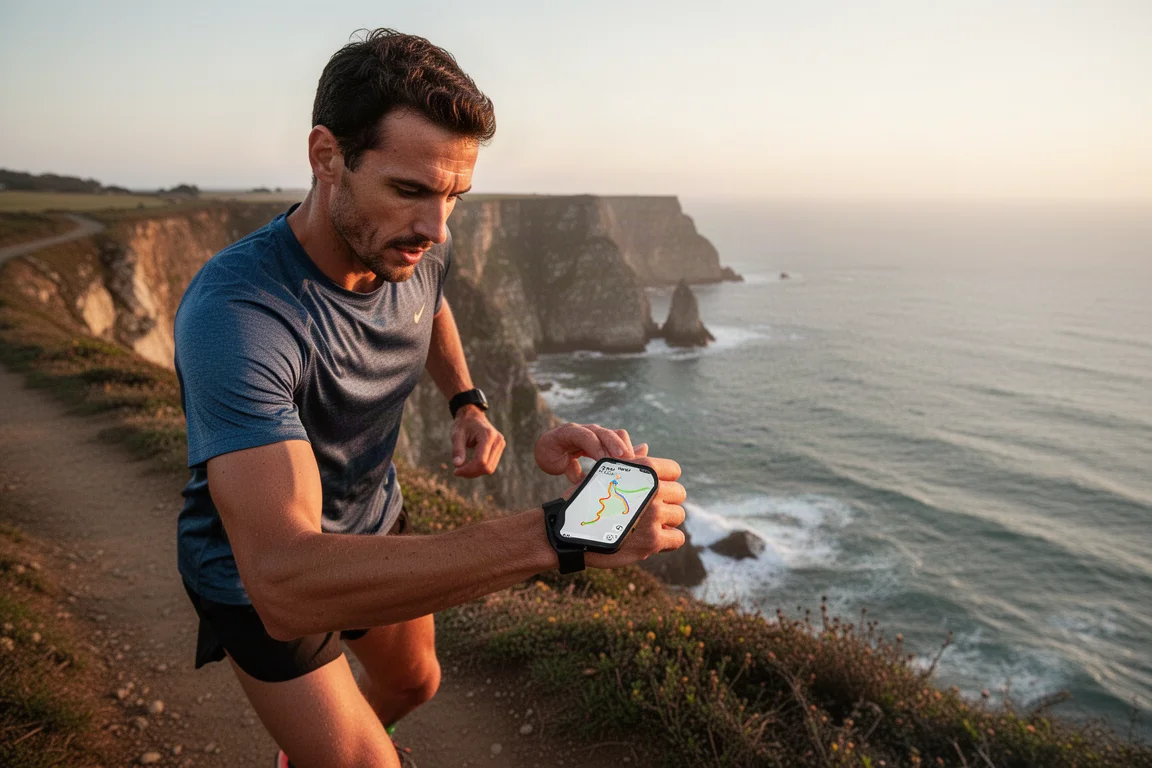
Snorkeling is the rough edge here: fragmented session logging and reliance on a third-party app for a complete experience. Sports features are also not as deep as what you would find on a Garmin Fenix, though Apple is clearly not chasing that level of granularity. Data pages are customizable but more lightly than on dedicated sports watches. Offline maps and custom pedestrian routes work, with turn-by-turn alerts, but navigation lives in the Apple Maps app rather than the workout app, so you have to double-press a button to swap between directions and your data pages. It is functional, just not as cohesive as on other watches.
Buying Advice
The Series 10 makes the most sense for anyone on a Series 7 or older, where the display jump alone is dramatic. Series 9 owners should think harder and weigh the larger screen and faster charging against the cost. From a sports and fitness perspective, Apple has found its landing zone: covering the vast majority of everyday training scenarios well enough that many people may no longer feel they need a high-end dedicated sports watch, even if deep training analytics still belong to Garmin territory.
Conclusion
The Apple Watch Series 10 is a confident, incremental upgrade. The bigger display is the change you will feel every day, fast charging removes a real annoyance, and watchOS 11 adds meaningful training and health tools like Training Load, Vitals, and Sleep Apnea detection. The depth gauge and Tides app are genuinely appealing for water-minded users, even if snorkeling logging needs refinement. For anyone several generations behind, this is an easy recommendation.
Product link
View more details for Apple Watch Series 10
This product is mentioned in the review. Check the specifications, options, and compatibility before buying.
View more details for Apple Watch Series 10Further reading
Related Reviews
Smartwatches
Best Budget Smartwatches 2026: Five Affordable Options That Actually Work
Five budget smartwatches tested for real daily use. From entry-level options to premium features at fraction of the cost, here's what actually delivers.
Smartwatches
Best Smartwatches on AliExpress 2026: Five Practical Options for Different Needs
Five smartwatches with strong customer feedback and competitive pricing, each suited to different priorities: premium design, battery life, outdoor durability, advanced health tracking, and sports versatility.
Smartwatches
Best Smartwatches Under $300: 9 Practical Options for Every Need
A curated selection of nine smartwatches under $300, each excelling in health tracking, durability, battery life, or fitness features. Find the right match for your lifestyle.