Smartwatches
Amazfit T-Rex 3 Pro Review: Great Hardware, Rough Navigation
A rugged smartwatch with a built-in flashlight, offline route generation, and a speaker, sold at a price well below the premium competition, but with serious software trade-offs.
Introduction
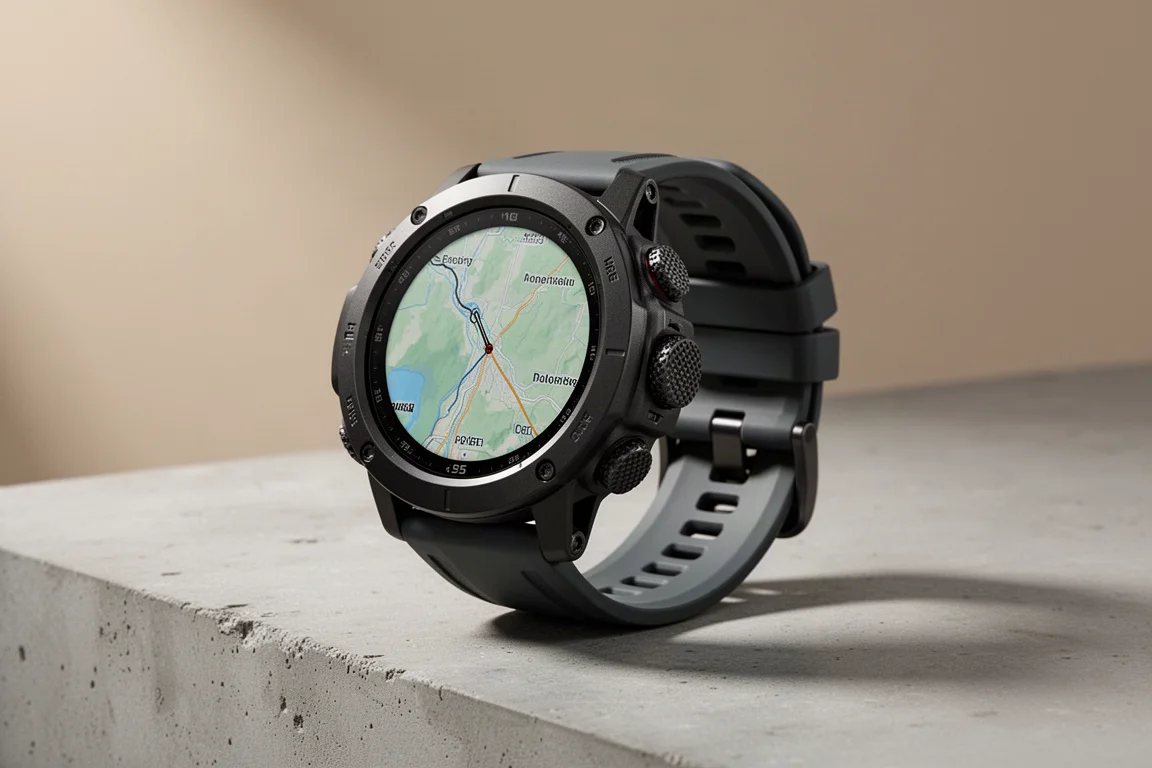
The T-Rex 3 Pro is a rugged GPS sports watch that packs in a surprising amount of hardware for its price: a brighter display, a built-in flashlight with two white LEDs and a red LED, and a speaker that enables voice calls when your phone is nearby. On paper, it also offers full offline routing on the watch itself, something no wearable maker outside Garmin has managed to date.
After extended use across runs, rides, nights, and sleep tracking, the picture is mixed. The hardware earns real praise. The navigation software, however, is genuinely rough, and that matters a lot for anyone buying a watch like this for its mapping features.
First Impressions and Pricing
The watch comes in two sizes: the 48mm version available now, and a 44mm version arriving in October. At $399, it undercuts the Garmin Fenix lineup considerably, with current Fenix watches costing at least double. The Fenix 7 and Epic series land in the $400 to $500 range, so Amazfit is targeting that same price ballpark from below.
The Pro edition also brings a brighter display, rated at 3,000 nits versus 2,000 nits on the existing edition. Both are more than bright enough in direct sun, though the Apple Watch Ultra 2 sits at 3,000 nits and the Garmin Fenix 8 MicroLED reaches 4,500 nits. Realistically, none of these figures are a problem in daily use.
The Flashlight: The Standout Feature
The most exciting new hardware is the flashlight. The case houses two white LEDs plus a red LED, with multiple brightness levels and flashing patterns. You can set up a safety flashing mode in run modes, and you can configure it to turn on automatically after sunset, which is a genuinely nice touch.
Most people assume a watch flashlight is an outdoor tool, but day to day it shines indoors: finding things under couches, in closets, navigating a hotel bathroom in the middle of the night without blinding anyone. In close-range comparisons against the Garmin Fenix 8, the output is nearly identical. The Fenix 8 throws light considerably farther at long range, but for a backup light in a tent or a household finder, the difference is minor.
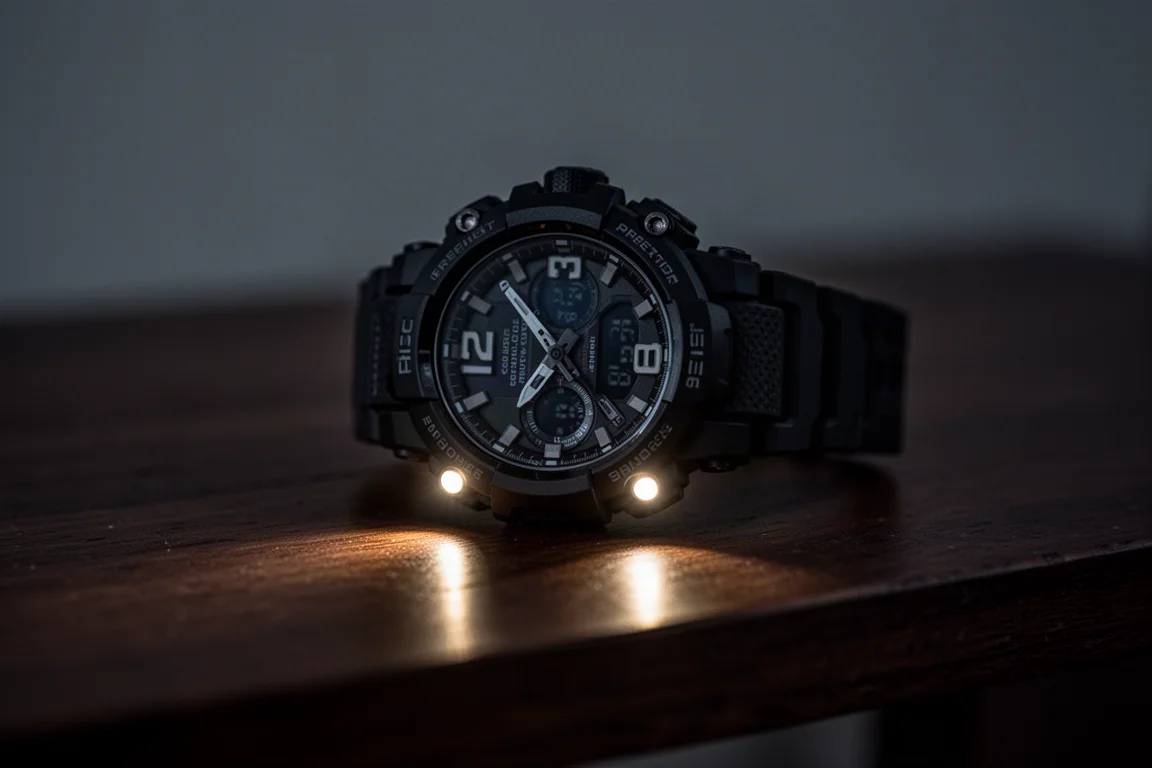
It is worth noting that Garmin’s flashlight implementation remains more versatile in its flashing patterns across the Instinct and Fenix series. The T-Rex gets the job done, but Garmin still leads here.
The Speaker and Voice Calls
The second new hardware addition is a speaker, paired with the existing microphone for voice calling. There is no cellular connection, so your phone must be with you. Think of the watch as acting like a Bluetooth headset: you dial from the watch, save contacts to it, or call back recent callers.
Call quality is usable but not flawless. On test calls, the watch speaker came through noticeably quieter than a phone speaker, suggesting the speaker simply is not loud enough during calls. Saving contacts is also a little clunky. It works eventually, but the flow could be smoother.
Offline Route Generation and Rerouting
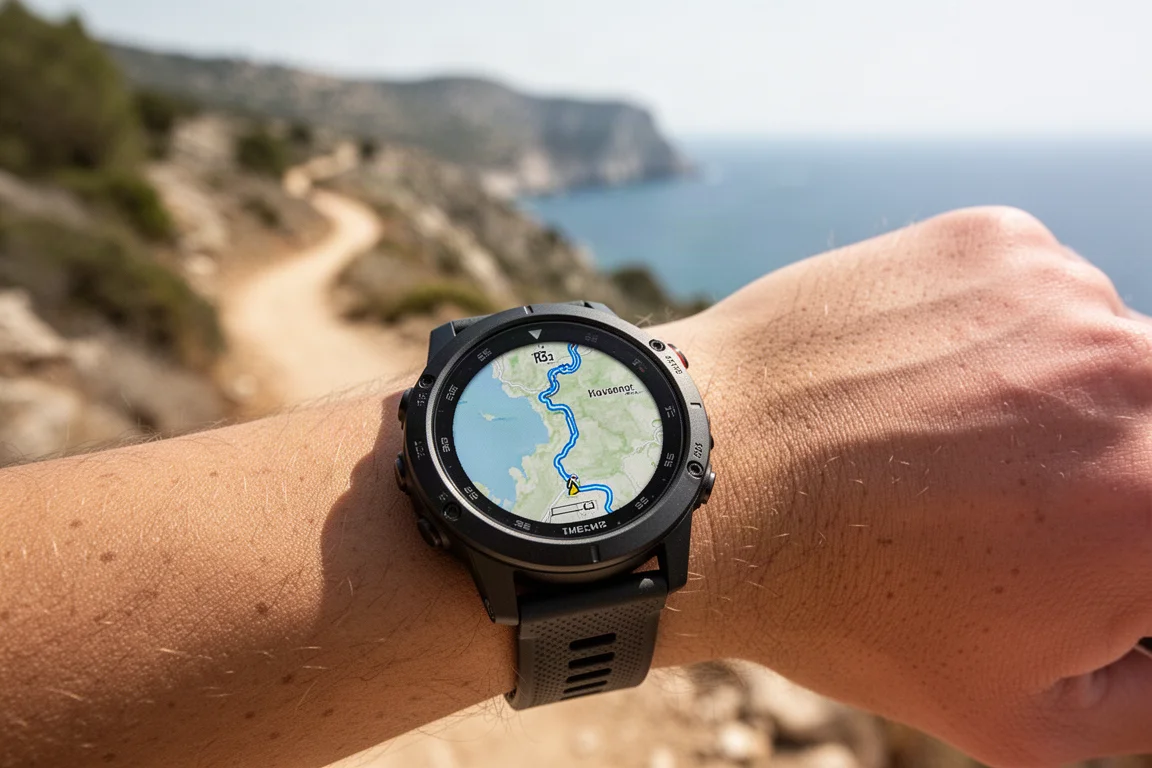
The original T-Rex 3 already offered free downloadable offline maps for following pre-created routes. The Pro edition goes further: generating routes on the fly, entirely offline, on the watch. That would be a huge deal, making Amazfit the first company outside Garmin to do true offline rerouting on a wearable. Google and Apple both rely on online services for rerouting. In theory, this is the headline feature.

In practice, this is where the watch falls apart. Amazfit highlights three core use cases:
Roundtrip Routing
You choose a direction of travel and a distance, up to 50k, and the watch calculates a loop. Sometimes it works; most of the time it simply fails. Routes of 10k or under seem more reliable, though a 10k calculation took around 30 to 40 seconds. Above 10k, it hard-failed almost every single time.
Routing to a Point
You can select any point on the map and generate a route to it, then load it into an outdoor running, walking, or cycling profile. Success rates are better here than with roundtrip routing, often working on the second attempt. The problem is the routes themselves. They can wander erratically and add substantial extra mileage, and far too often they route directly onto highways, including lanes of oncoming traffic, even when a wide pedestrian and bike path runs parallel nearby.
Automatic Rerouting
This is the biggest disappointment. Despite “automatic rerouting” appearing in the marketing, it does not reroute automatically at all. To reroute, you must stop your activity entirely, enter the navigation menus, and select rerouting manually, and even that frequently fails.
The Missing Back-to-Start
The most fundamental flaw: you cannot create a route directly back to your start point. It can only follow the course you came by. That defeats the core purpose of rerouting on a wearable, which is almost always “this loop is not working, get me home.” Worse, to create any new route to another location mid-activity, you have to fully end the activity, not just pause it. You can open the maps app mid-activity and tap a point, and it will calculate, but the option to actually route to it is disabled while an activity is ongoing.
On top of that, turn prompts suffer from awkward translations. “Front left” and “front right” appear to mean slight left and slight right, and prompts like “go up elevation” appear at confusing moments. When you deviate from the route, the watch admonishes you: “You have deviated from the route. Please pay attention to your travel path.”
The Software Reality
This pattern of promising features that arrive half-baked is consistent. Three explanations seem possible: no external beta testers, beta feedback being ignored, or testers who simply do not understand sport devices well enough to catch these issues. Whatever the cause, the result is navigation and routing that is effectively unusable as shipped.
Which is a shame, because the hardware direction is genuinely good. The flashlight alone is something competitors like Polar and Coros still do not offer at any price, and doing it on a well-priced watch deserves credit. But good hardware wrapped in rough software will eventually stop earning goodwill, and consumers need this kind of competition to actually work.
Should You Buy the T-Rex 3 Pro?
If your priorities are rugged hardware, a bright display, a genuinely useful flashlight, a speaker for calls, and long battery life at a $399 price, the T-Rex 3 Pro delivers a lot of value. If reliable offline navigation and rerouting are central to how you use a sports watch, this is not the watch for that yet. The feature exists in name, but the execution is not there.

Buy it for the hardware and the price. Skip it if mapping is the reason you are shopping. If Amazfit refines the routing software after launch, this could become a much stronger recommendation for outdoor athletes.
Conclusion
The T-Rex 3 Pro is a tale of two products. The flashlight, brighter display, and speaker make it a compelling piece of hardware at its price, and it is absolutely not in the same league as a Garmin Fenix despite the headlines. Its offline routing ambitions are the right idea, aimed at a feature only Garmin currently offers, but the current implementation fails far too often to be trusted. Wait for software refinement if navigation matters most; otherwise, enjoy one of the better-equipped rugged watches in this price range.
Product link
View more details for Amazfit T-Rex 3 Pro
This product is mentioned in the review. Check the specifications, options, and compatibility before buying.
View more details for Amazfit T-Rex 3 ProFurther reading
Related Reviews
Smartwatches
Best Budget Smartwatches 2026: Five Affordable Options That Actually Work
Five budget smartwatches tested for real daily use. From entry-level options to premium features at fraction of the cost, here's what actually delivers.
Smartwatches
Best Smartwatches on AliExpress 2026: Five Practical Options for Different Needs
Five smartwatches with strong customer feedback and competitive pricing, each suited to different priorities: premium design, battery life, outdoor durability, advanced health tracking, and sports versatility.
Smartwatches
Best Smartwatches Under $300: 9 Practical Options for Every Need
A curated selection of nine smartwatches under $300, each excelling in health tracking, durability, battery life, or fitness features. Find the right match for your lifestyle.