Dash Cams
70mai Omni Dash Cam Review: 360-Degree Coverage for the Right Driver
A 360-degree dash cam with strong night footage, a rotating camera eye, and clever extras, balanced against a semi-permanent install and 1080p limits.
Introduction
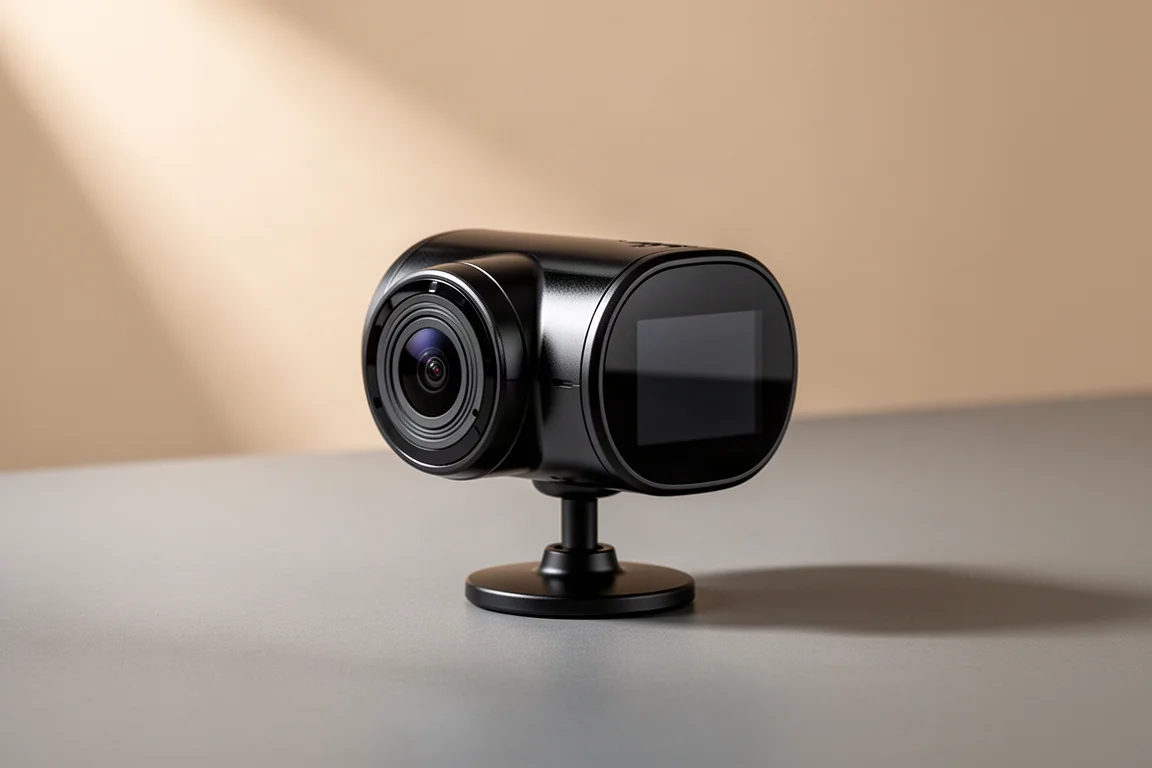
Dash cams have gone from niche gadget to near-essential car accessory, and the 70mai Omni takes the concept in a fresh direction: a rotating camera head that can sweep a full 360 degrees around the cabin. Priced around $150, it promises Tesla-style all-around awareness without buying a Tesla. After extended real-world driving in mixed conditions, including snowy nights and overcast days, the picture that emerges is of a genuinely capable device with a few compromises worth understanding before you buy.
Installation and Everyday Use
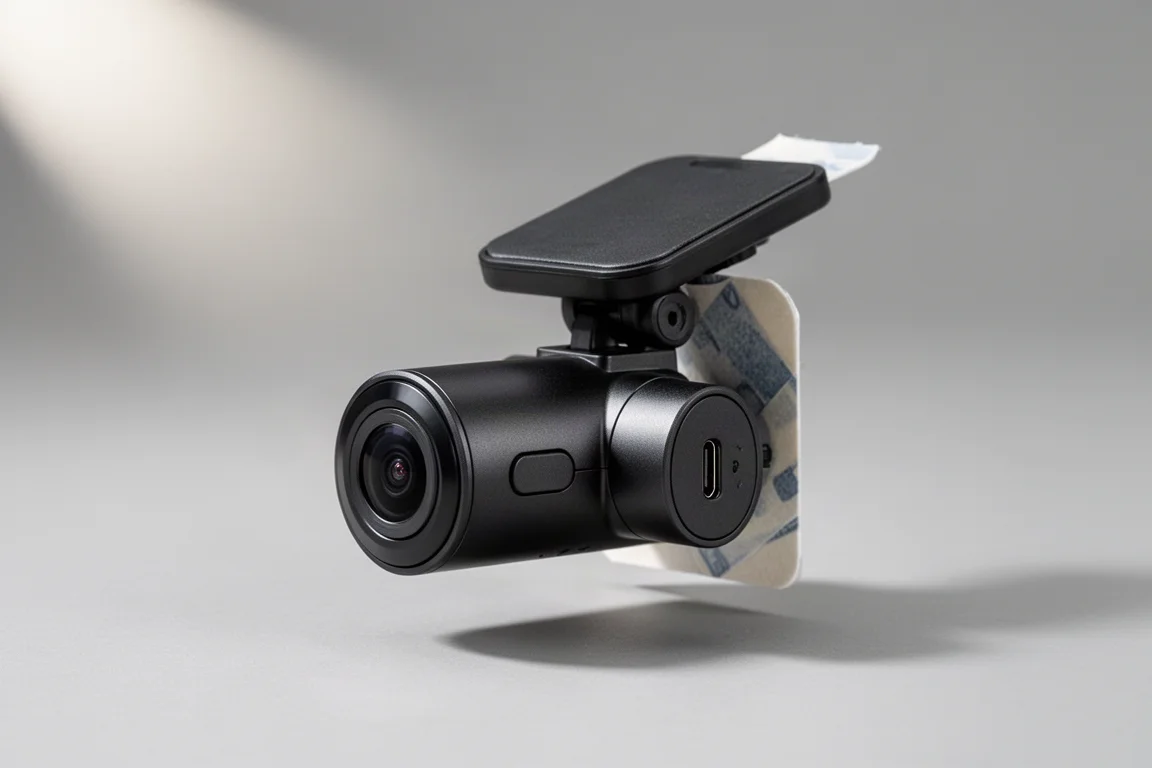
The Omni mounts high on the windshield near the rearview mirror. Instead of a suction cup, 70mai includes static cling pads that act as a second windshield surface, letting you peel the camera off later without permanent adhesive. The camera is tilted to the right angle, paired with the app, and powered up.
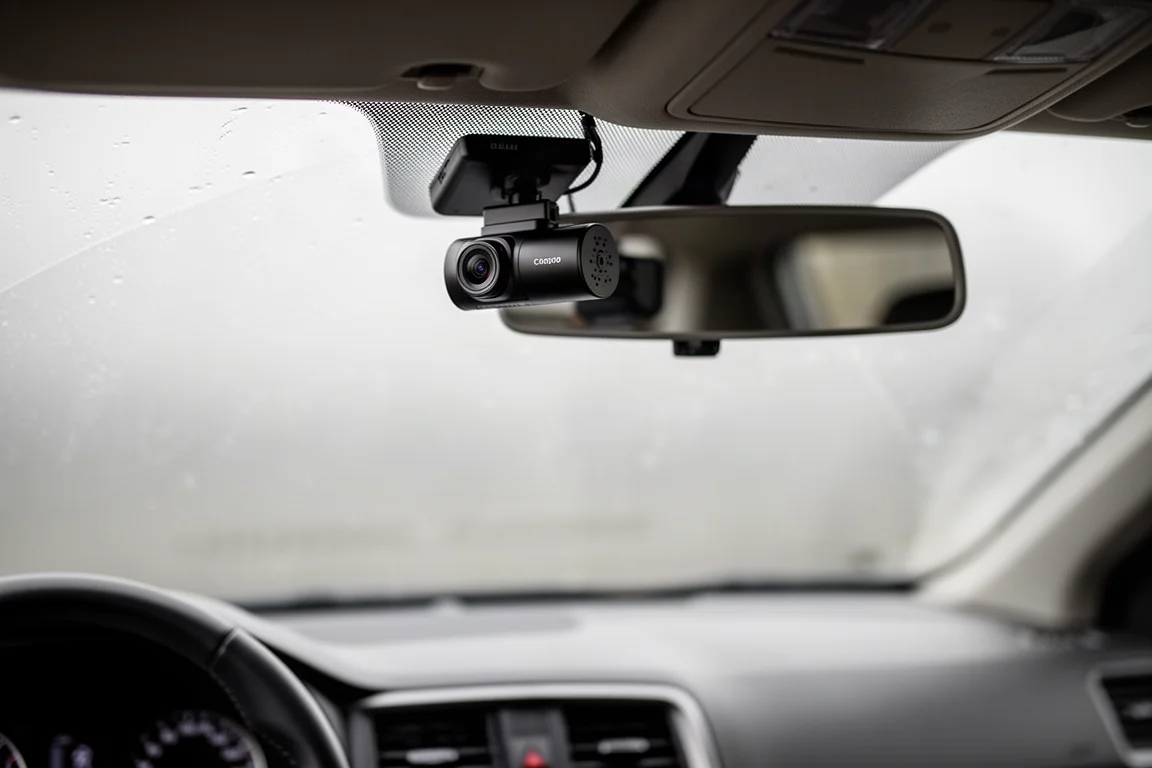
There is a caveat. The mount is semi-permanent by design: a twist-off cap lets you release the camera from its base, but the base itself stays adhered. The power cable for the full feature set is a permanent-install wire harness that also monitors battery levels so the camera will not drain your vehicle. A simpler cigarette lighter or USB power setup works too, though some features are locked out without the hardwired kit.
Image Quality: Day and Night
In daylight and overcast conditions, the Omni delivers clean 1080p footage with a well-balanced field of view, wide enough to capture the scene without the fisheye distortion that makes some ultra-wide dash cams useless for what is directly ahead. High dynamic range and a low-light aperture help it hold up in tricky lighting.
Night performance is the real surprise. Tested in near-worst-case conditions, quasi street lighting, heavy oncoming traffic, and snow glare bouncing off every surface, the Omni produced a surprisingly good image with solid color quality, especially considering a $150 camera lacks the processing muscle of a flagship phone. Do not expect miracles in pitch darkness: without headlights or porch lights, footage degrades into blobs of grey and dark. There is no infrared night vision here.

One realistic limitation: at 1080p, license plates are generally not readable unless you catch bright daylight with a high-resolution camera. Even zoomed in, plates stay illegible in most conditions. That is a constraint of the resolution, not a flaw unique to this device.
Features That Impress and Features That Do Not
The Omni packs a long feature list. Some of it is genuinely useful:
- Rotating 360-degree camera eye: the head physically pivots, and the companion software builds a virtual sphere you can pan through after the fact, so you rarely miss a moment.
- Parking monitoring: the rotating eye watches for people approaching the vehicle, and a shock sensor records an event if the car is touched. Footage is saved for later review.
- Voice commands and selfie mode: say “shoot left” or “shoot right” to capture out the sides, or “take a selfie” and the camera swings around and snaps a family photo a few seconds later. It is a genuinely charming touch for road trips.
- Driver assistance alerts: lane departure and front collision alerts are on board, plus an AI persona on the screen that makes expressive faces, which some family members will find delightful.
- Overnight time-lapse: with constant power, it captures periodic frames for a parking time-lapse.
Not everything lands. The built-in screen is arguably a waste of money when the app handles setup and playback. The “shoot left” and “shoot right” voice commands are mount-position dependent: high near the mirror, you will photograph your A-pillar or your mirror instead. The driver assistance alerts proved hard to trigger in practice. And the AR-style HUD overlay that identifies other vehicles in the recording is more novelty than necessity.
Note that several of these features require the permanent cable install; a basic power connection will not unlock them all.
App, Controls, and File Access
The companion app connects directly and painlessly, surfacing an unusually deep settings menu: HDR toggles, camera tilt calibration, voice control, volume, device naming, firmware checks, and regional adjustments like switching kilometers to MPH and fixing the date format for US users.
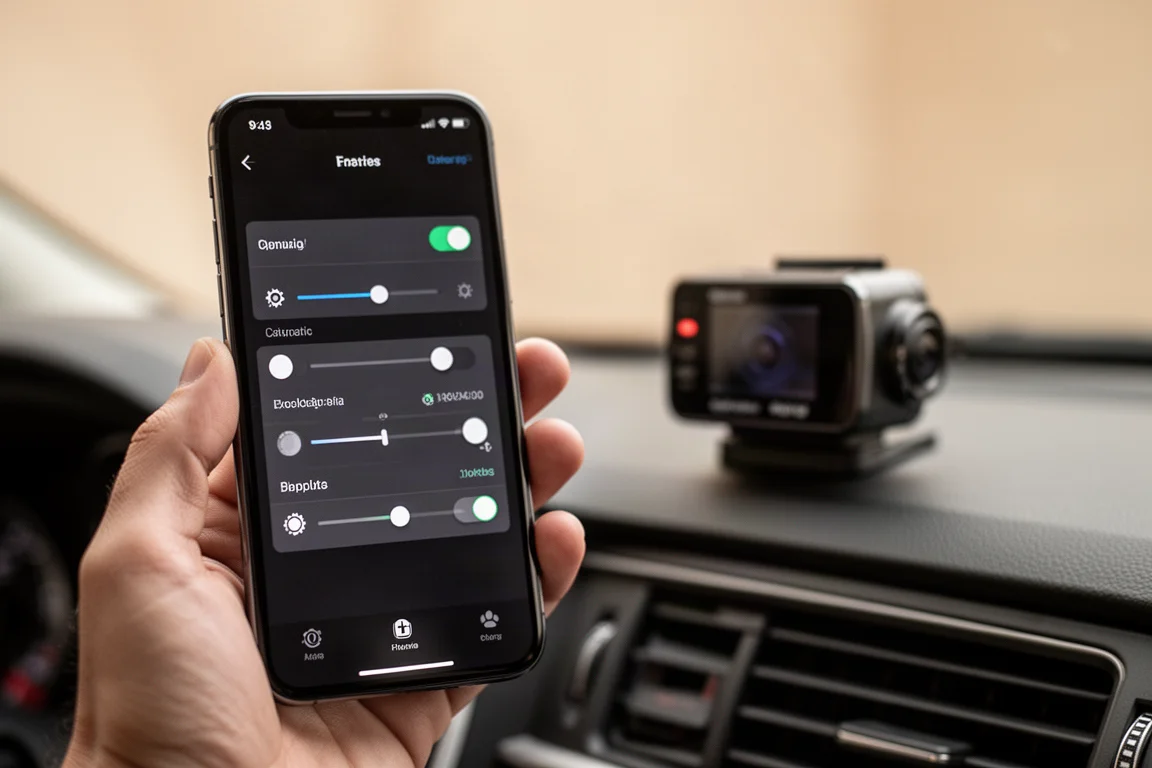
Footage retrieval works two ways. Through the app, a timeline view lets you scrub recordings and download clips to your phone, though transfers of large files are slow. Faster is the USB-C route: unplug the power and connect the camera directly to a computer. The catch is that the storage is built in, with no removable memory card, so you cannot simply pull the card and read it on a PC. Since the camera stays mounted high on the windshield, the laptop has to come to the car. Workable, not perfectly convenient.
Build Quality and Design
The Omni feels like it is built like a tank. It is solid, dense, and better finished than most dash cams at any price, with an appearance that reads as premium rather than cheap. It has also shrugged off regular sub-zero Montana temperatures sitting in a vehicle overnight with no special care, an encouraging early signal for long-term durability.
Who This Dash Cam Is For
The honest answer is not everyone. For rural drivers with older trucks, parking detection and city-oriented features hold little appeal. This is a device aimed squarely at urban and suburban drivers: someone with a valuable car parked on city streets who envies Tesla-style sentry monitoring, or a family driver of a minivan or daily commuter who wants proof in a he-said, she-said fender bender.

That proof-of-incident value is real. A parked-car collision can flip from an unwinnable accusation into a documented event, simply because the camera was rolling. At $150, that peace of mind is a fair trade for the right buyer.
Buying Advice
Buy the 70mai Omni if you park in areas where door dings and hit-and-runs are a genuine worry, you want wide coverage with the ability to pan the view after the fact, and you are happy with a semi-permanent windshield install to unlock the full feature set. Skip it if you want readable license plates at all hours, a removable memory card, or a fully wireless suction-cup setup. Future versions would benefit from 2K or 4K resolution, dropping the screen, and true multi-camera 360 stitching, but as it stands, this is a well-built, thoughtfully featured dash cam that nails the basics at a sensible price.
Conclusion
The 70mai Omni is a quality device with impressively strong night footage, a clever rotating camera, and a feature set aimed at city drivers who want extra security. Its semi-permanent mount, 1080p ceiling, and novelty-heavy extras are the trade-offs. For the right person, urban drivers, families, and anyone who has ever wished for Tesla-style parking surveillance, it is an easy recommendation at around $150.
Product link
View more details for 70mai Omni Dash Cam
This product is mentioned in the review. Check the specifications, options, and compatibility before buying.
View more details for 70mai Omni Dash CamFurther reading
Related Reviews
Dash Cams
70mai 4K T800 Dash Cam Review: Three-Channel Coverage With 4K Front and Rear
A three-channel dash cam with 4K front and rear recording, dual Sony Starvis 2 sensors, and optional 4G connectivity for remote vehicle tracking.
Dash Cams
70mai M310 Review: A $33 Dash Cam That Covers the Basics
The 70mai M310 is an ultra-budget dash cam that records at 1296p, offers basic parking modes, and works with a Wi-Fi app. Here is how it performs and who it suits.
Dash Cams
Best Dash Cam Black Friday Deals 2026: Top Picks Across Every Price Point
A practical guide to the best dash cam deals this Black Friday, covering front-only, multi-channel, cloud-connected, and budget-friendly options.